In the previous article, we completed the installation of SonarQube and Sonar Scanner. Now we can start with Jenkins.
Jenkins Installation
Commands (Version 2.440)
To update the version, simply replace the WAR file.
WAR file download: Jenkins mirrors
wget -O /etc/yum.repos.d/jenkins.repo https://pkg.jenkins.io/redhat-stable/jenkins.repo
wget https://pkg.jenkins.io/redhat-stable/jenkins.io.key
rpm --import jenkins.io.key
yum install jenkins
Modify Configuration File
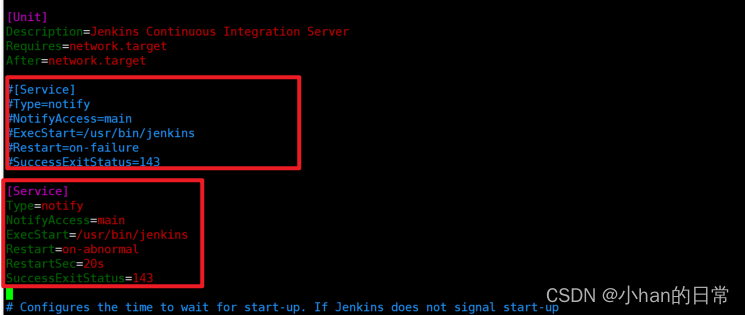
Edit /usr/lib/systemd/system/jenkins.service:
[Service]
Type=notify
NotifyAccess=main
ExecStart=/usr/bin/jenkins
Restart=on-abnormal
RestartSec=20s
SuccessExitStatus=143

User=root
Group=root

Environment="JAVA_HOME=/app/jdk-17"

Environment="JENKINS_PORT=8000"
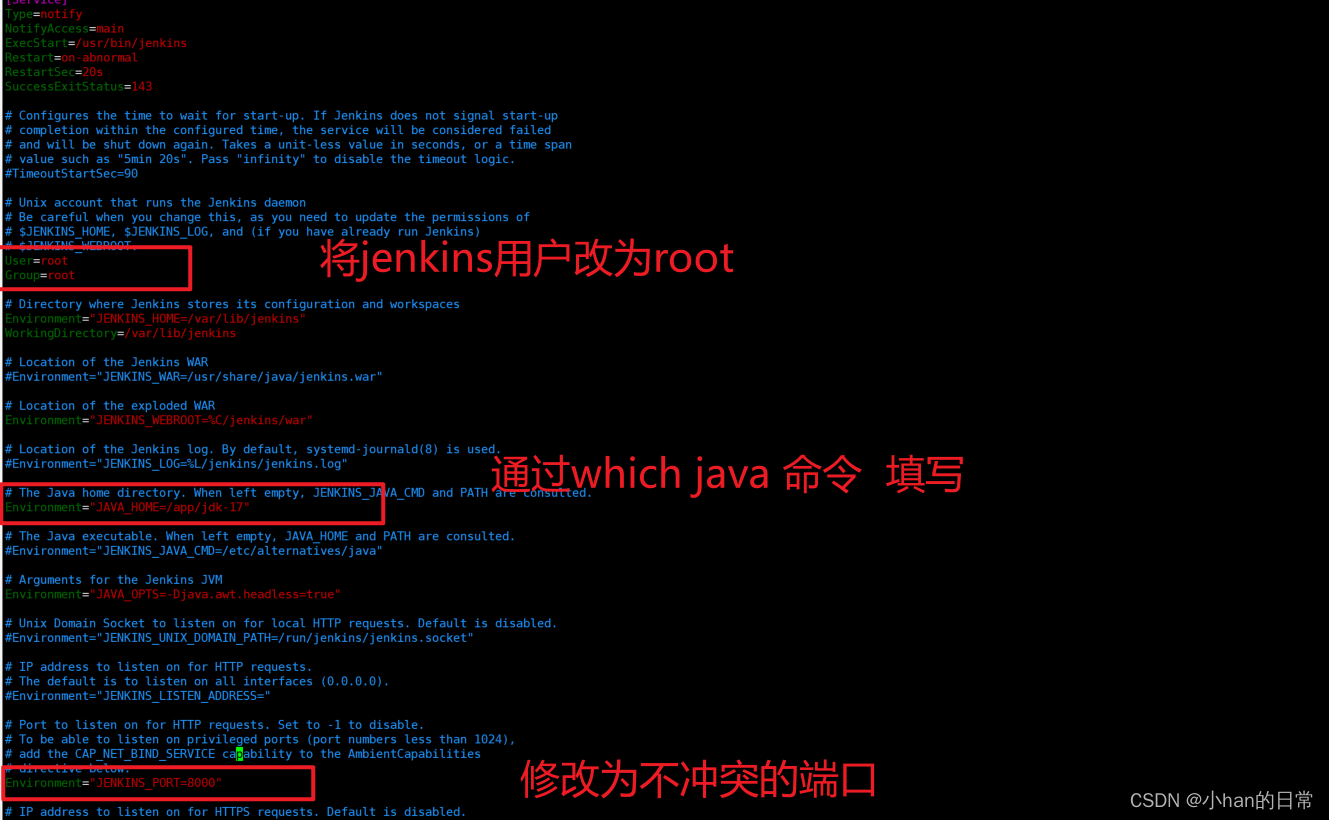
Modify Jenkins Installation Directory
(Optional, if you want a consistant directory structure for multiple tools)
mkdir -p /app/jenkins
sudo cp -a /var/lib/jenkins/ /app/jenkins/
Modify JENKINS_HOME
Edit /usr/lib/systemd/system/jenkins.service again and set the JENKINS_HOME environment variable.
Check if port 8000 is already in use:
netstat -ntlp
# If netstat is not installed, run: sudo yum install net-tools

systemctl daemon-reload
systemctl restart jenkins
Access Jenkins
Open port 8000 (default is 8080, modify as needed).
Retrieve the initial admin password:
cat /var/lib/jenkins/secrets/initialAdminPassword
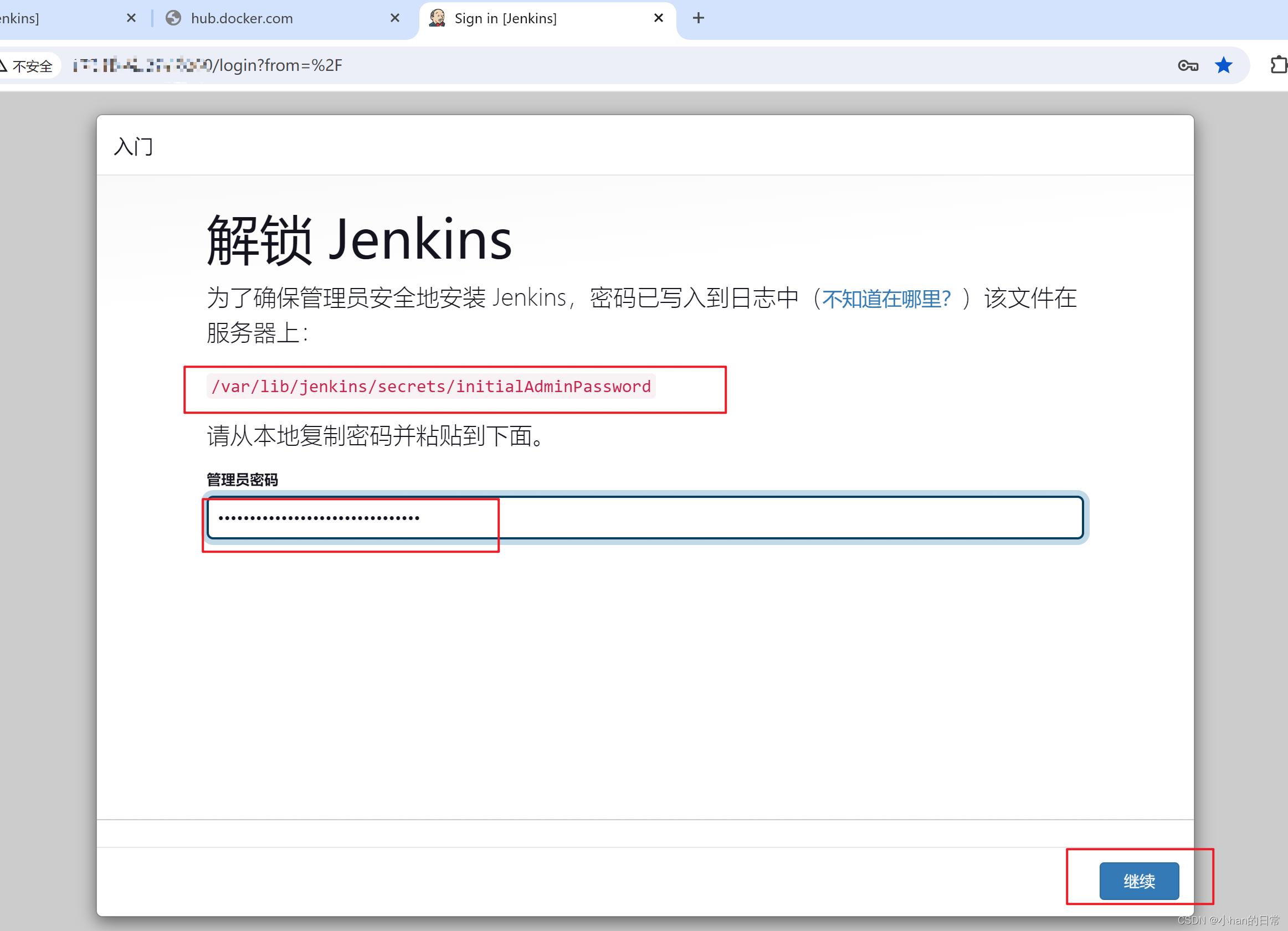
Default Configuration
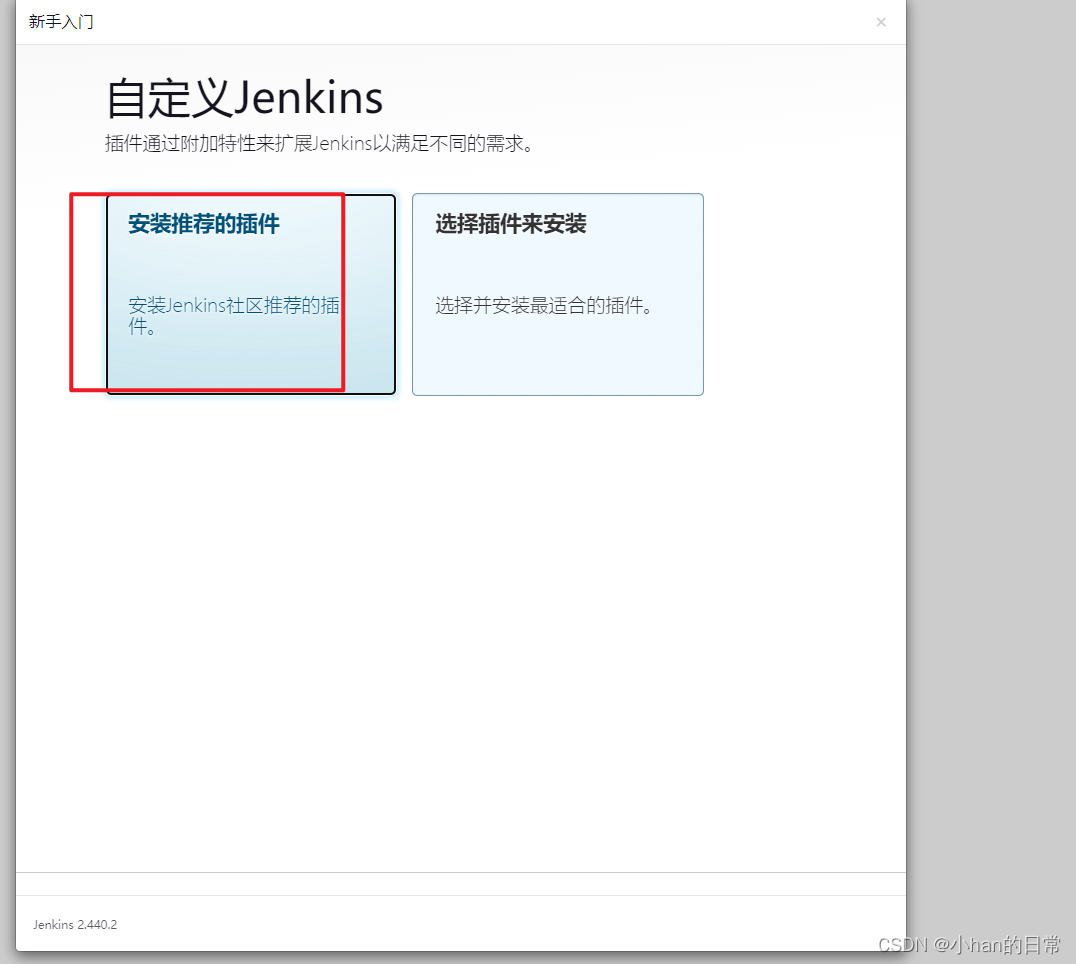
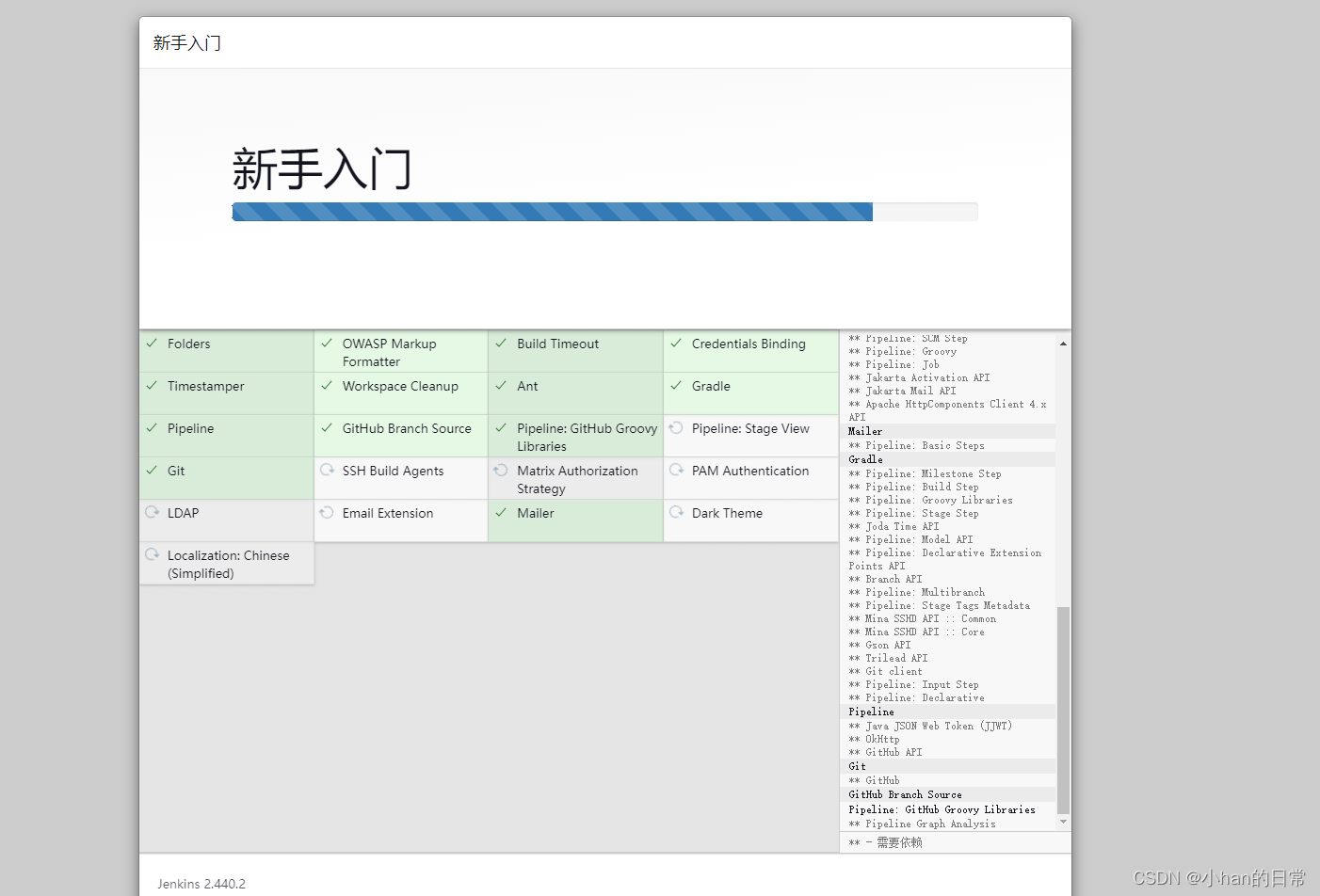
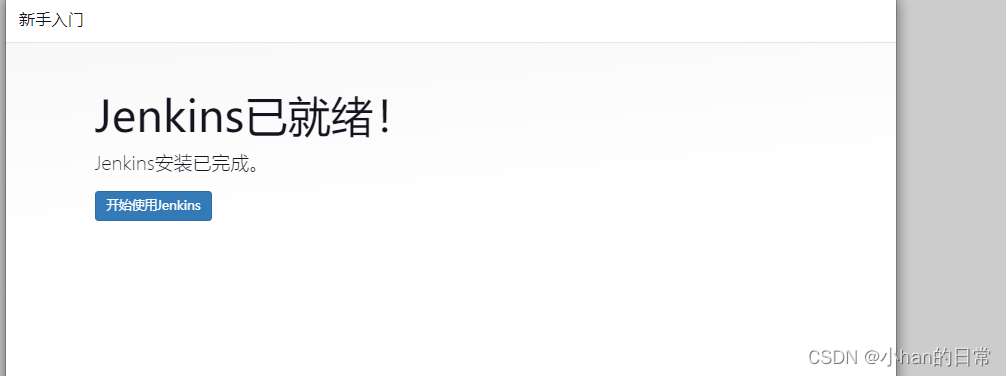
Create an admin user and follow the default steps to complete the setup.
Install Git 2.27.0
sudo yum install -y git
git --version
git version 2.27.0
Install Maven 3.9.6
Download and Upload
Download the package from Apache Mavan Download and upload it to your server.
Extract
tar -xvf apache-maven-3.9.6-bin.tar.gz
Set Environment Variables
Edit /etc/profile:
export MAVEN_HOME=/app/maven/apache-maven-3.9.6
export PATH=${PATH}:$JAVA_HOME/bin:$MAVEN_HOME/bin
Apply changes:
source /etc/profile
mvn -v

Configure Maven Repository
whereis mvn
mkdir -p /app/localRepository
cd /app/maven/apache-maven-3.9.6
vim conf/settings.xml
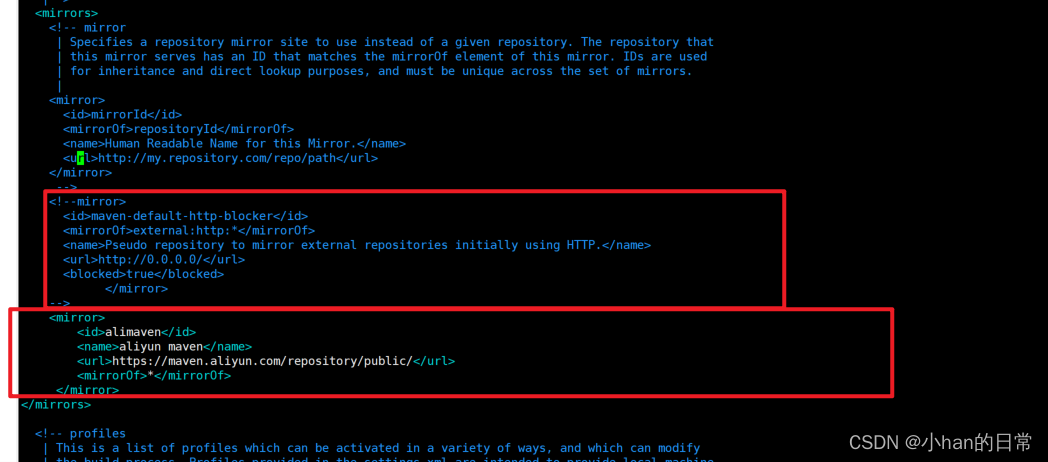
Add the following configurations:
<!-- Local repository path -->
<localRepository>/app/localRepository</localRepository>

<!-- Aliyun mirror -->
<mirror>
  <id>alimaven</id>
  <name>aliyun maven</name>
  <url>https://maven.aliyun.com/repository/public/</url>
  <mirrorOf>*</mirrorOf>
</mirror>

Install Node.js 16.20.2
Download
wget https://nodejs.org/dist/latest-v16.x/node-v16.20.2-linux-x64.tar.xz
Extract
tar -xvf node-v16.20.2-linux-x64.tar.xz
Set Environment Variables
Edit /etc/profile:
export NODE_JS=/app/nodejs/node-v16.20.2-linux-x64
export PATH=${PATH}:${NODE_JS}/bin
Apply changes:
source /etc/profile

Instal Yarn
npm install -g yarn
The next article will cover Jenkins configuration.