This project demonstrates how to integrate an object storage service with a Spring Boot application. We will use Alibaba Cloud OSS (Object Storage Service) as the example provider.
First, insure you have created an OSS instance on Alibaba Cloud and obtained the access keys (Access Key ID and Access Key Secret). (Refer to the Alibaba Cloud documentation for obtaining these credentials.)
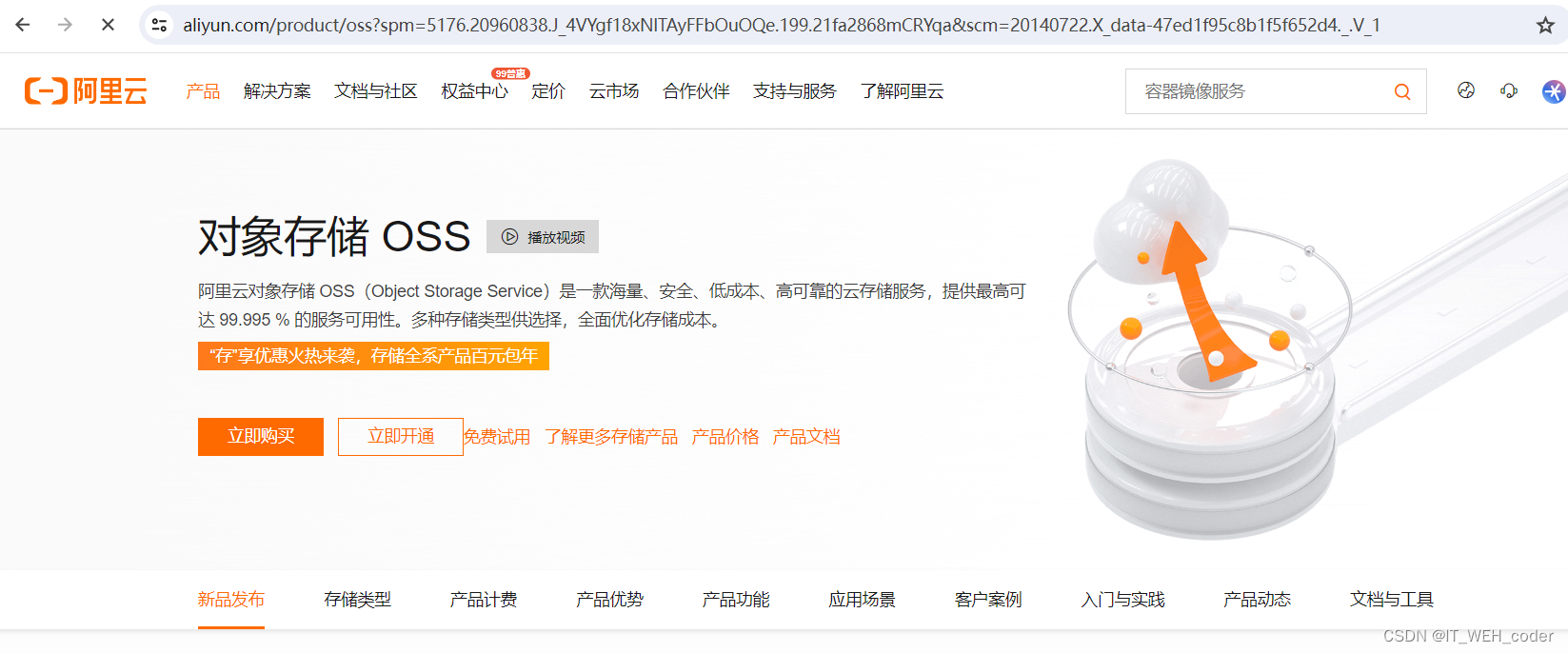
Object Storage OSS
1. Create a Spring Boot project and add the following dependencies:
<dependency>
    <groupId>org.springframework.boot</groupId>
    <artifactId>spring-boot-starter-web</artifactId>
</dependency>

<dependency>
    <groupId>com.aliyun.oss</groupId>
    <artifactId>aliyun-sdk-oss</artifactId>
    <version>3.10.2</version>
</dependency>
2. Configure OSS related parameters
Add the OSS connection configuration in application.yml:
oss:
  endpoint: your-oss-endpoint
  access-key-id: your-access-key-id
  access-key-secret: your-access-key-secret
  bucket-name: your_bucket_name
  file-base-path: your_file_base_path
3. Create an OSS configuration class (OSSConfig.java) to configure the OSS client connection:
import com.aliyun.oss.OSS;
import com.aliyun.oss.OSSClientBuilder;
import org.springframework.beans.factory.annotation.Value;
import org.springframework.context.annotation.Bean;
import org.springframework.context.annotation.Configuration;

@Configuration
public class OSSConfig {

    @Value("${oss.endpoint}")
    private String endpoint;

    @Value("${oss.access-key-id}")
    private String accessKeyId;

    @Value("${oss.access-key-secret}")
    private String accessKeySecret;

    @Bean
    public OSS ossClient() {
        return new OSSClientBuilder().build(endpoint, accessKeyId, accessKeySecret);
    }
}
4. Create the OSS service class (OSSService.java)
import com.aliyun.oss.OSS;
import com.aliyun.oss.model.ObjectMetadata;
import com.aliyun.oss.model.PutObjectRequest;
import org.springframework.beans.factory.annotation.Autowired;
import org.springframework.beans.factory.annotation.Value;
import org.springframework.stereotype.Service;
import org.springframework.web.multipart.MultipartFile;

import java.io.IOException;
import java.util.UUID;

@Service
public class OSSService {

    @Autowired
    private OSS ossClient;

    @Value("${oss.bucket-name}")
    private String bucketName;

    @Value("${oss.file-base-path}")
    private String fileBasePath;

    public String upload(MultipartFile file) throws IOException {
        String originalFilename = file.getOriginalFilename();
        String extension = "";
        if (originalFilename != null && originalFilename.contains(".")) {
            extension = originalFilename.substring(originalFilename.lastIndexOf("."));
        }
        String fileName = UUID.randomUUID().toString() + extension;
        String filePath = fileBasePath + fileName;

        ObjectMetadata metadata = new ObjectMetadata();
        metadata.setContentLength(file.getSize());
        metadata.setContentType(file.getContentType());

        PutObjectRequest request = new PutObjectRequest(bucketName, filePath, file.getInputStream(), metadata);
        ossClient.putObject(request);

        return filePath;
    }
}
5. Create a file upload controller (FileUploadController.java)
Now we can write the business code. This example implements a file upload endpoint that allows users to upload files to OSS.
import org.springframework.beans.factory.annotation.Autowired;
import org.springframework.http.ResponseEntity;
import org.springframework.web.bind.annotation.PostMapping;
import org.springframework.web.bind.annotation.RequestParam;
import org.springframework.web.bind.annotation.RestController;
import org.springframework.web.multipart.MultipartFile;

import java.io.IOException;

@RestController
public class FileUploadController {

    @Autowired
    private OSSService ossService;

    @PostMapping("/upload")
    public ResponseEntity<String> uploadFile(@RequestParam("file") MultipartFile file) {
        try {
            String filePath = ossService.upload(file);
            return ResponseEntity.ok(filePath);
        } catch (IOException e) {
            return ResponseEntity.badRequest().body("File upload failed: " + e.getMessage());
        }
    }
}
This endpoint accepts a file parameter and uploads it to OSS. In a real application, you might need additional logic such as generating unique file names, saving file information to a database, etc.
Finally, start the Spring Boot application and test the file upload functionality by accessing the endpoint.
The above code examples use Alibaba Cloud OSS as the object storage service. You will need to replace the configuration parameters with your own OSS details. The code uses UUID to generate file names and saves them under the specified base path. Feel free to modify these according to your requirements.