DispatcherServlet Initialization
The front controller, responsible for accepting client requests and dispatching them to the appropriate handler. As the entry point of the request processing flow, it implements the Servlet interface. It is essentially a Servlet.
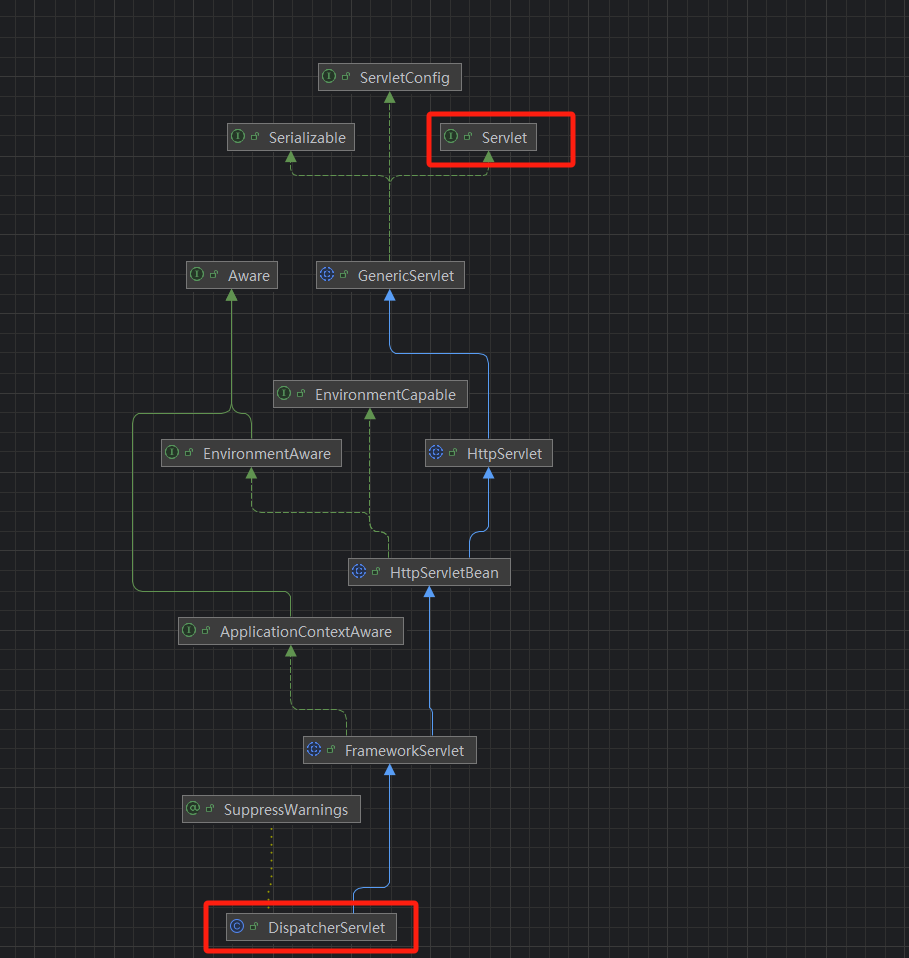
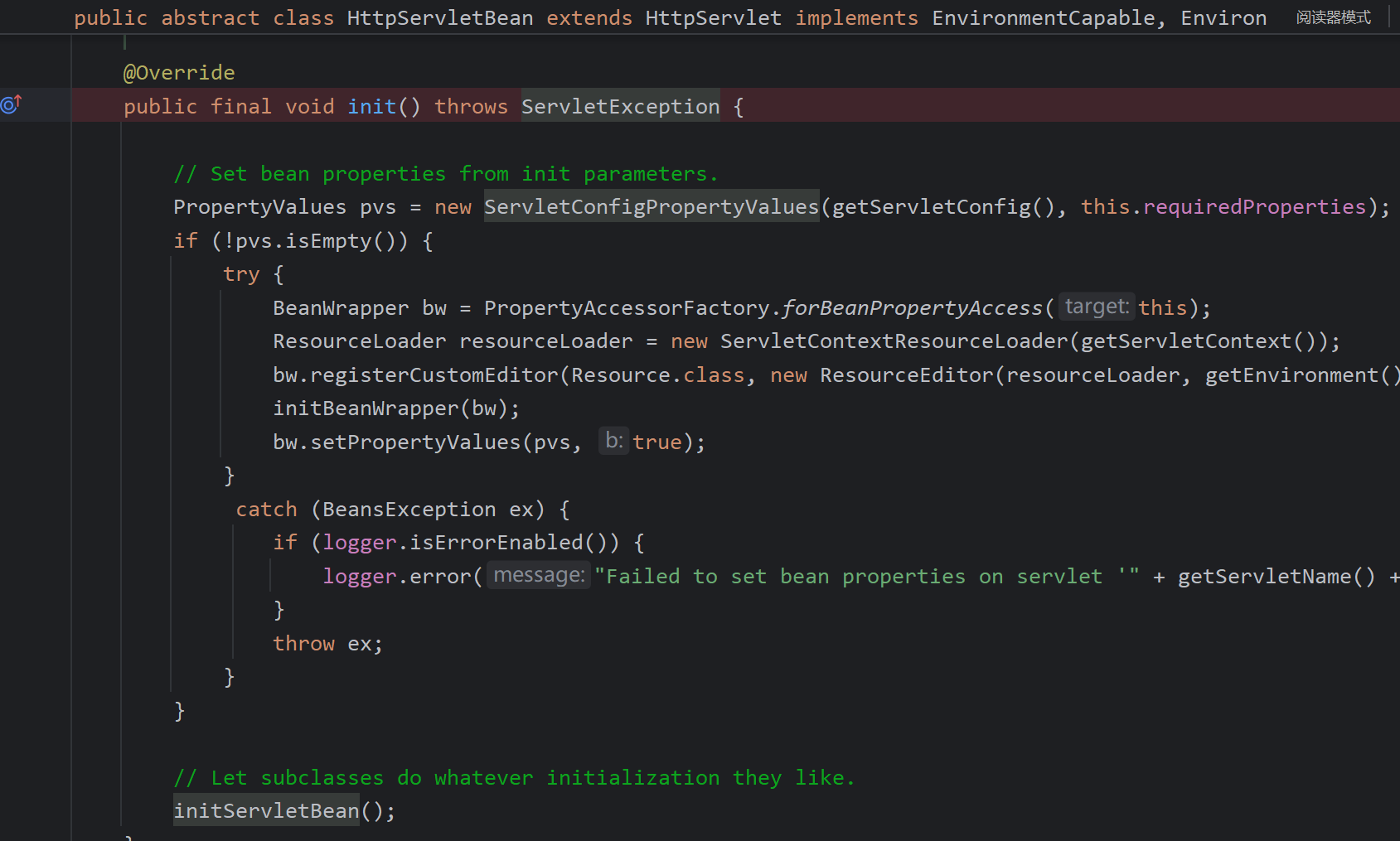
During servlet initialization, the init method is called. Tracing up the parent class hierarchy, the init method of HttpServletBean is invoked, which performs some bean parameter configuration and then calls initServletBean().
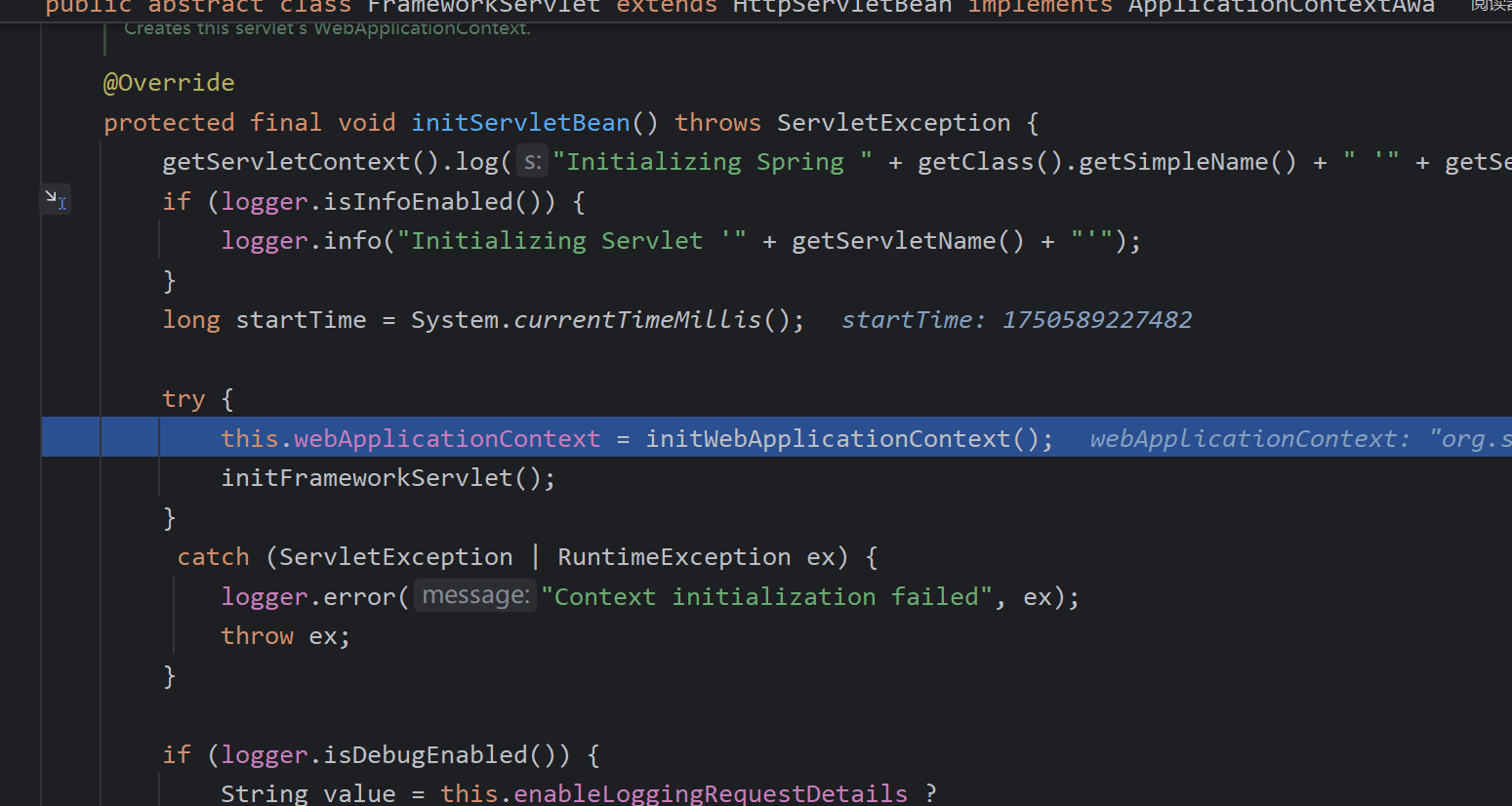
Here a Spring container is instantiated: the WebApplicationContext attribute of FrameworkServlet (the parent class of DispatcherServlet). This means that inside DispatcherServlet there is a Spring container that manages beans used by DispatcherServlet.
During debugging, when Tomcat starts, it calls init, which invokes initServletBean() to create the Spring container and initialize the servlet.
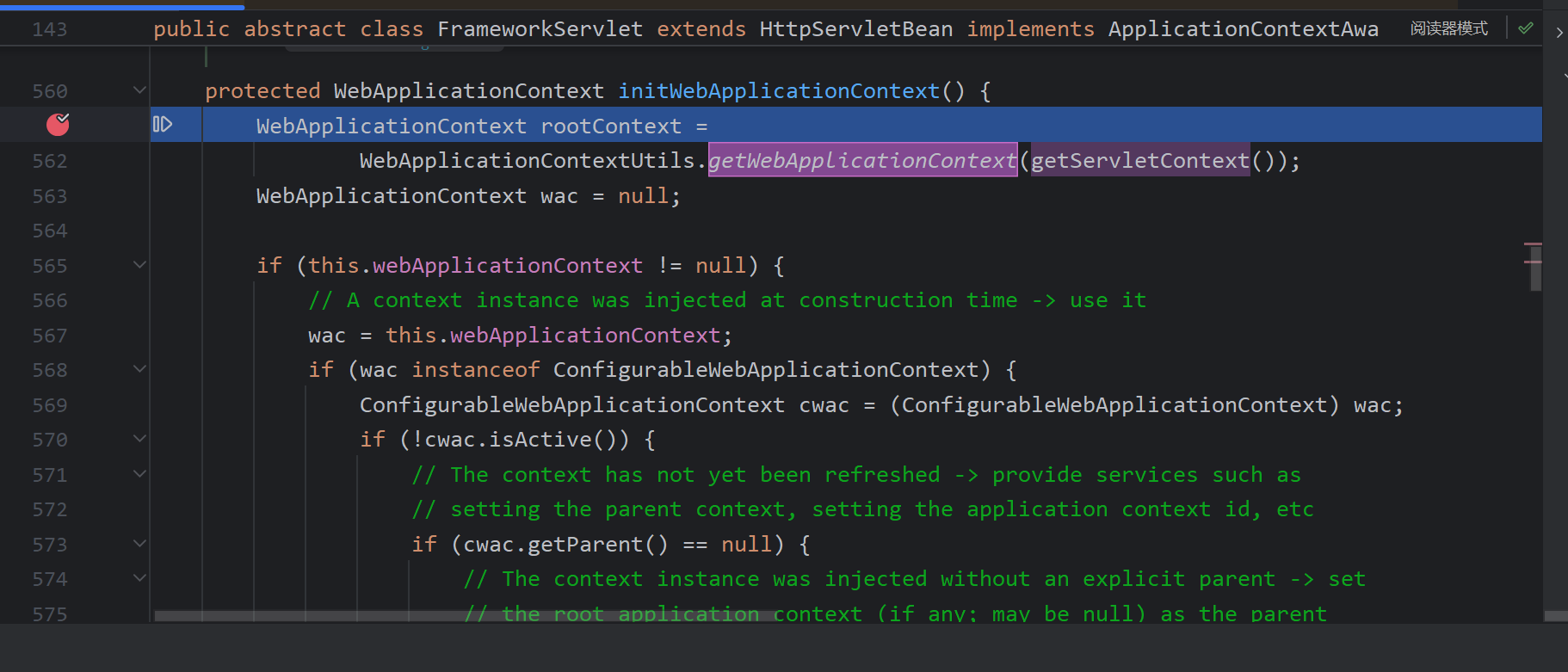
The environment used for debugging is Spring Boot.
The container first collects initialization parameters (such as <init-param>) for the current Servlet defined in web.xml (or via annotations) and packages them as a ServletConfig object. Spring Boot configures a default DispatcherServlet using its own implementation classes.

The annotation-based Spring container AnnotationConfigServletWebServerApplicationContext is obtained, which contains the bean factory and the user-defined beans.
For external access, DispatcherServlet can call these beans.
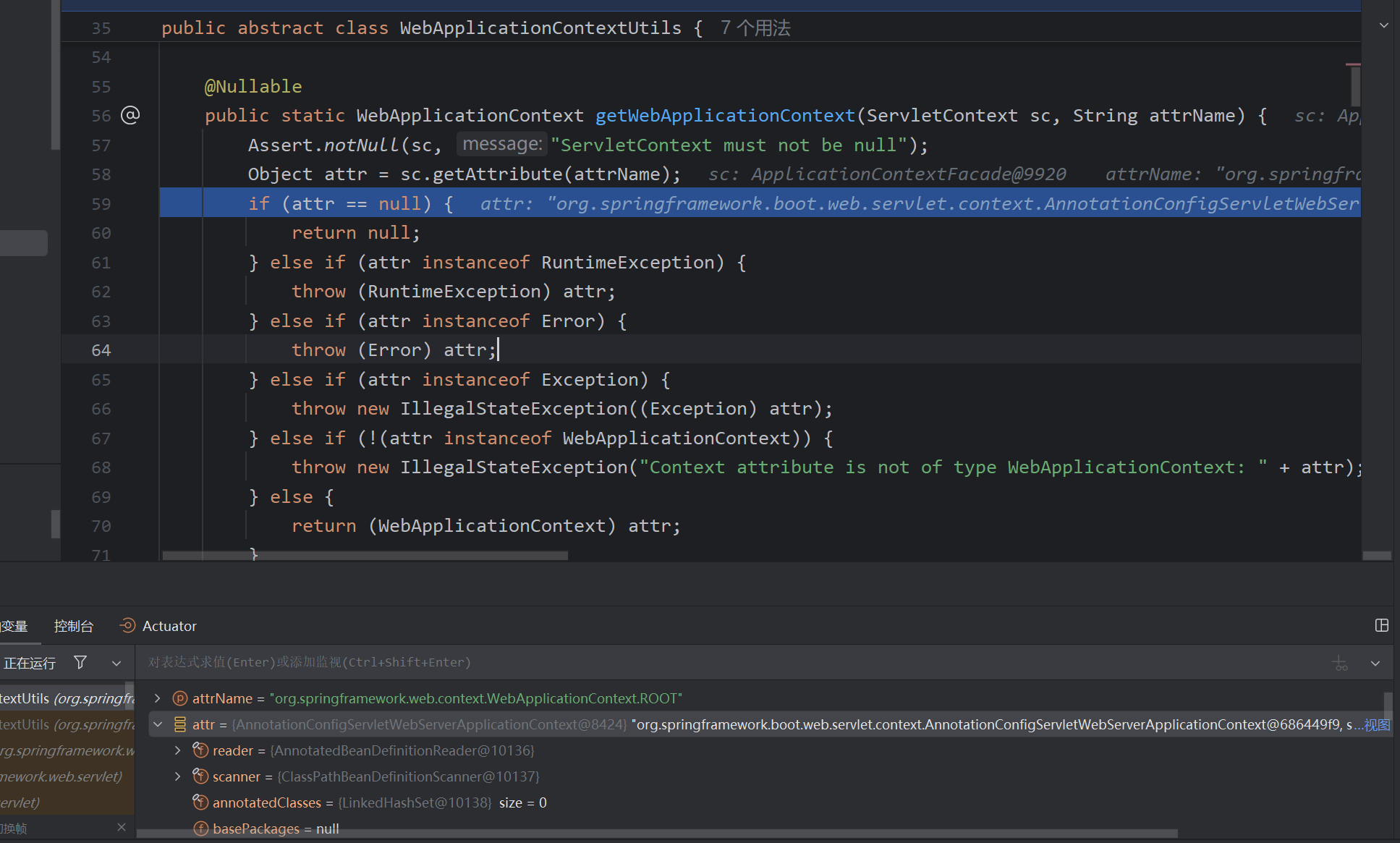
If annotations are not used, the XML-based Spring container implementation XmlWebApplicationContext is created.
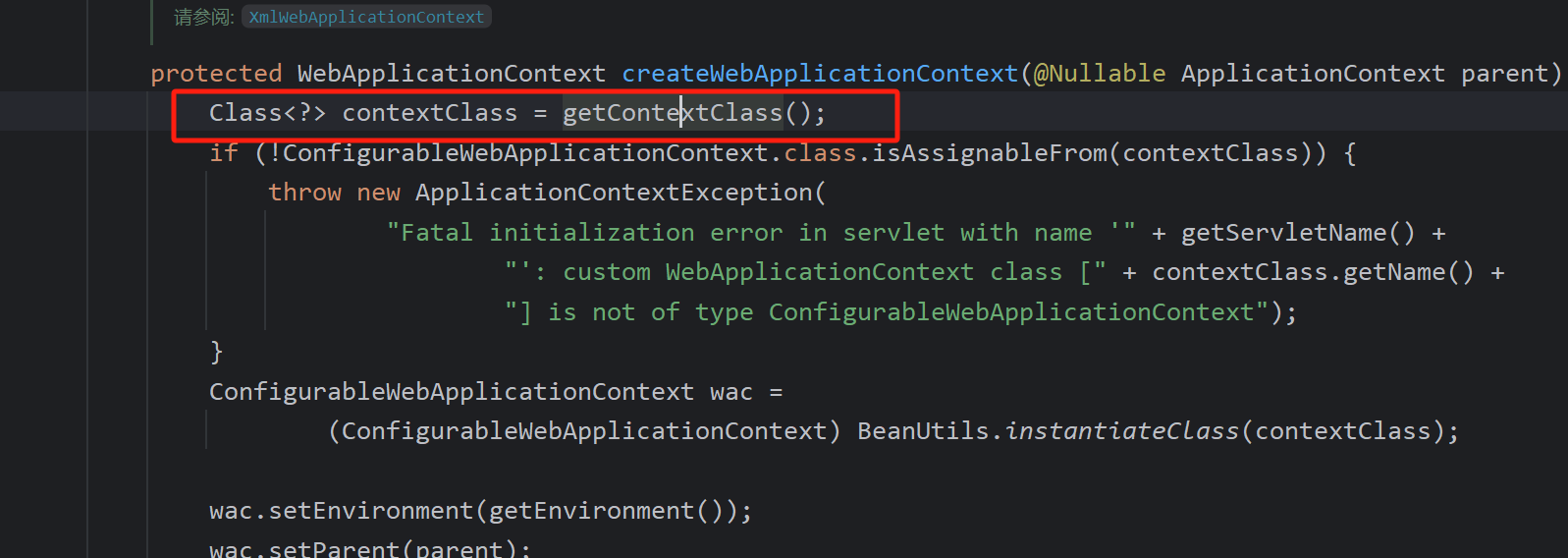
private Class<?> contextClass = DEFAULT_CONTEXT_CLASS;
public static final Class<?> DEFAULT_CONTEXT_CLASS = XmlWebApplicationContext.class
// The default can be overridden via XML or annotations to switch the Spring container implementation.
After the container is created, onRefresh is called.
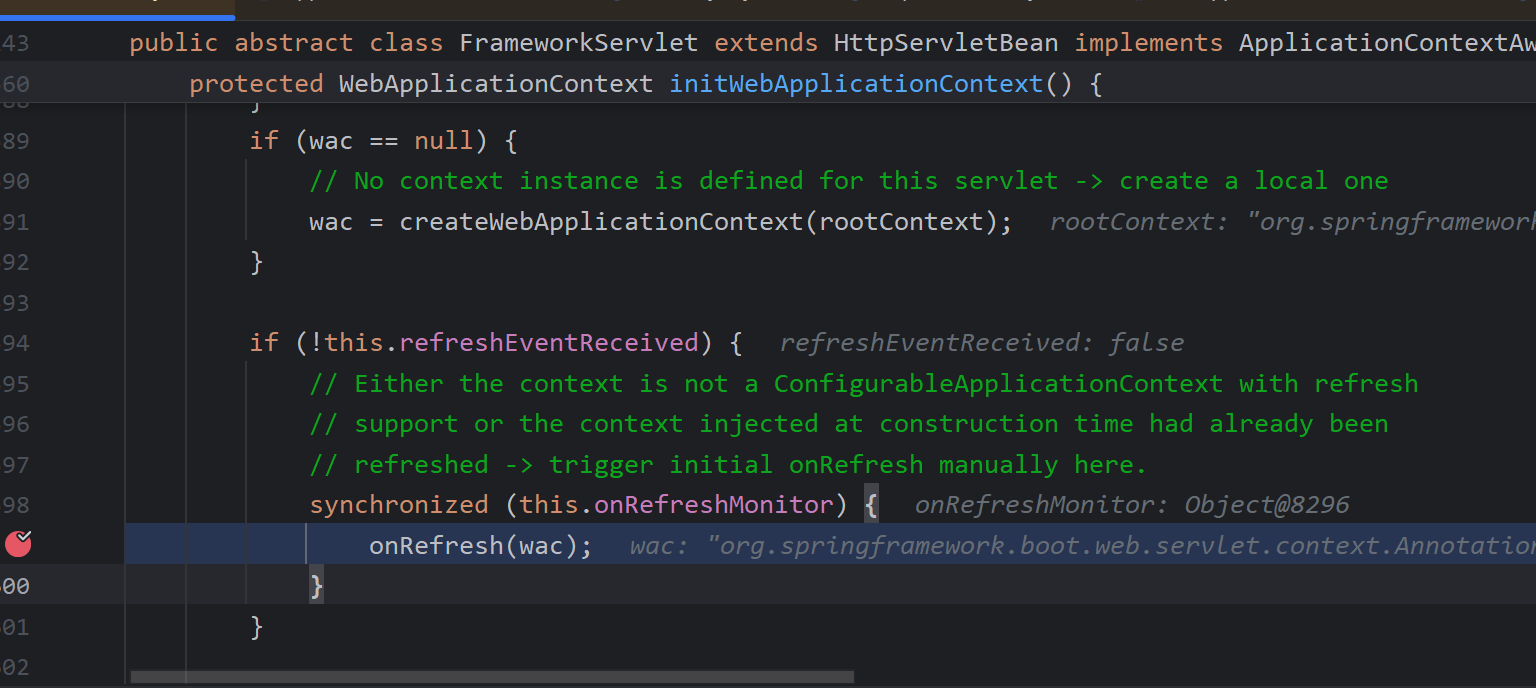
And onRefresh calls initStrategies, which initializes HandlerMappings, HandlerAdapters, etc.
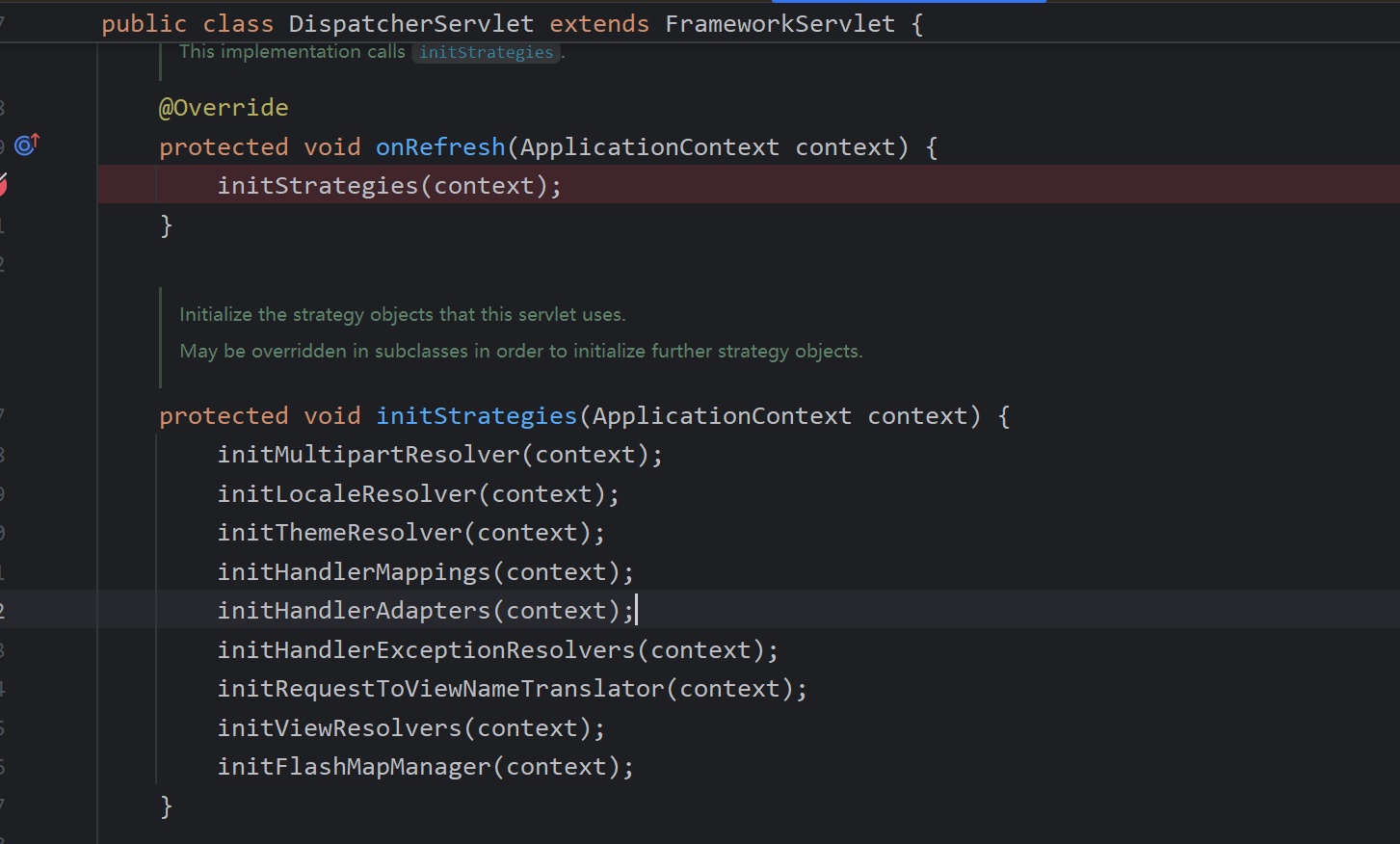
For example, initHandlerMappings looks for HandlerMapping beans in the Spring container, sorts them if there are multiple, and if no handler mappings are found, it loads some default ones.
private void initHandlerMappings(ApplicationContext context) {
    this.handlerMappings = null;

    if (this.detectAllHandlerMappings) {
        // Obtain all HandlerMappings from the ApplicationContext, including ancestor contexts.
        Map<String, HandlerMapping> foundMappings =
                BeanFactoryUtils.beansOfTypeIncludingAncestors(context, HandlerMapping.class, true, false);
        if (!foundMappings.isEmpty()) {
            this.handlerMappings = new ArrayList<>(foundMappings.values());
            // Preserve HandlerMappings in sorted order.
            AnnotationAwareOrderComparator.sort(this.handlerMappings);
        }
    } else {
        try {
            HandlerMapping hm = context.getBean(HANDLER_MAPPING_BEAN_NAME, HandlerMapping.class);
            this.handlerMappings = Collections.singletonList(hm);
        } catch (NoSuchBeanDefinitionException ex) {
            // Ignore; a default HandlerMapping will be added later.
        }
    }

    // Guarantee at least one HandlerMapping by registering a default one if none are found.
    if (this.handlerMappings == null) {
        this.handlerMappings = getDefaultStrategies(context, HandlerMapping.class);
        if (logger.isTraceEnabled()) {
            logger.trace("No HandlerMappings declared for servlet '" + getServletName() +
                    "': using default strategies from DispatcherServlet.properties");
        }
    }

    for (HandlerMapping mapping : this.handlerMappings) {
        if (mapping.usesPathPatterns()) {
            this.parseRequestPath = true;
            break;
        }
    }
}
getDefaultStrategies looks up resource files and loads the default configuration via reflection.
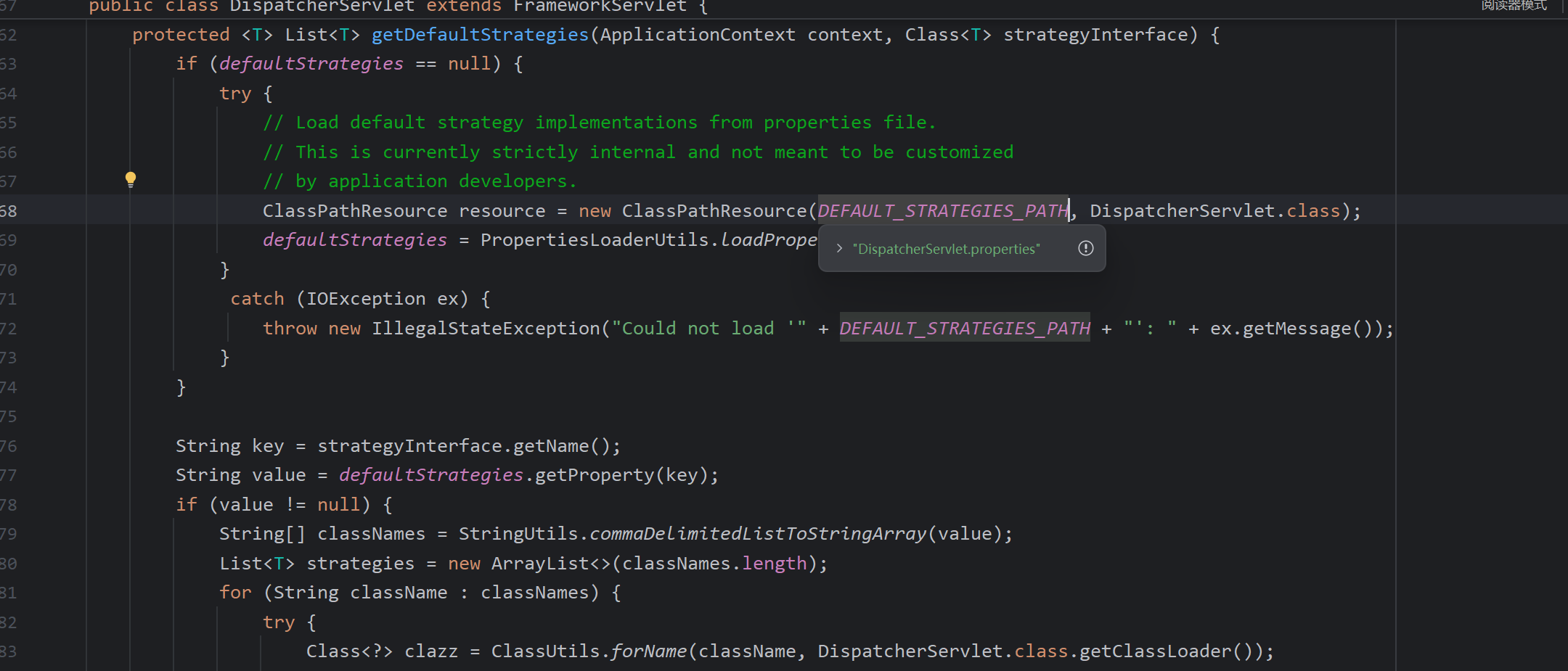
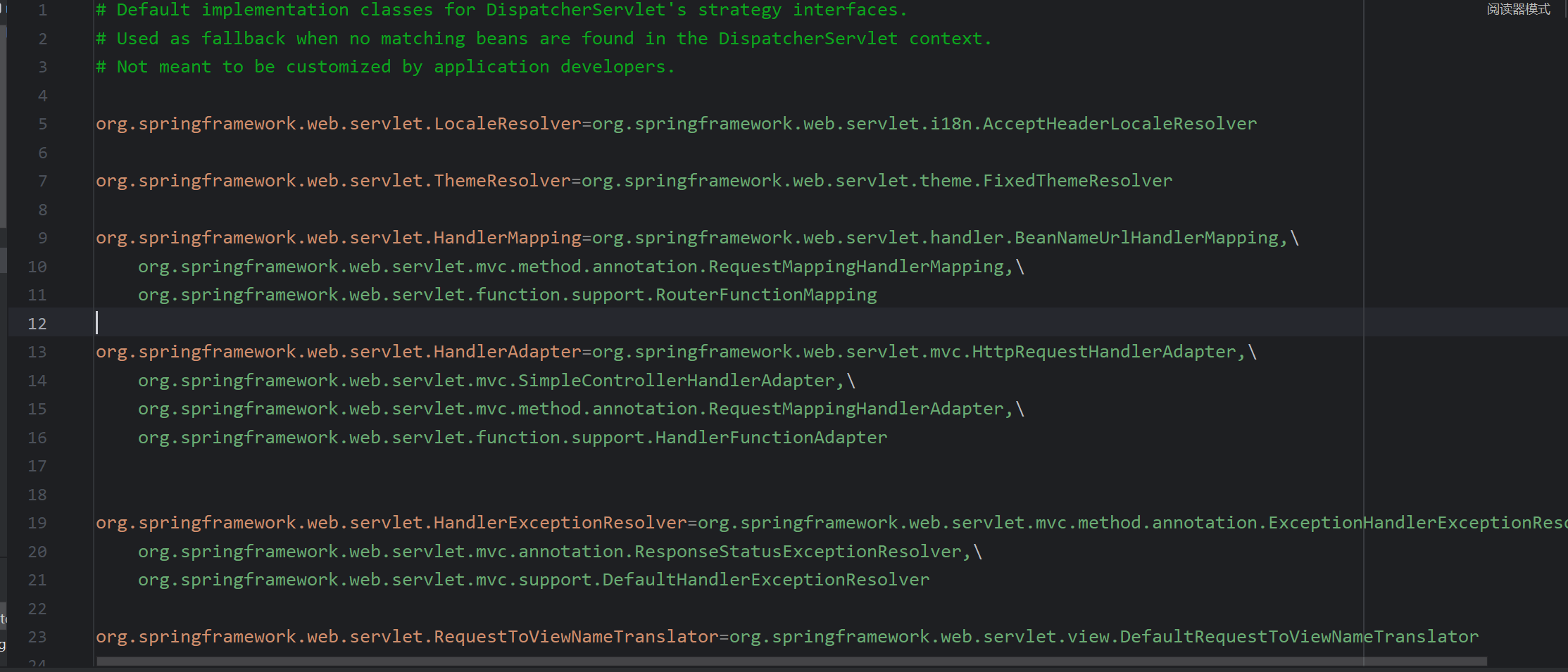
It calls createDefaultStrategy to instantiate beans using a factory approach.
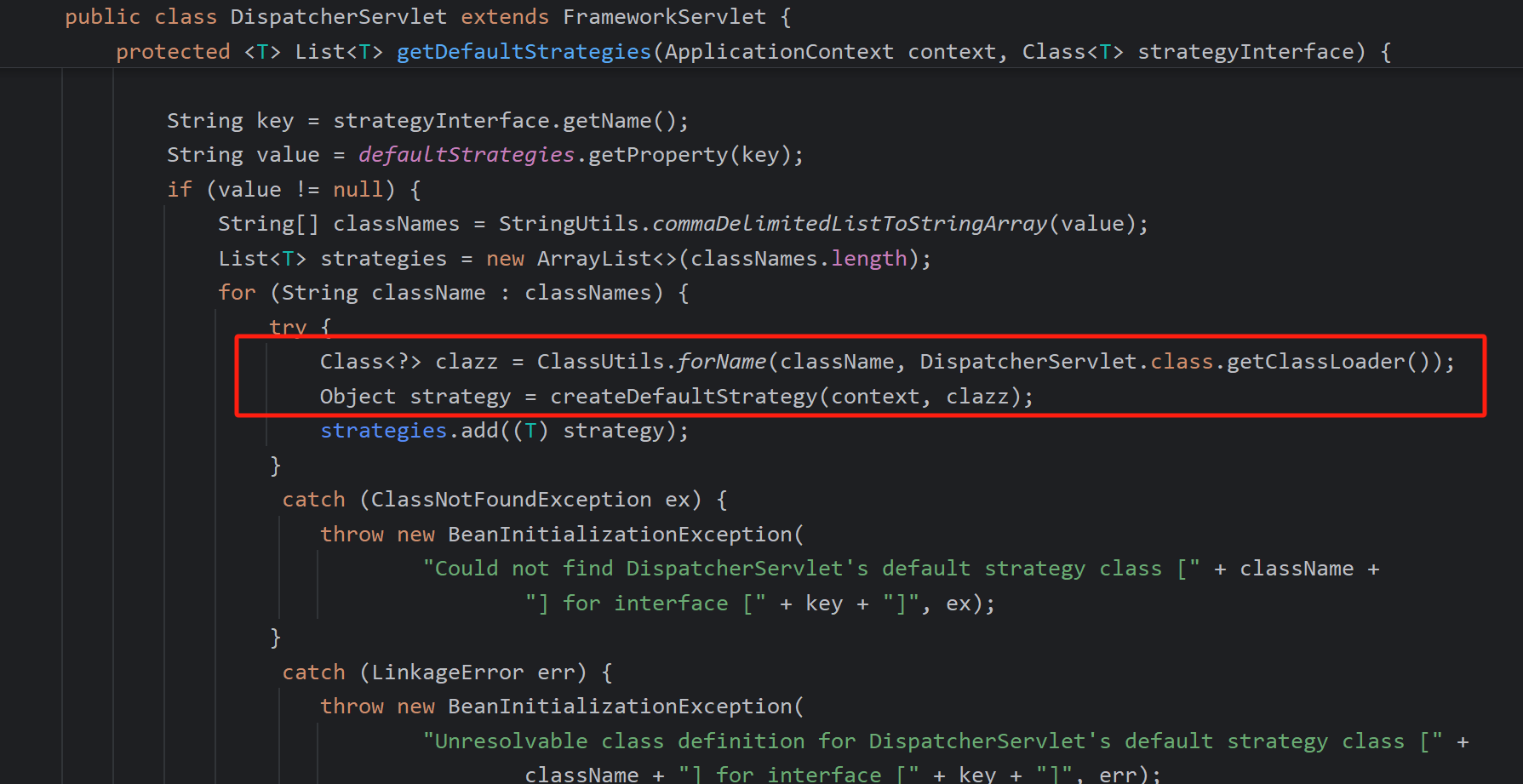
protected Object createDefaultStrategy(ApplicationContext context, Class<?> clazz) {
    return context.getAutowireCapableBeanFactory().createBean(clazz);
}
For instance, RequestMappingHandlerMapping implements InitializingBean. When the bean is created via the factory, its initialization operations are triggered, followed by the parent afterPropertiesSet().
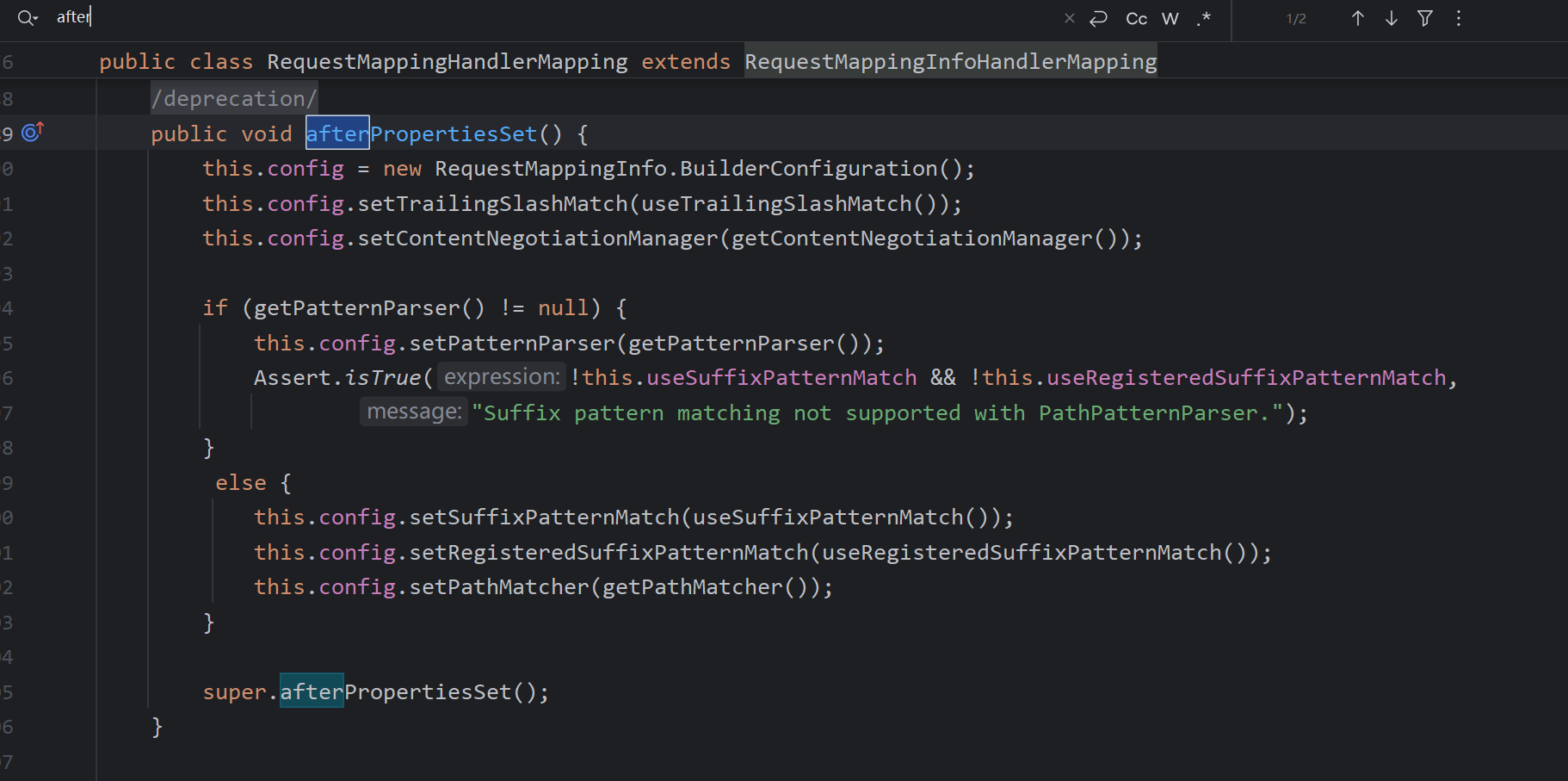
@Override
public void afterPropertiesSet() {
    initHandlerMethods();
}
initHandlerMethods retrieves all bean names and calls processCandidateBean for each.
protected void initHandlerMethods() {
    for (String beanName : getCandidateBeanNames()) {
        if (!beanName.startsWith(SCOPED_TARGET_NAME_PREFIX)) {
            processCandidateBean(beanName);
        }
    }
    handlerMethodsInitialized(getHandlerMethods());
}
Inside, it checks whether the bean is a controller or contains @RequestMapping.

If so, it enters detectHandlerMethods, which further inspects all methods in the controller that carry @RequestMapping and wraps them into RequestMappingInfo (including parameters, method names, etc.).
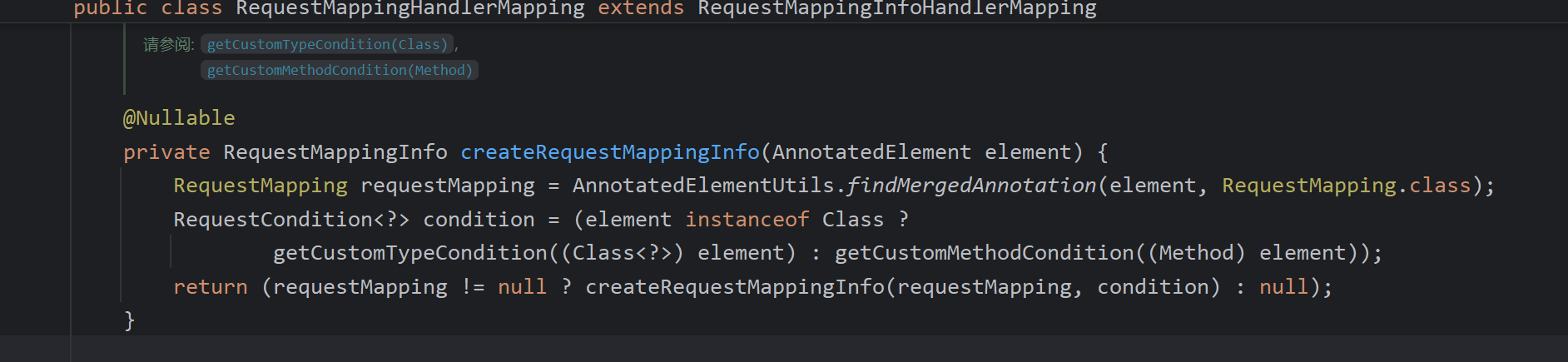
These are then registered in the mappingRegistry. This is the underlying principle behind Spring controller memory webshells: when writing a malicious controller, the crafted controller is placed into the mappingRegistry.
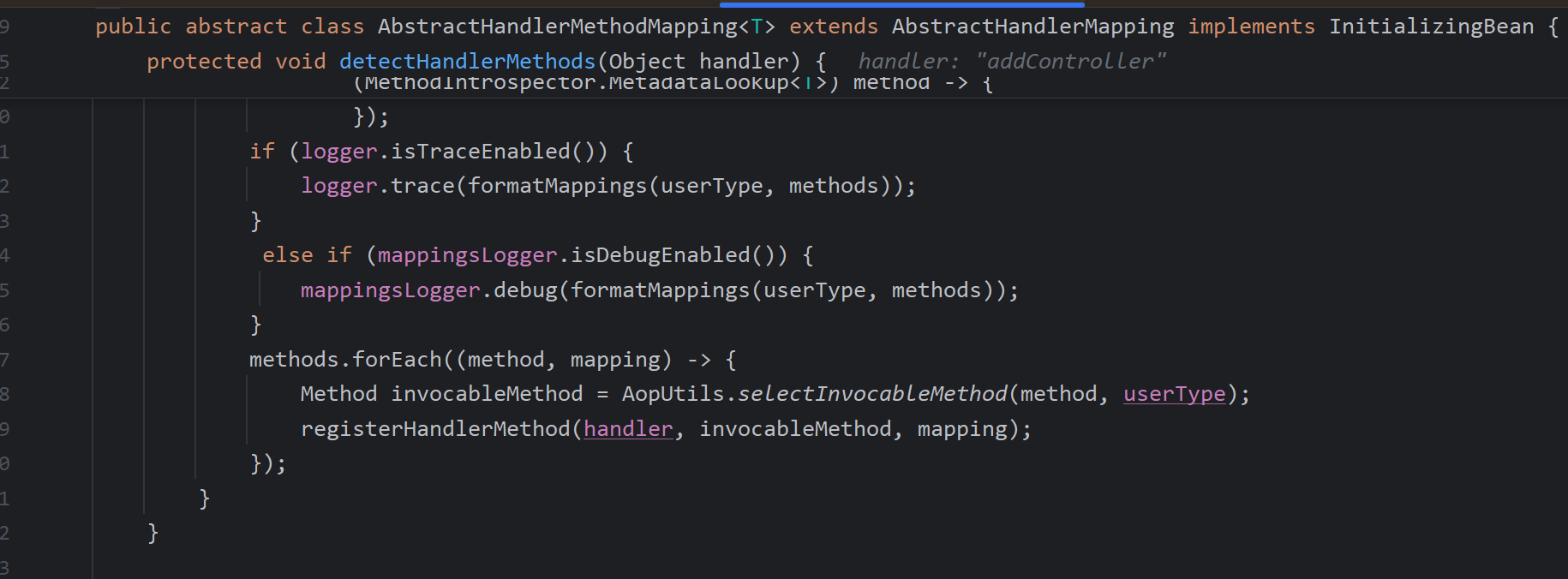
protected void registerHandlerMethod(Object handler, Method method, T mapping) {
    this.mappingRegistry.register(mapping, handler, method);
}
The initialization of RequestMappingHandlerAdapter follows the same pattern. This class primarily handles requests that target a method annotated with @RequestMapping.
Other adapters, such as HttpRequestHandlerAdapter, handle beans that implement HttpRequestHandler (which can also act as controllers).
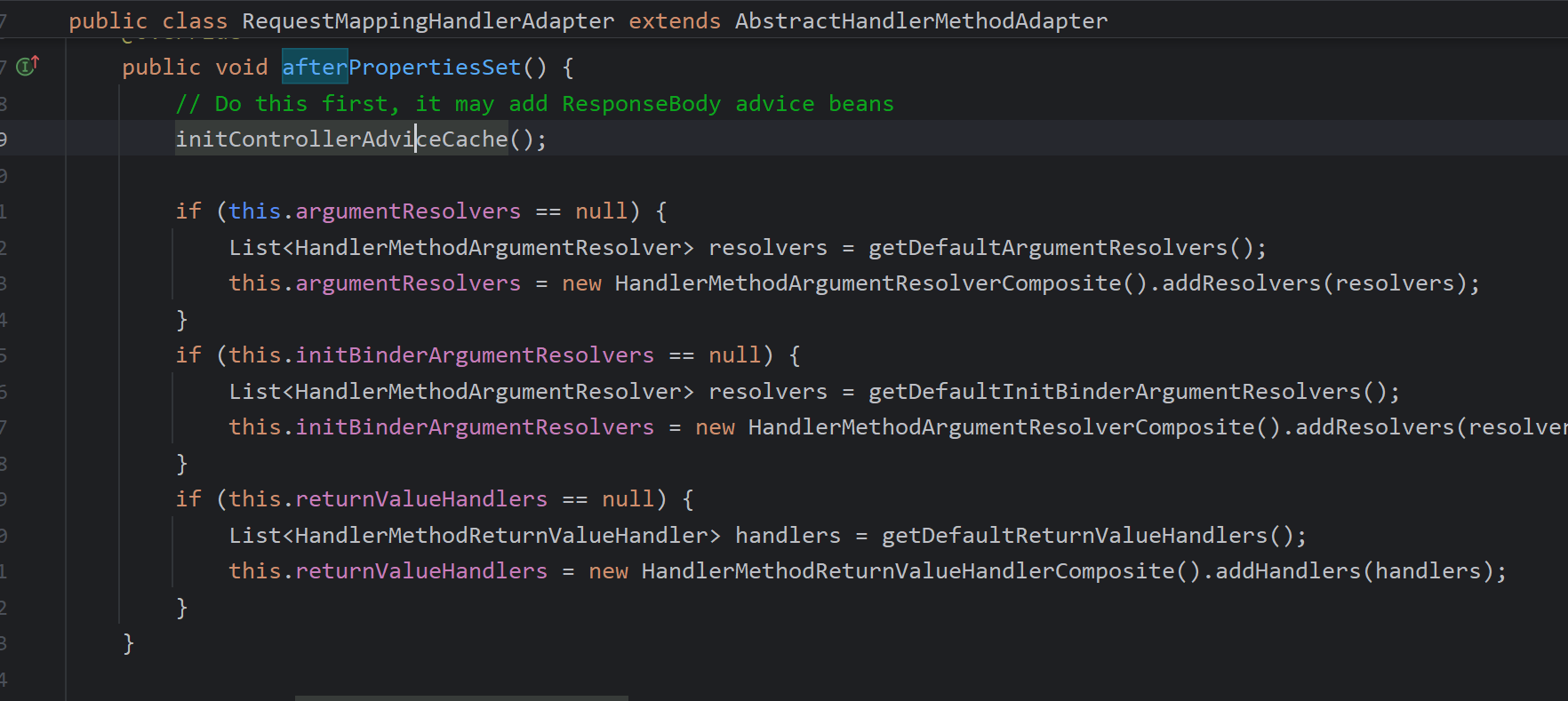
The supports method determines whether a given handler object is supported.
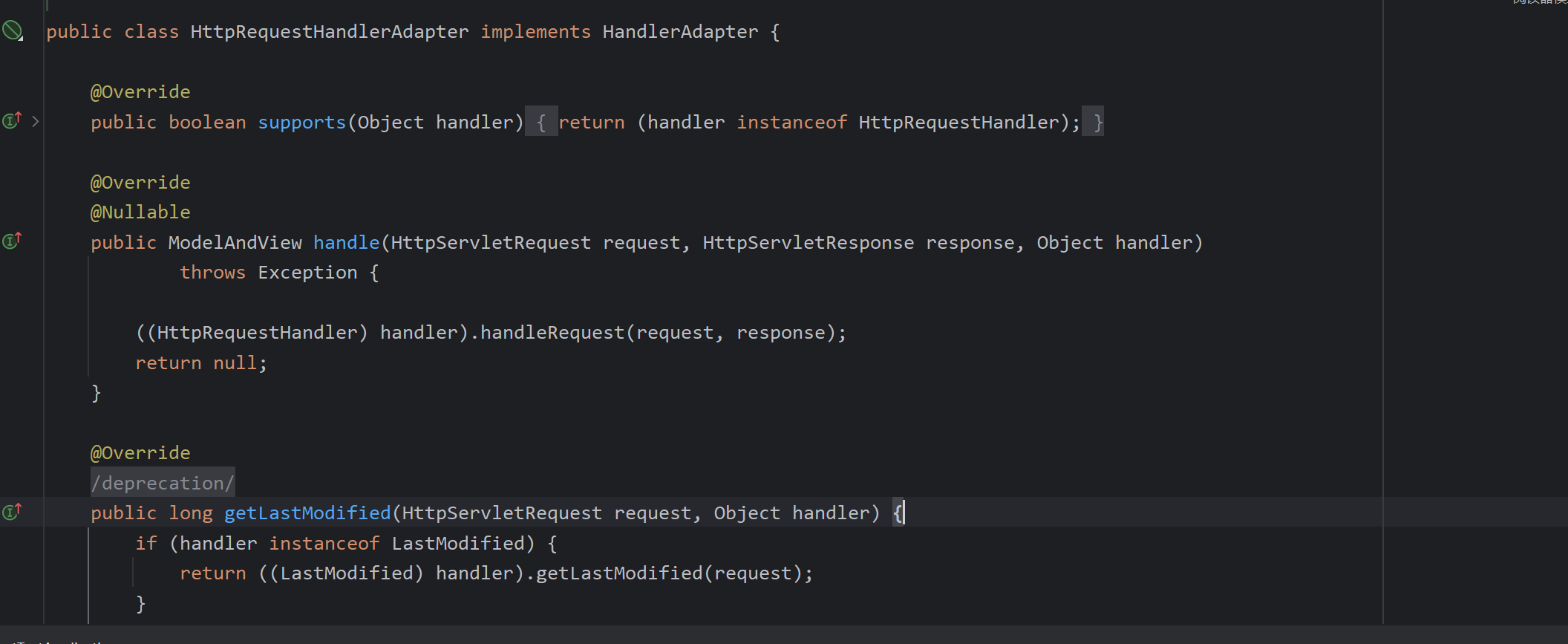
initControllerAdviceCache finds classes annotated with @ControllerAdvice, which is commonly used for exception handlers.
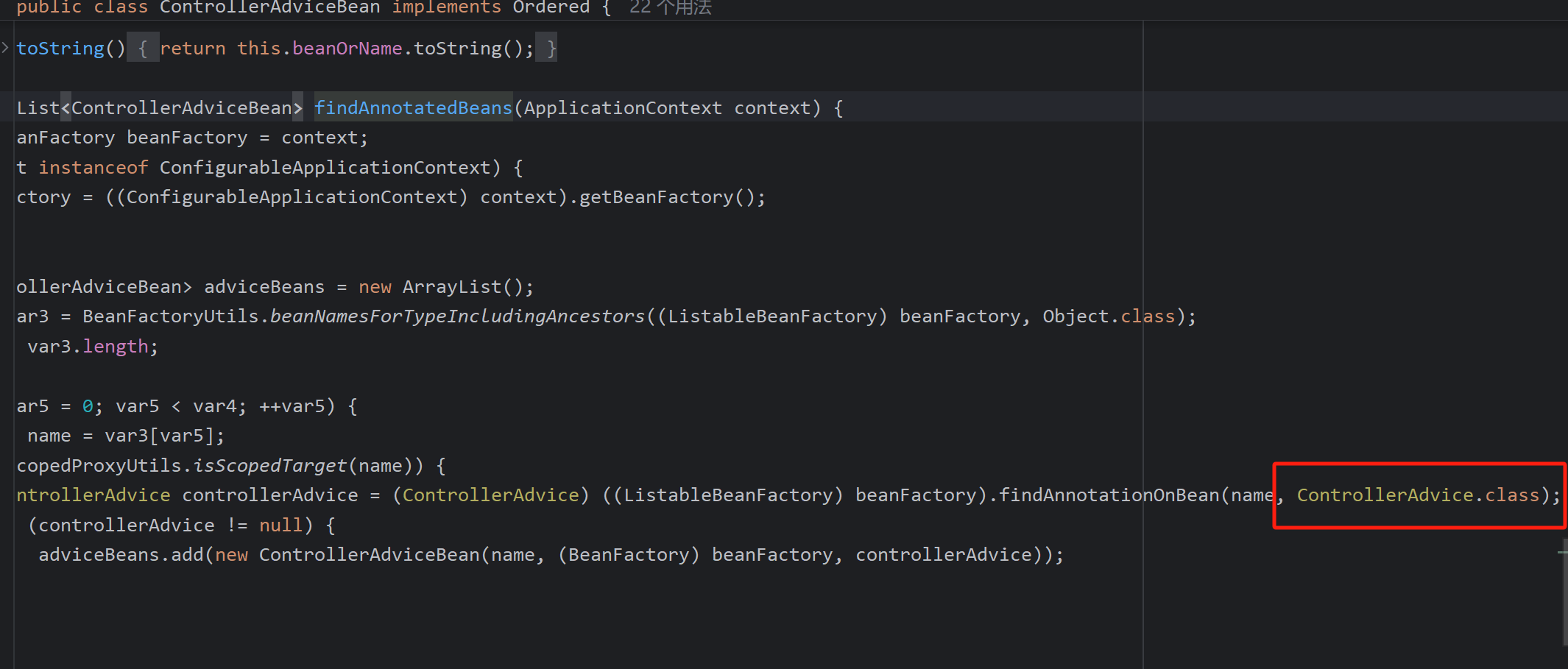
It then looks for methods annotated with specific annotations (such as @ModelAttribute, @InitBinder) and stores them for later use.
Set<Method> modelAttributeMethods = MethodIntrospector.selectMethods(beanType, MODEL_ATTRIBUTE_METHODS);
public static final MethodFilter MODEL_ATTRIBUTE_METHODS = method ->
        (!AnnotatedElementUtils.hasAnnotation(method, RequestMapping.class) &&
                AnnotatedElementUtils.hasAnnotation(method, ModelAttribute.class));
Set<Method> initBinderMethods = MethodIntrospector.selectMethods(beanType, INIT_BINDER_METHODS);
public static final MethodFilter INIT_BINDER_METHODS = method ->
        AnnotatedElementUtils.hasAnnotation(method, InitBinder.class);
How the DispatcherServlet is Created
This section describes the process in forward order; one can simply set breakpoints and debug in reverse.
How does Tomcat discover and load Spring?
Spring implements Tomcat’s ServletContainerInitializer through its SpringServletContainerInitializer. Tomcat uses the SPI (Service Provider Interface) mechanism to load Spring’s initializer, establishing the connection between Tomcat and Spring.
SPI is a built-in service discovery mechanism in the JDK. It works by looking for files in the META-INF/services directory on the classpath and automatically loading the classes defined there. (Referenced in a previous SnakeYAML article about a gadget chain.)
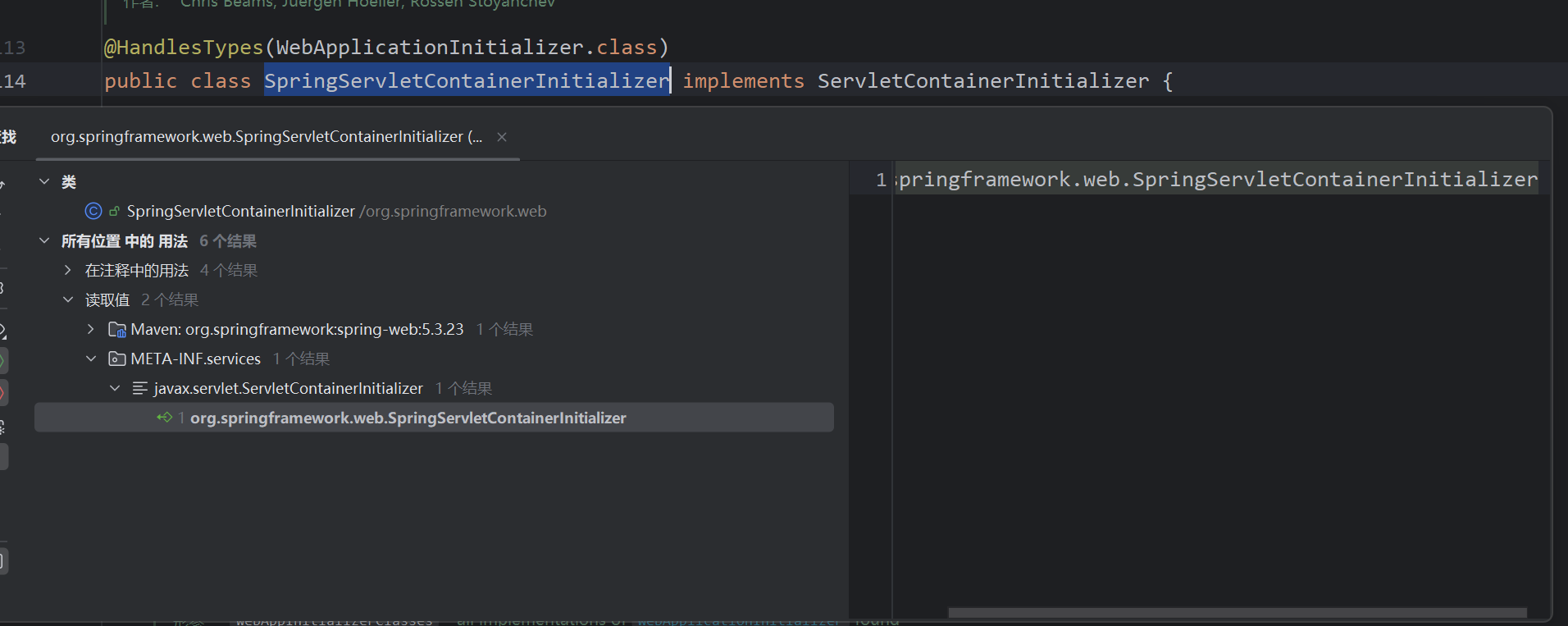
Based on the annotation @HandlesTypes(WebApplicationInitializer.class), it finds all implementations of WebApplicationInitializer and invokes their onStartup methods.
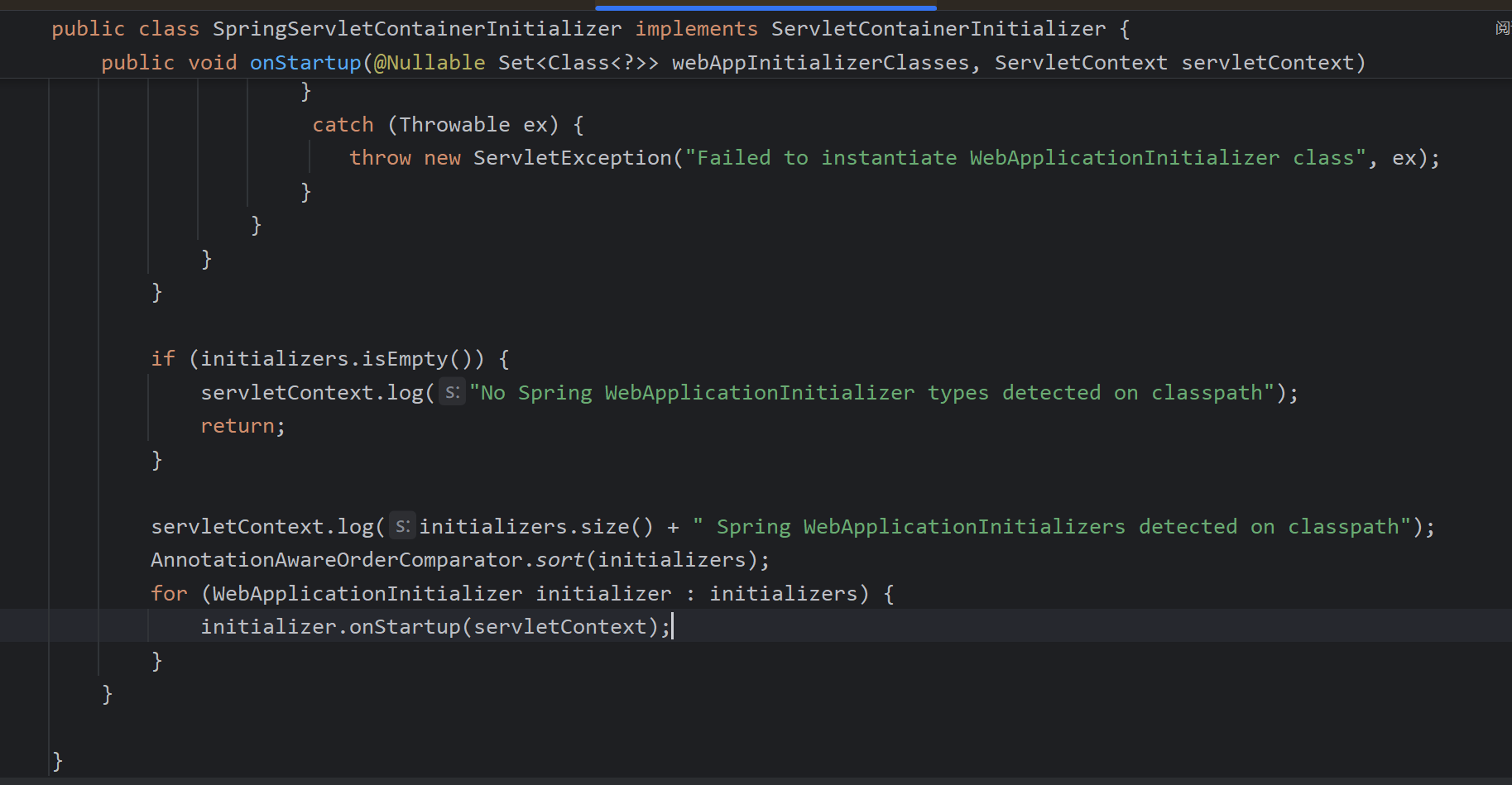
Therefore, we can write our own WebApplicationInitializer implementation to configure the DispatcherServlet. Spring Boot already provides SpringBootServletInitializer, so explicit Spring MVC configuration is unnecessary.

You can simplify configuration by extending SpringBootServletInitializer and overriding configure:
public class CustomServletInitializer extends SpringBootServletInitializer {
    @Override
    protected SpringApplicationBuilder configure(SpringApplicationBuilder builder) {
        return builder.sources(MyApplication.class)
                     .properties("spring.mvc.throw-exception-if-no-handler-found=true");
    }
}
DispatcherServlet Request Processing
In Spring Boot, the default DispatcherServlet mapping path is /, which can be adjusted via server.servlet.context-path.
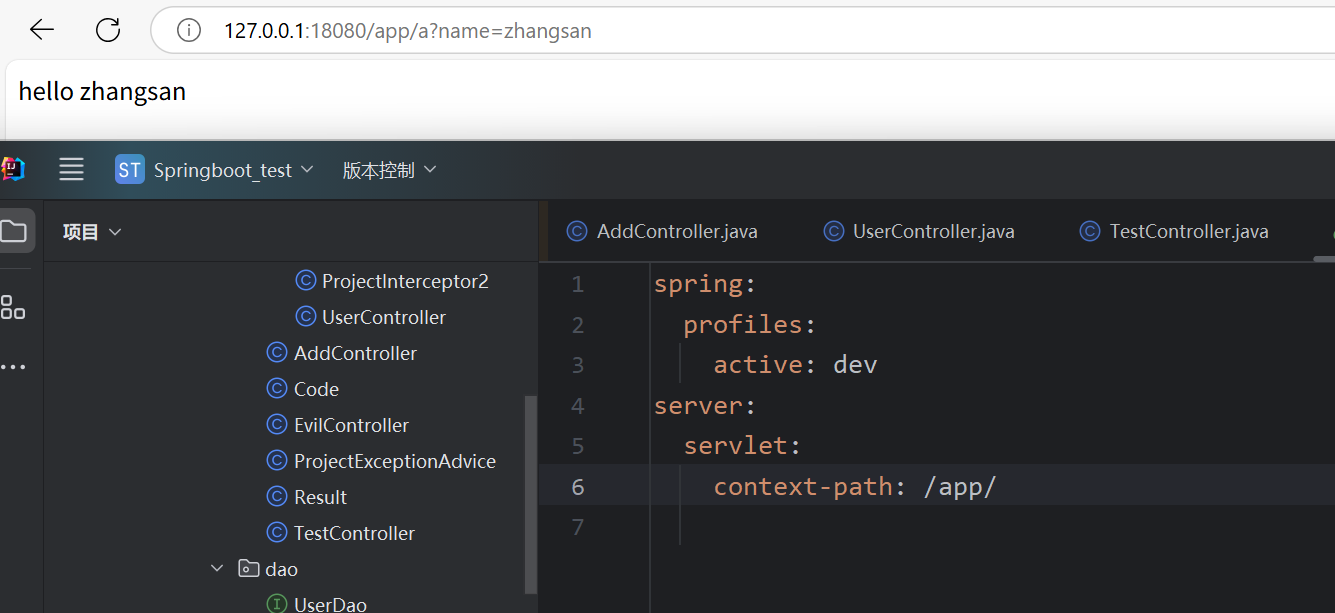
Example controller:
@Controller
public class GreetingController {

    @GetMapping("/greet")
    @ResponseBody
    public String sayHello(String username){
        return "Hello " + username;
    }
}
When a request reaches the path mapped to the DispatcherServlet (e.g., /), Tomcat invokes the corresponding service method. This calls FrameworkServlet#service, which parses the HTTP method and then delegates to the parent class service.
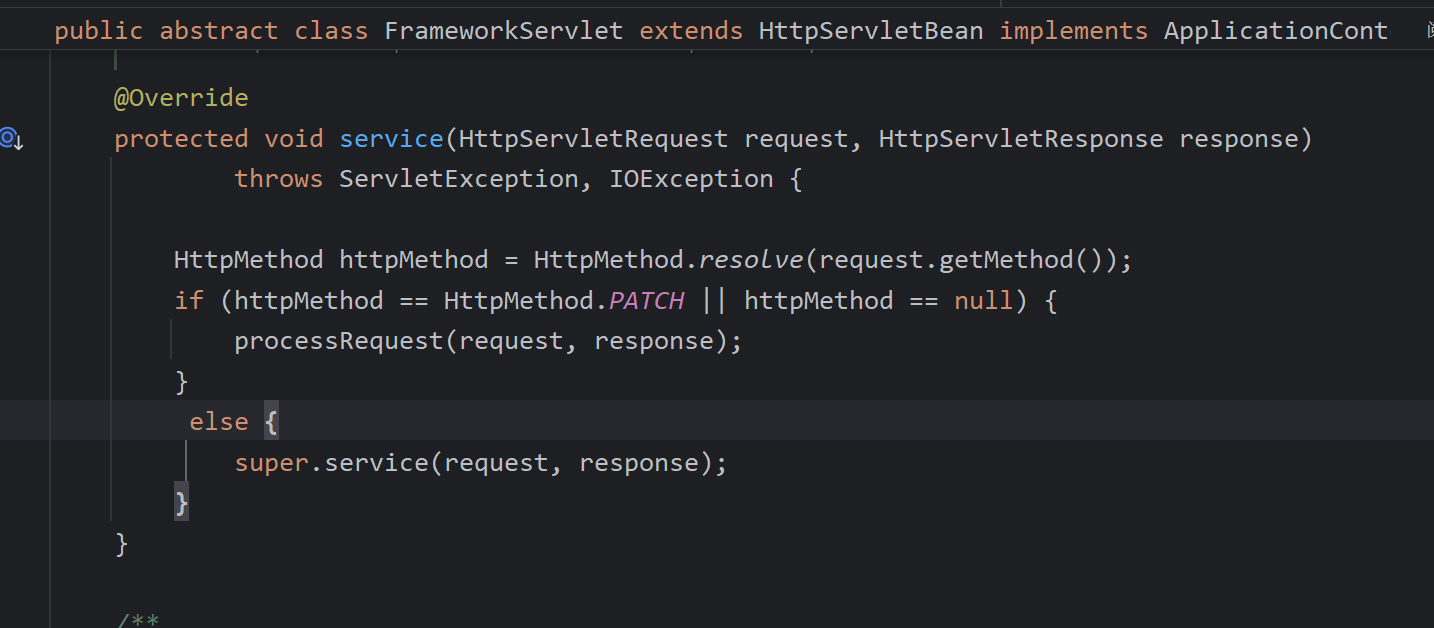
This ends up calling HttpServlet's (the Tomcat Servlet specification) doGet (or doPost, etc.).
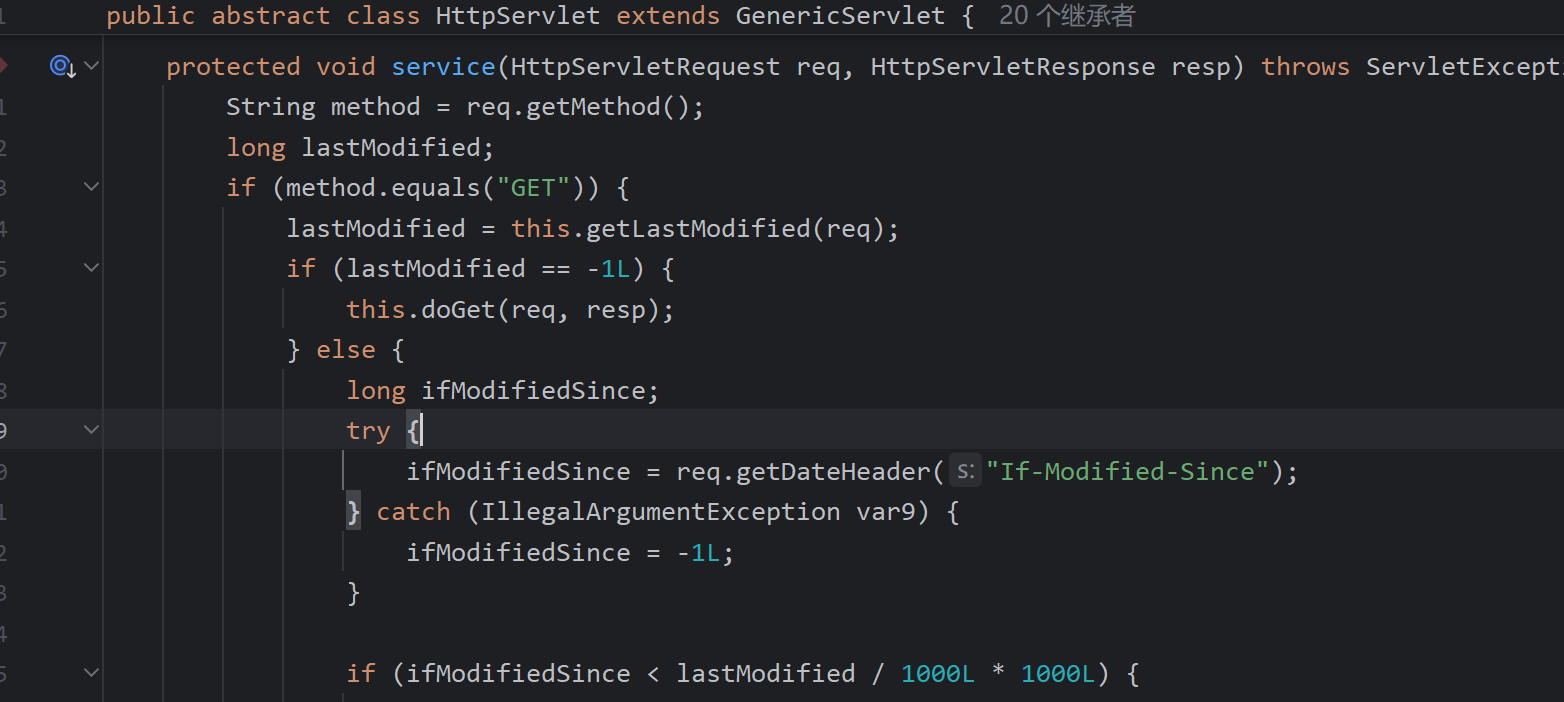
FrameworkServlet#doGet is then executed.
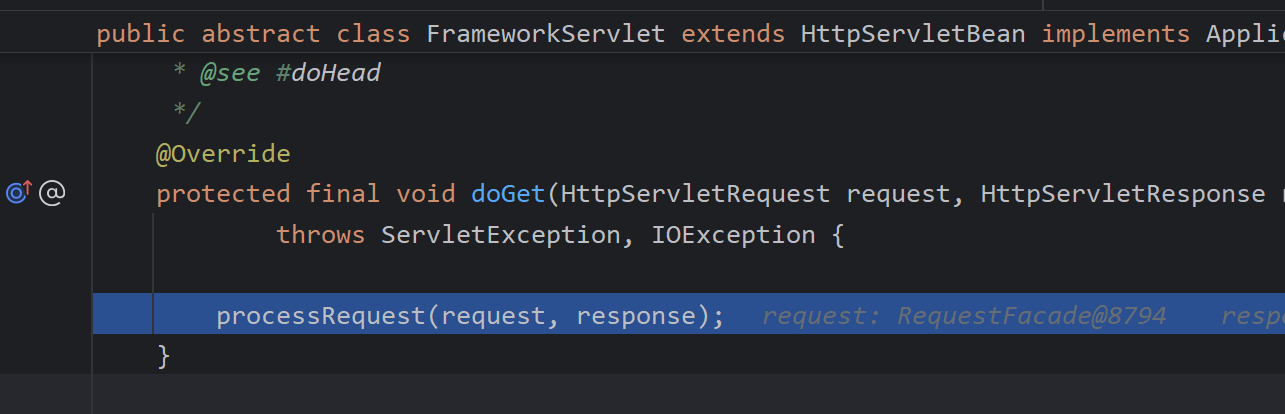
The core operation is the call to doService.
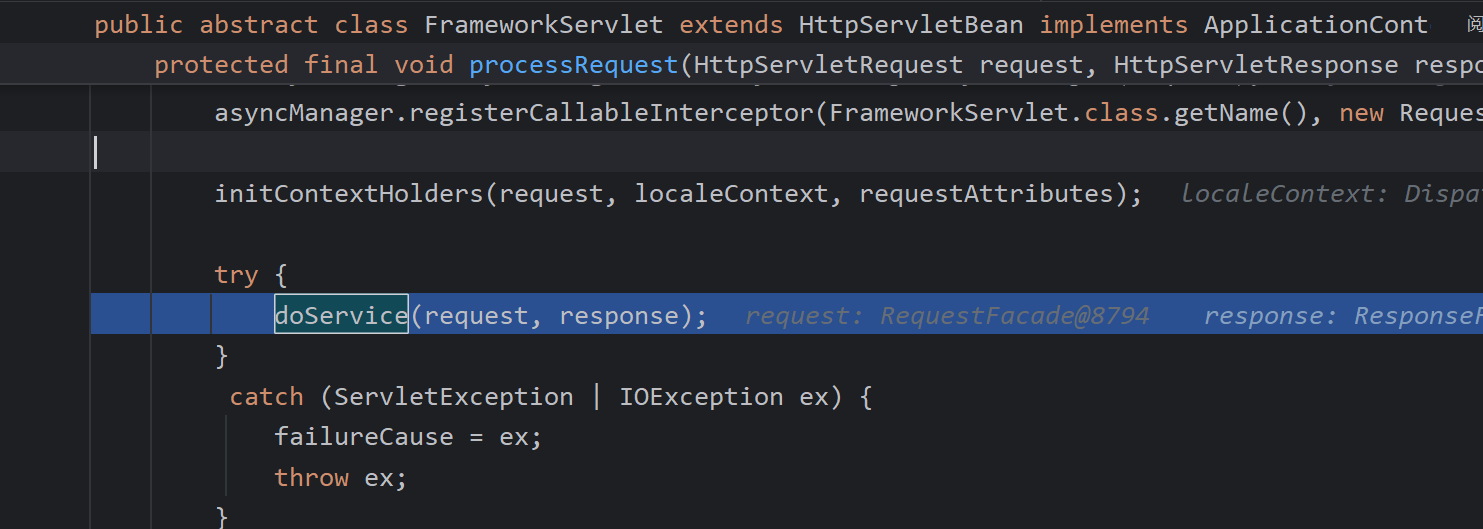
Within doService, the central dispatching method doDispatch is envoked.
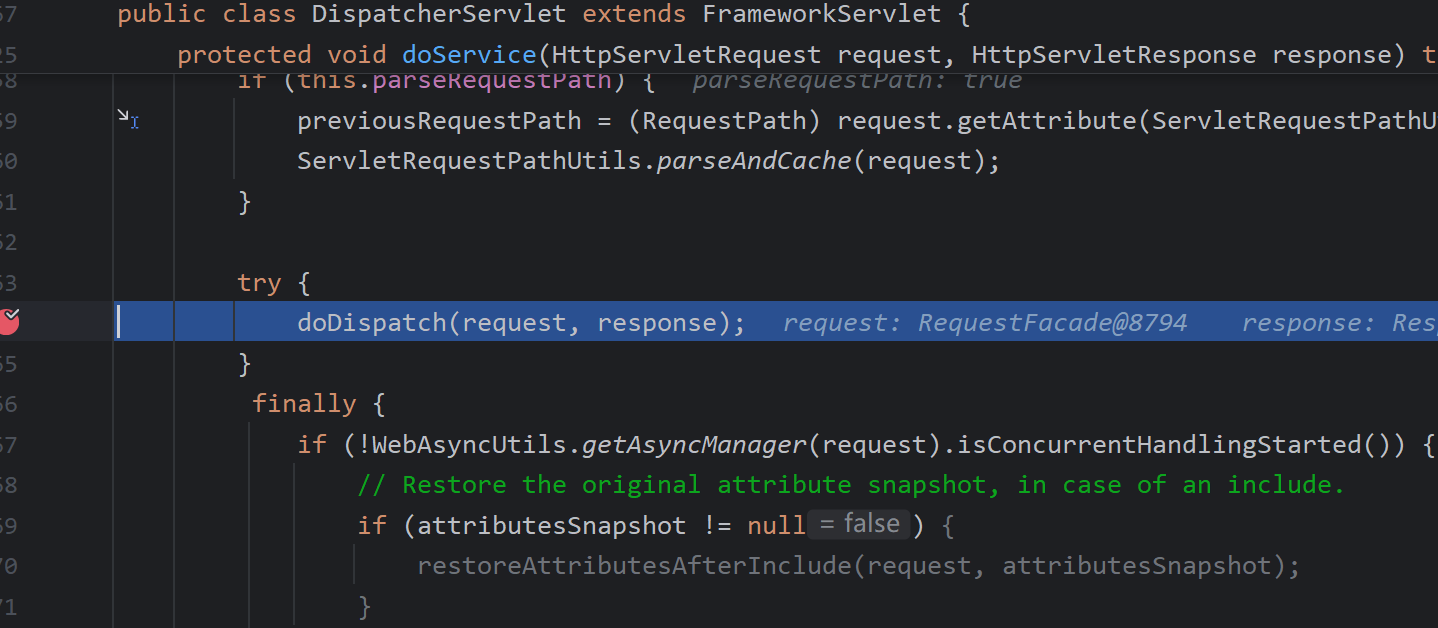
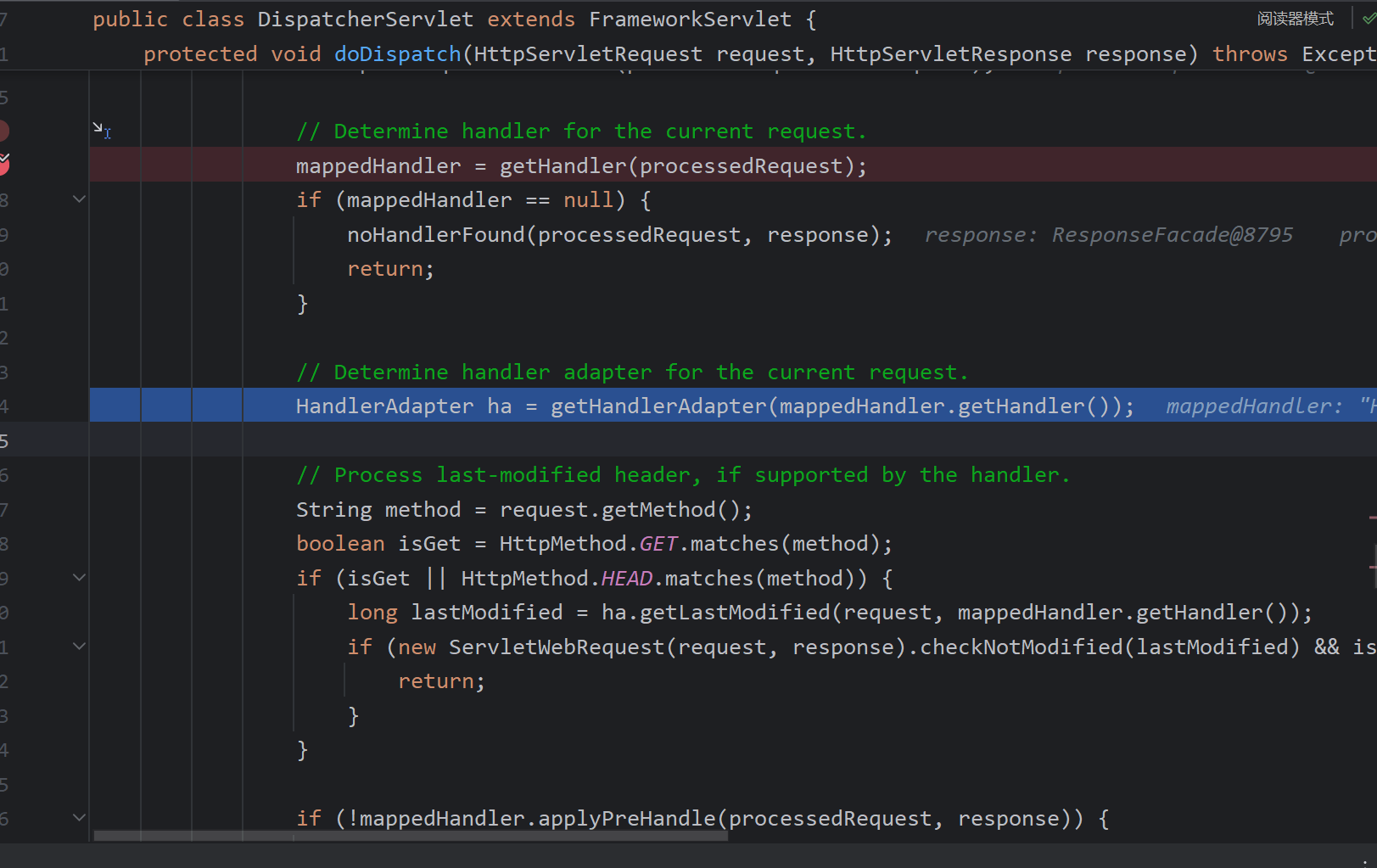
First, getHandler is called to obtain the handler matching the request.
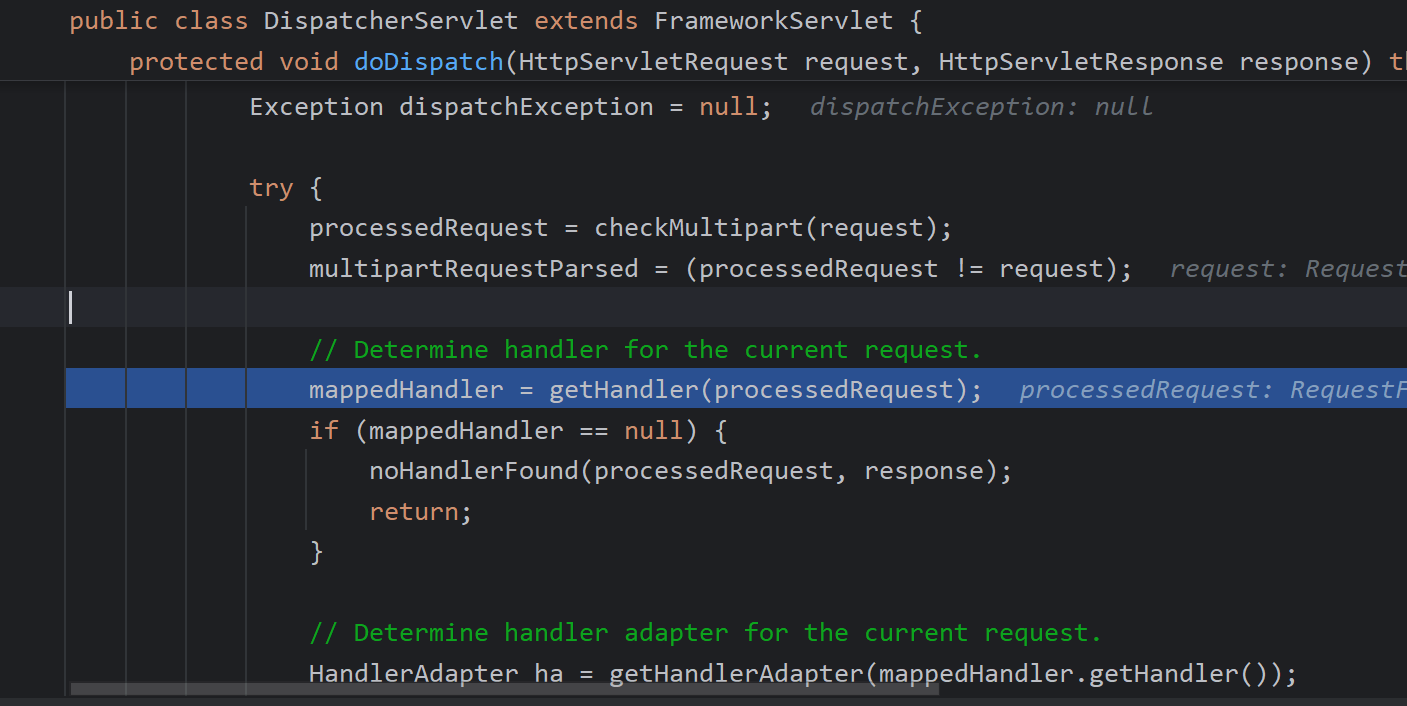
getHandler iterates through each HandlerMapping. The primary one used here is RequestMappingHandlerMapping, so only its key logic is described. Other HandlerMapping implementations, such as BeanNameUrlHandlerMapping, handle beans that implement Controller and whose names start with "/".
It uses getPathWithinApplication to extract the request path, handling differences between the servlet mapping and the URI. This is where path normalization differences between Spring and security frameworks like Shiro can lead to authorization bypasses.
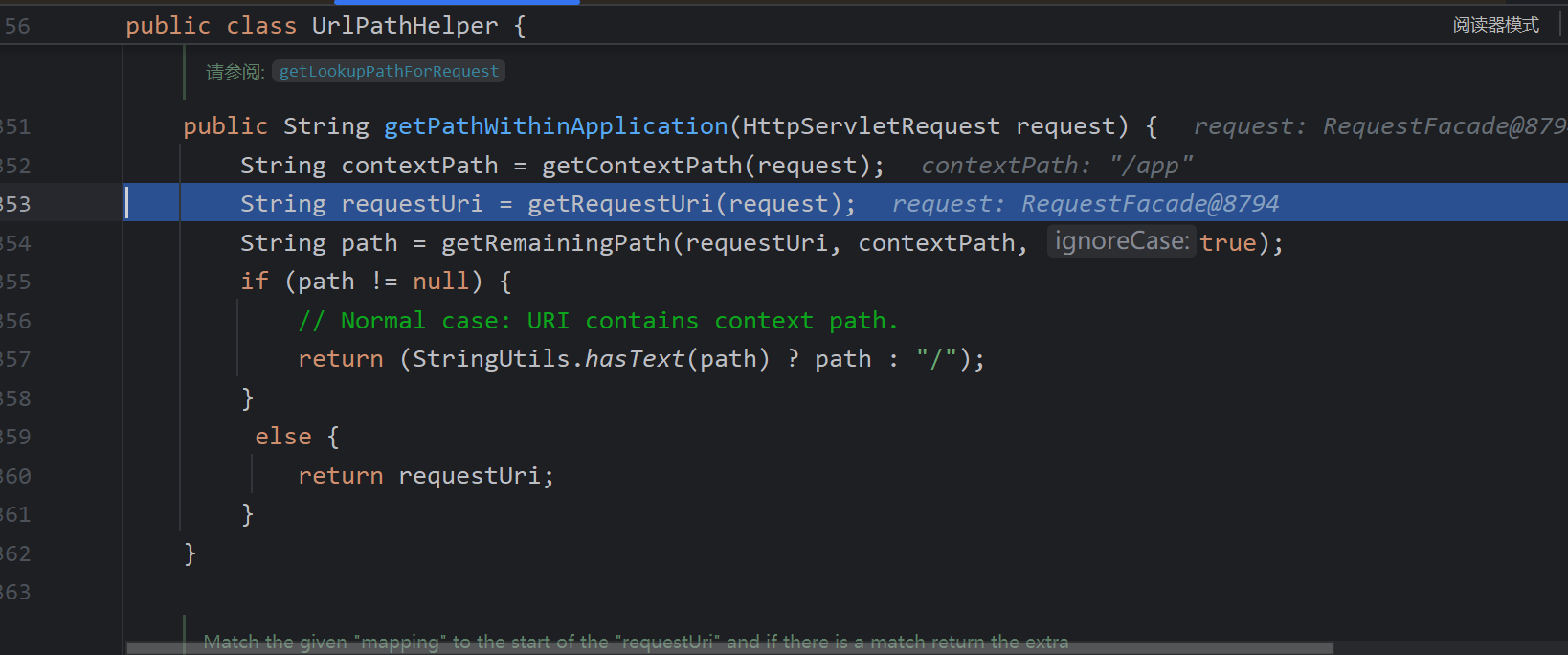
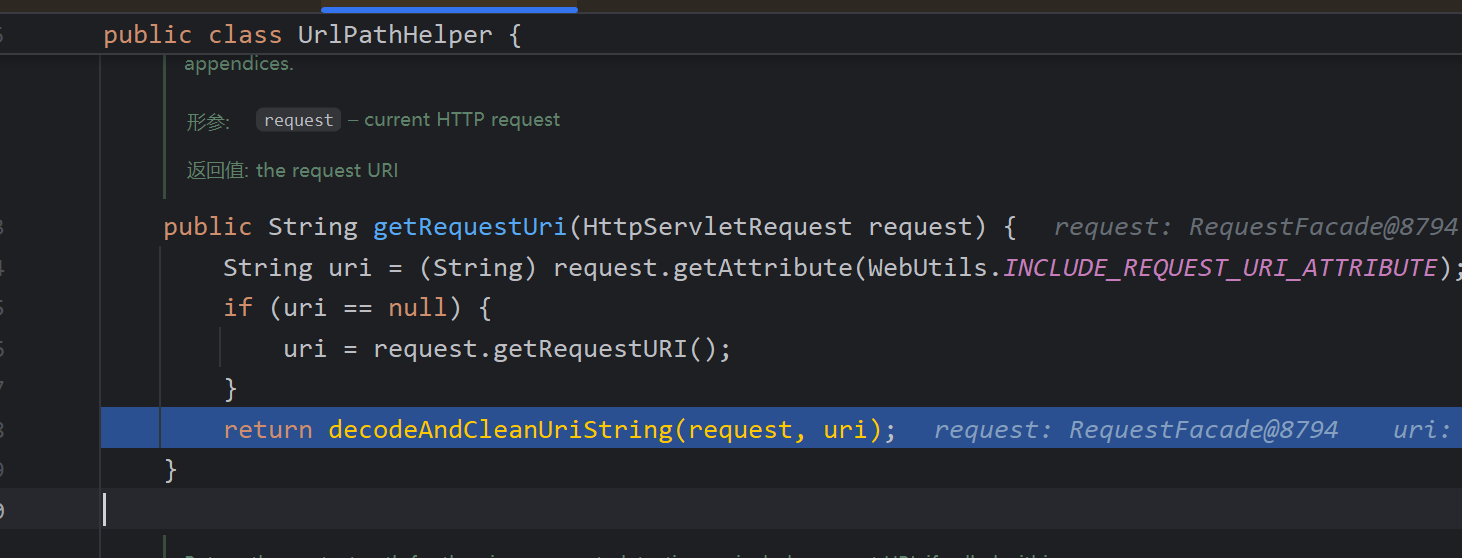
lookupHandlerMethod
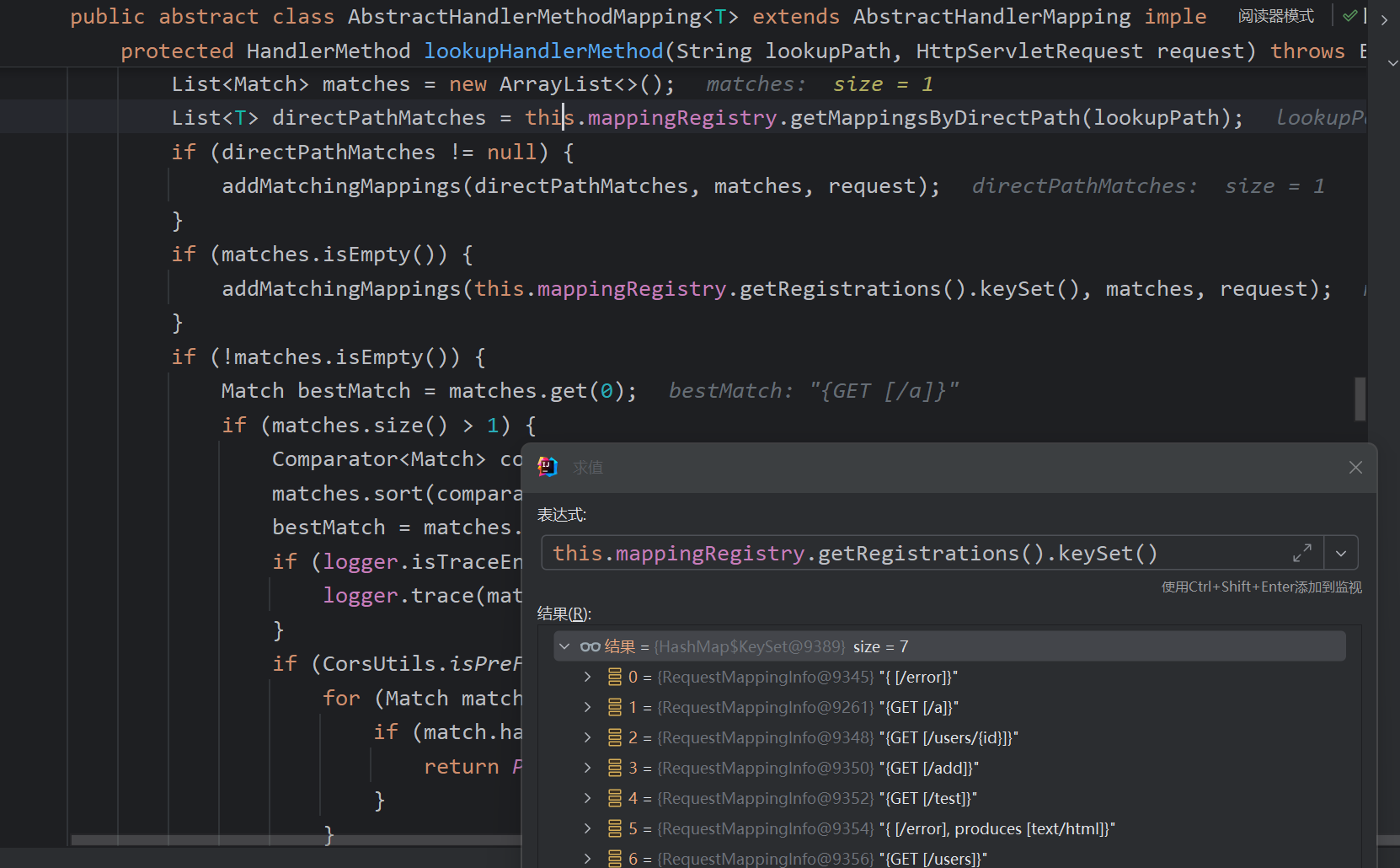
Initially, it tries to directly obtain a RequestMappingInfo by the path. If not found, it iterates through all mappings to find a match or selects the best one from multiple candidates. Here, because the path /greet exists, it is retrieved immediately.
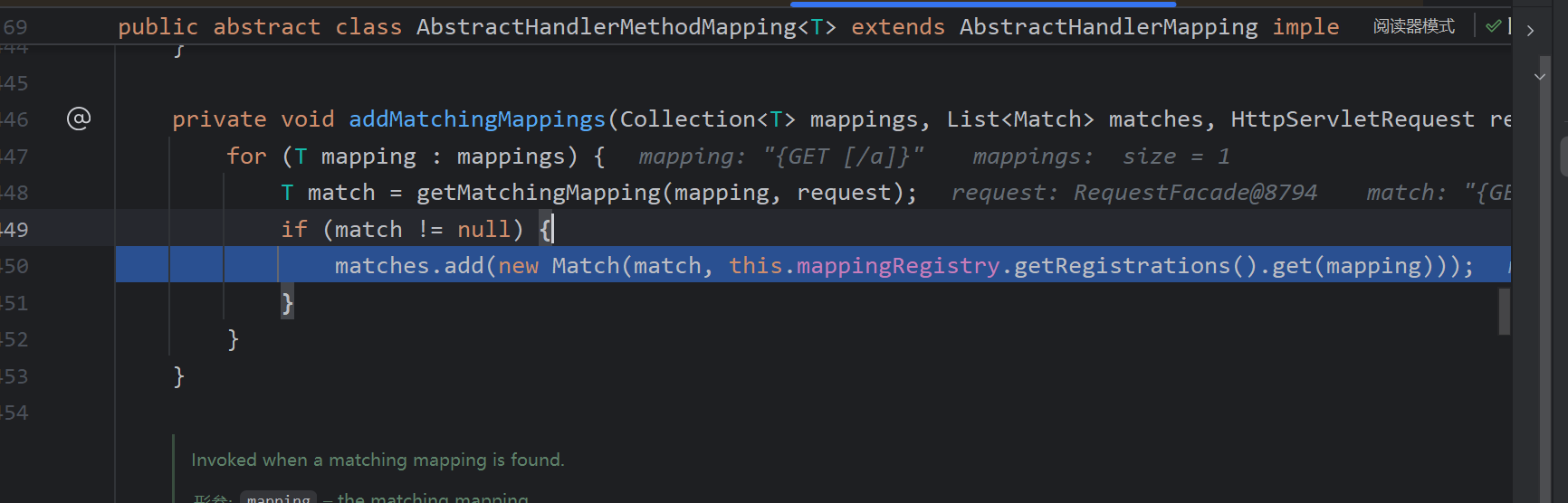
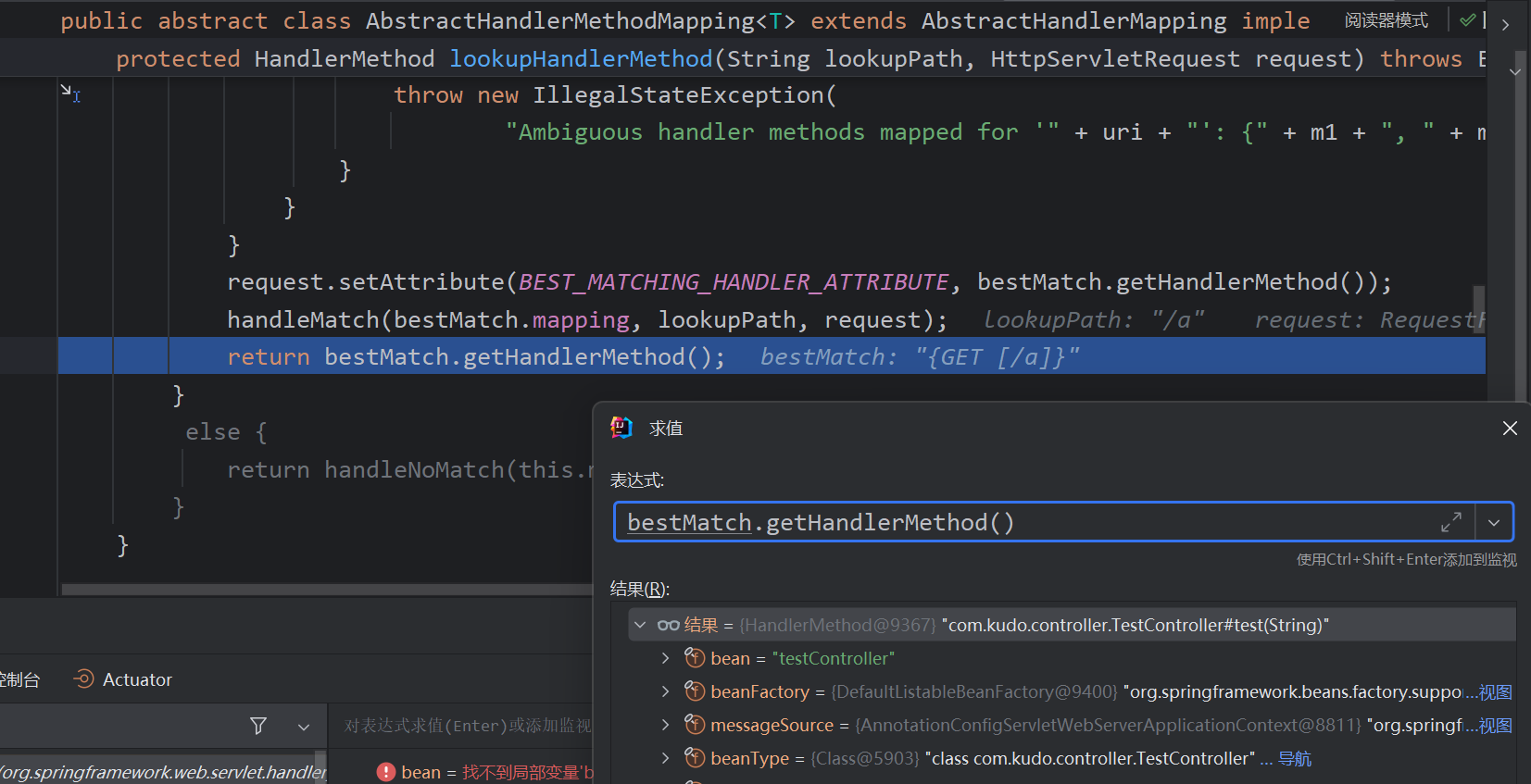
getMatchingMappings wraps the information into a RequestMappingInfo and retrieves the corresponding handler method from the mappingRegistry.
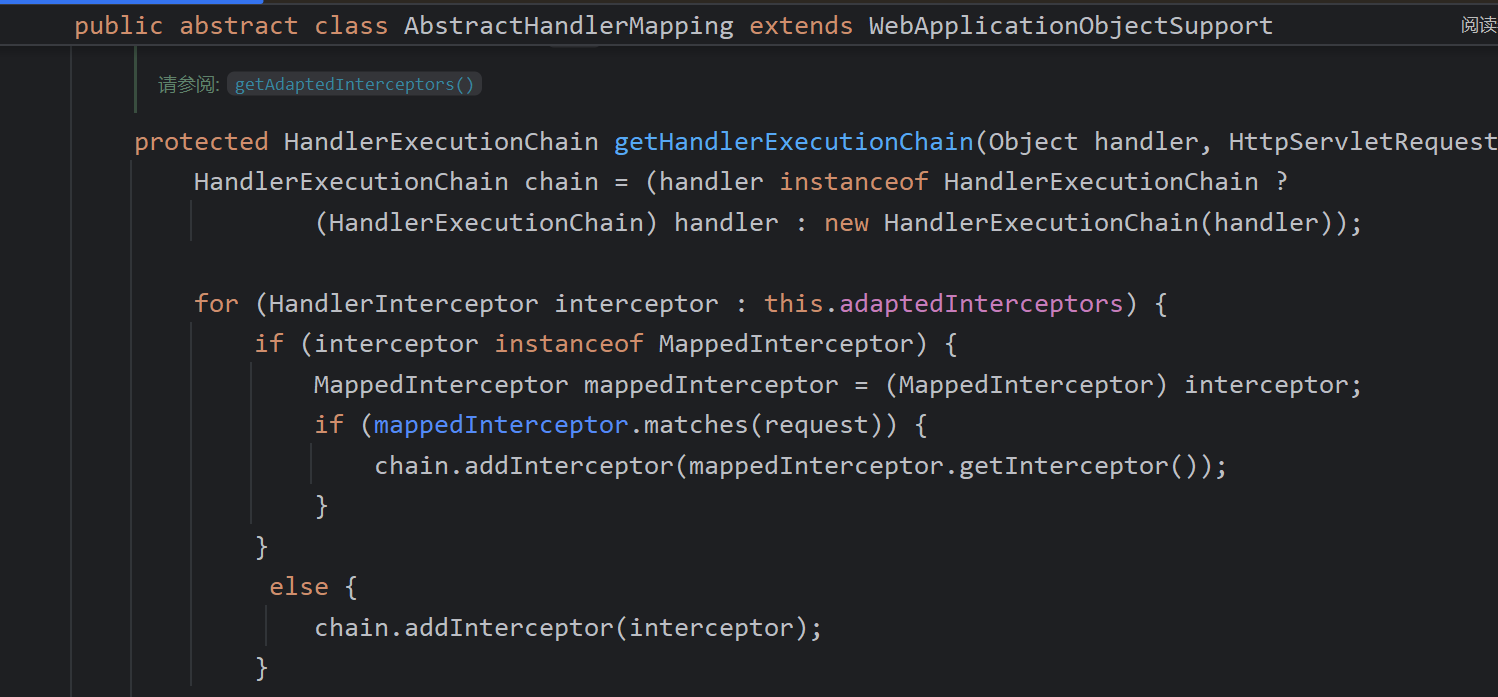
After the handler is obtained, an execution chain is created, consisting of interceptors and the handler itself.
Next, the appropriate HandlerAdapter is determined based on the HandlerMethod.
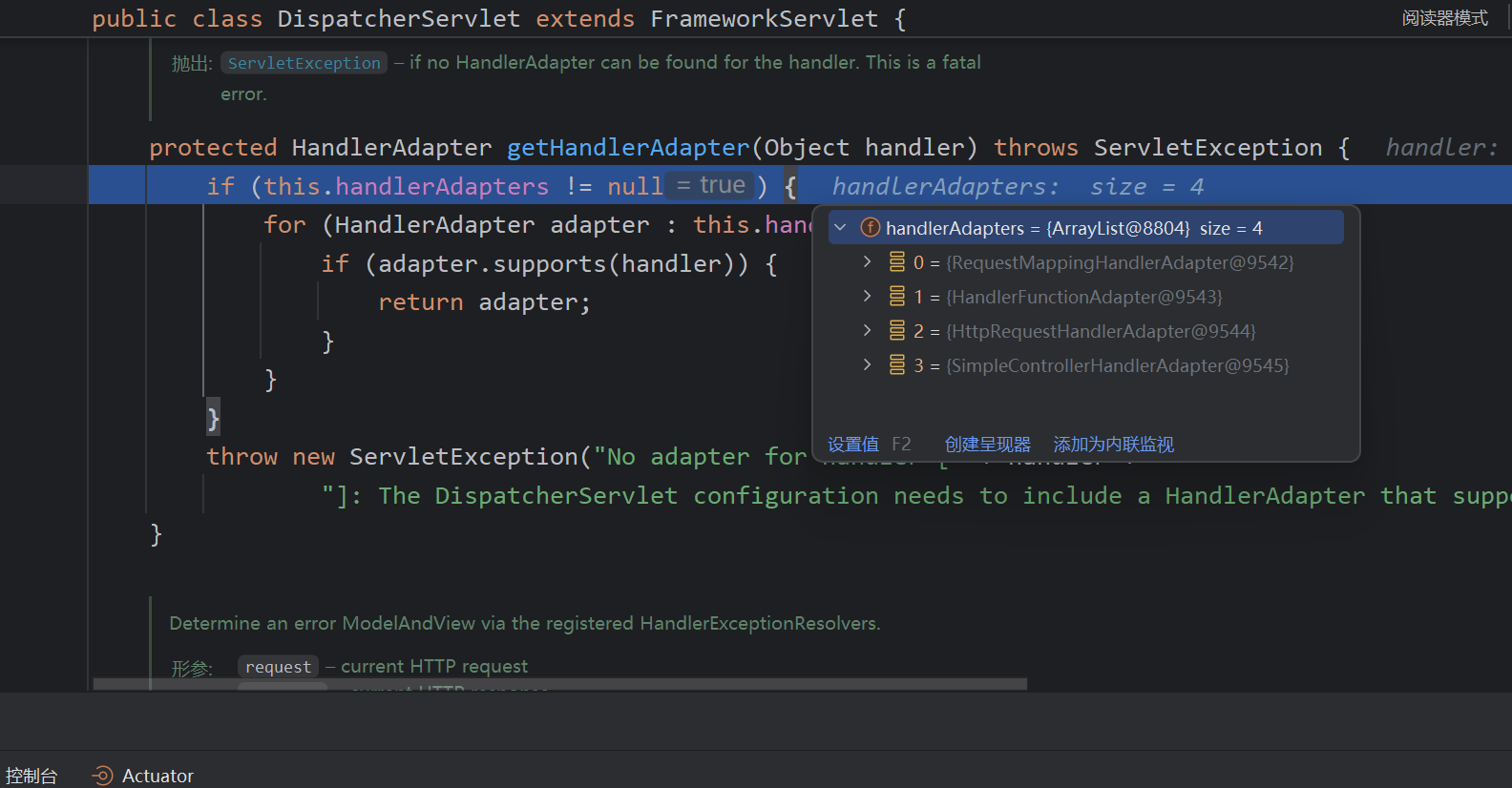
It loops through the available adapters, calling supports on each to find the matching adapter. The adapter then invokes the actual handler method based on the handler’s type.
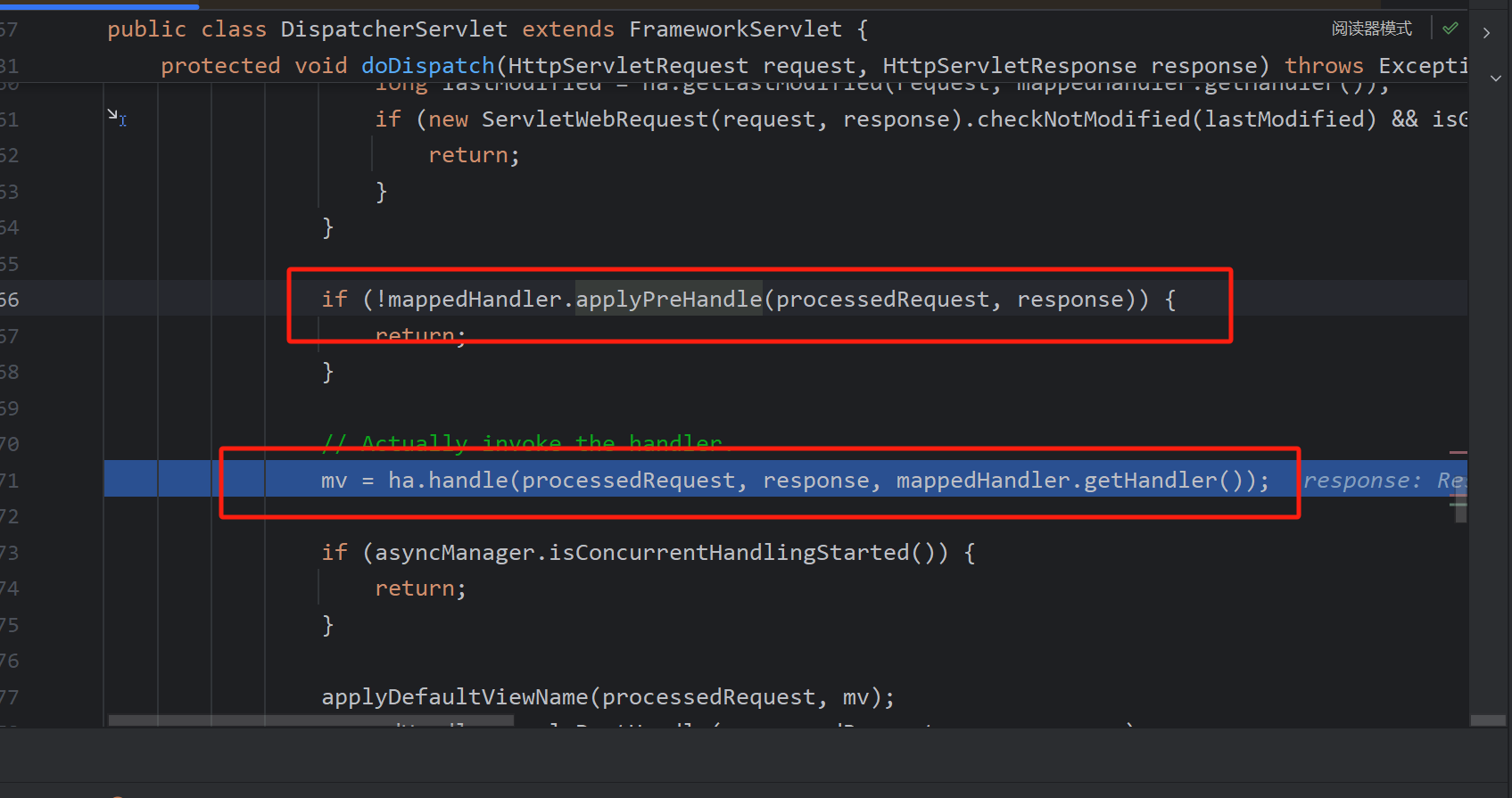
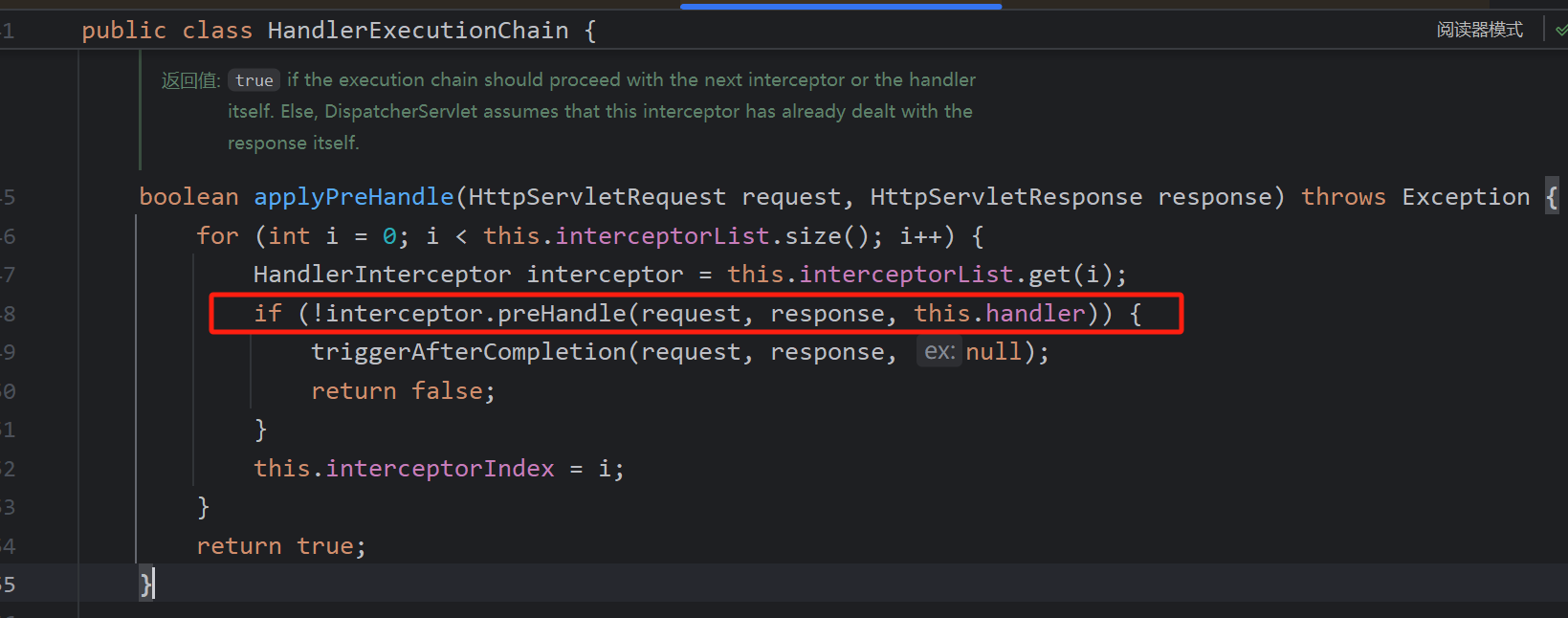
applyPreHandle is called.
All interceptors’ preHandle methods are executed; if any returns false, the chain is interrupted.
The adapter’s handle method is then called, which invokes the actual handler method and returns a ModelAndView object.
Inside handleInternal, invokeHandlerMethod is called.
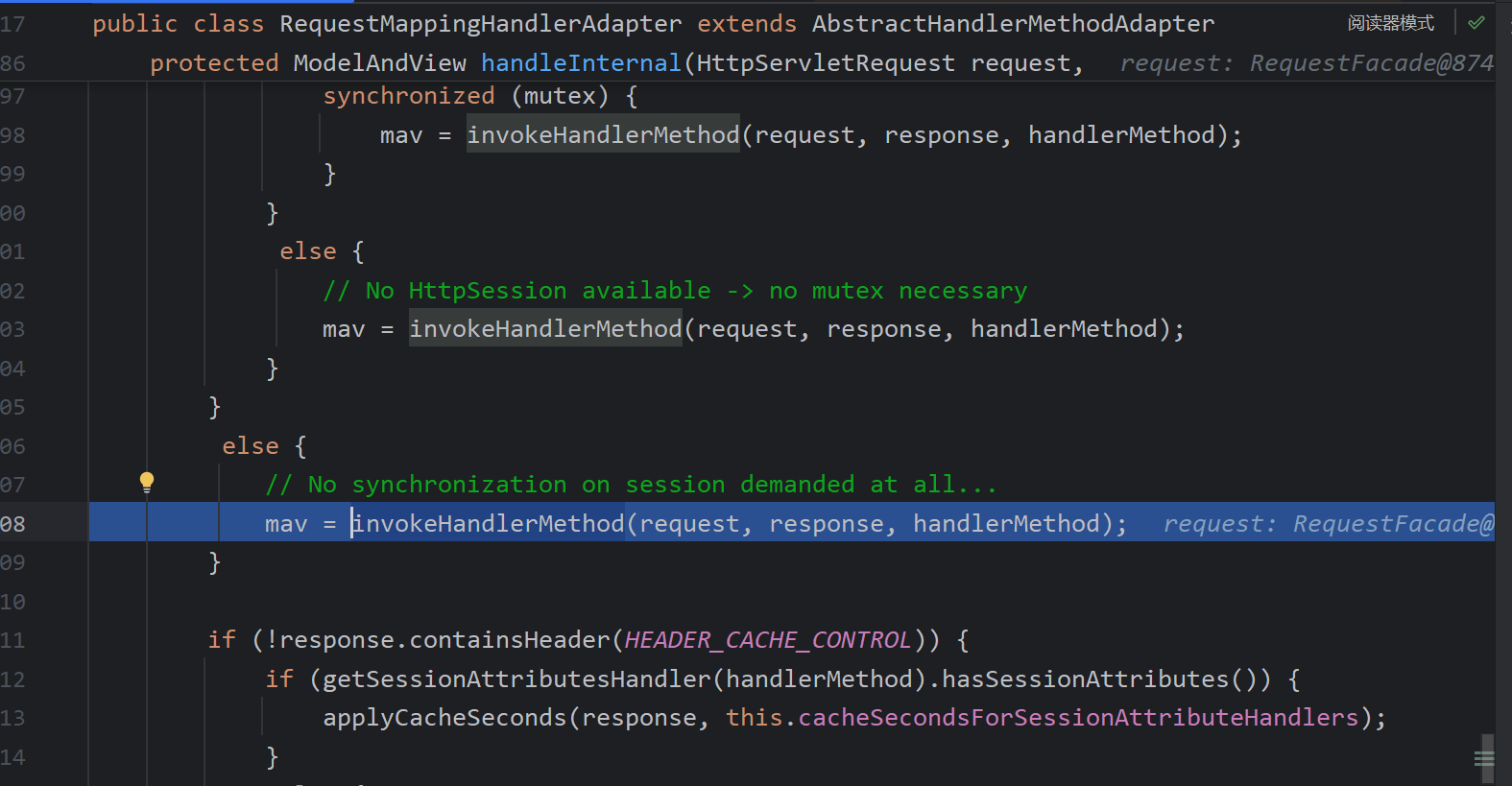
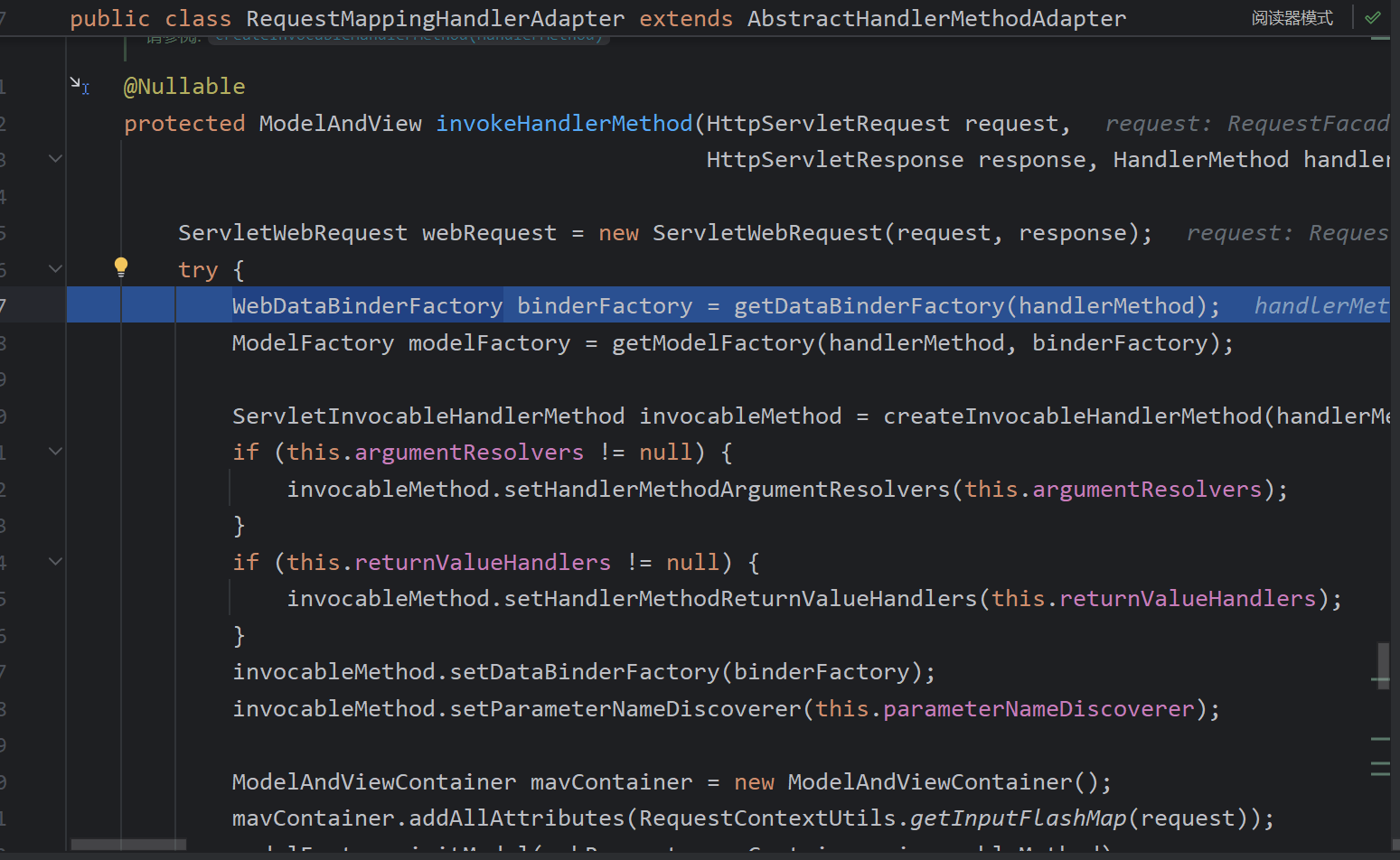
getDataBinderFactory finds all @InitBinder annotated methods (for parameter binding and conversion) and creates a ModelFactory to generate the model (encluding processing of @ModelAttribute). Parameter and return-value resolvers are then set up, and a ModelAndView container is created and initialized.
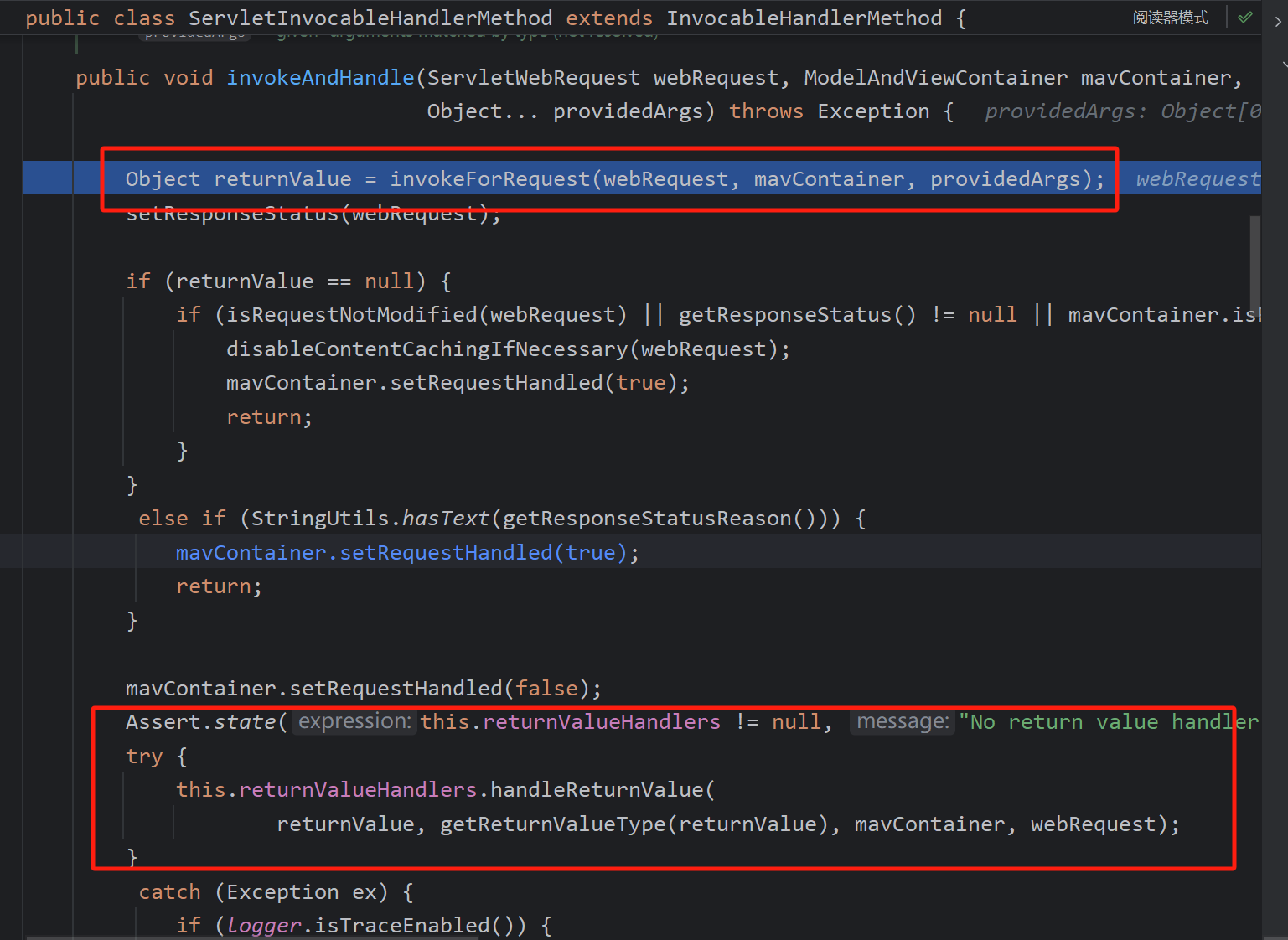
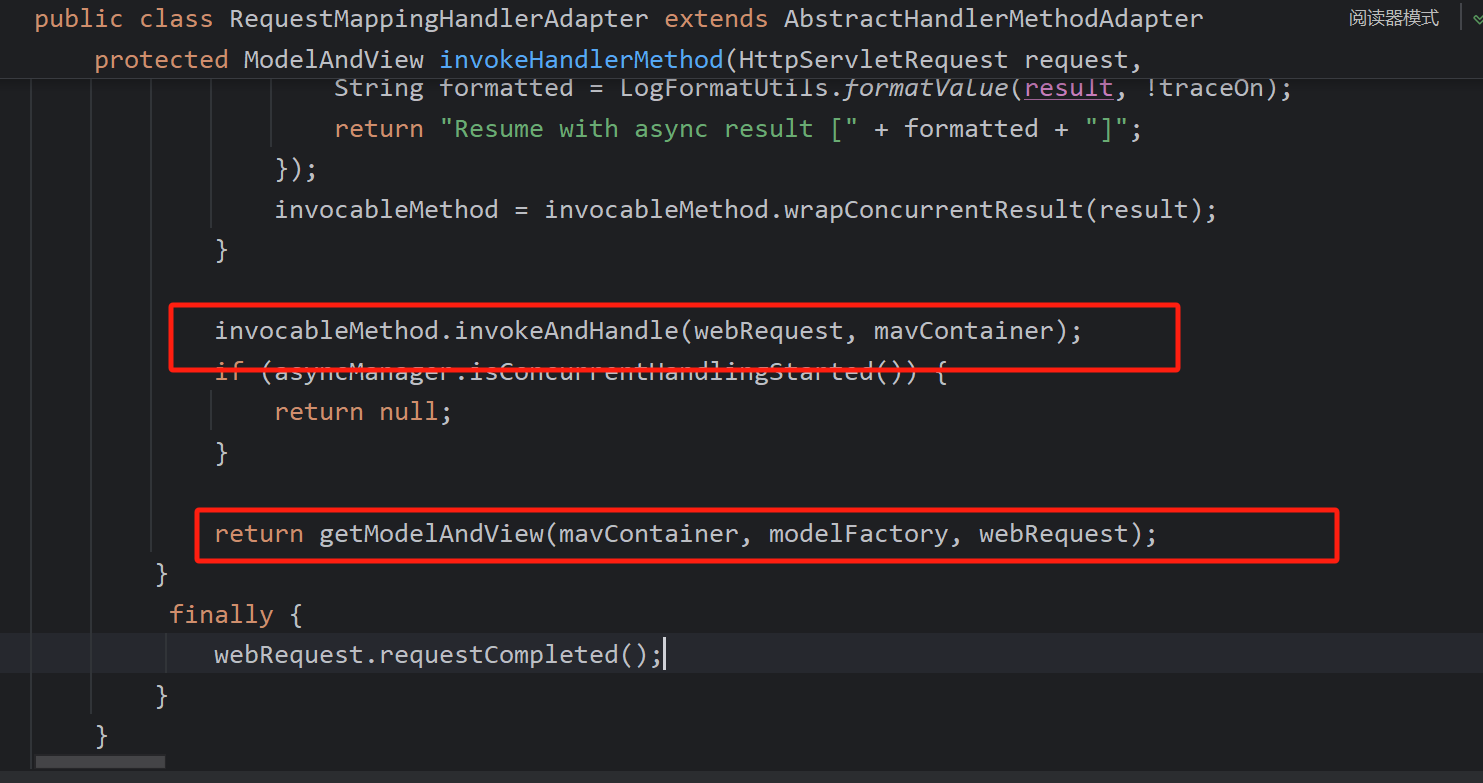
invokeAndHandle is invoked, which obtains arguments, resolves them, calls the actual method, and then processes the return value using a return-value handler.
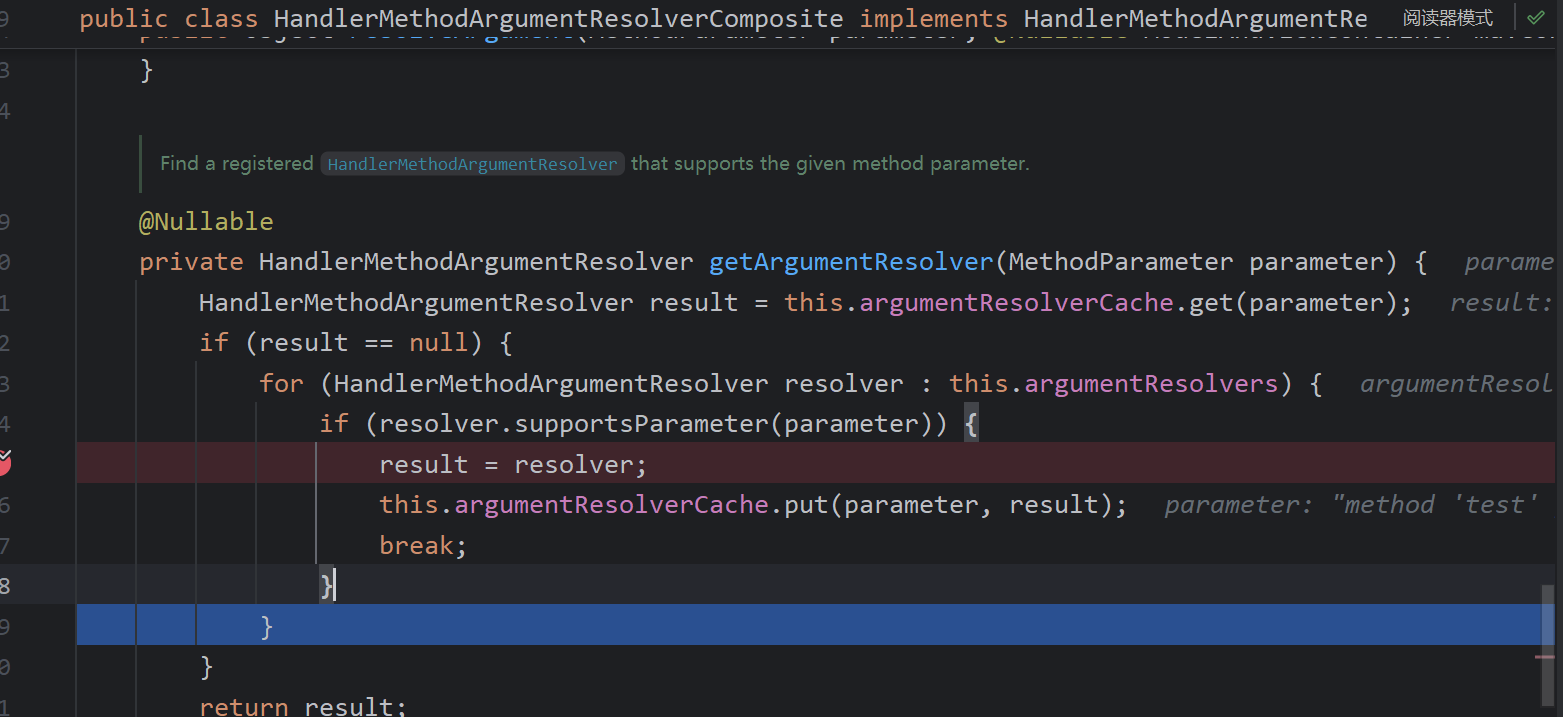
In invokeAndHandle, getArgumentResolver is called, which iterates through the argument resolvers to find one that supports the parameter.
Some resolvers handle annotated parameters:
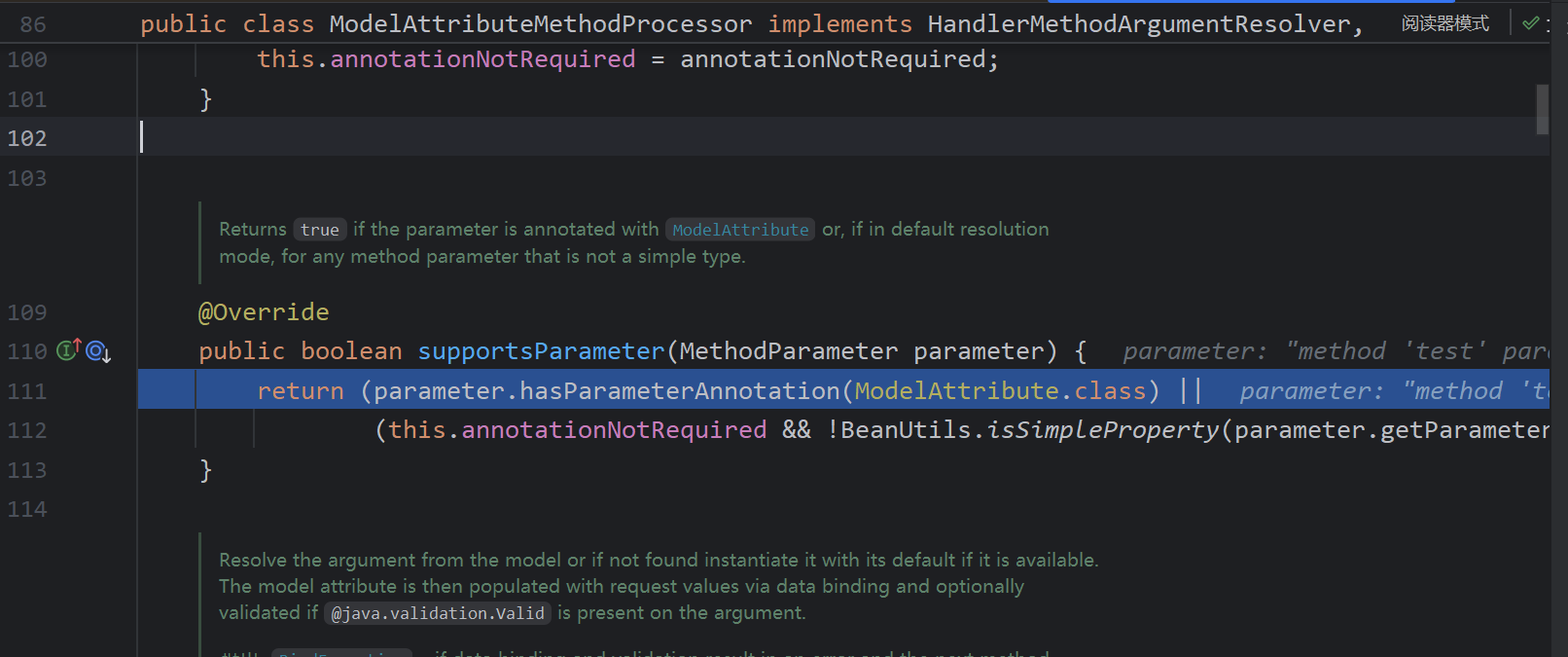
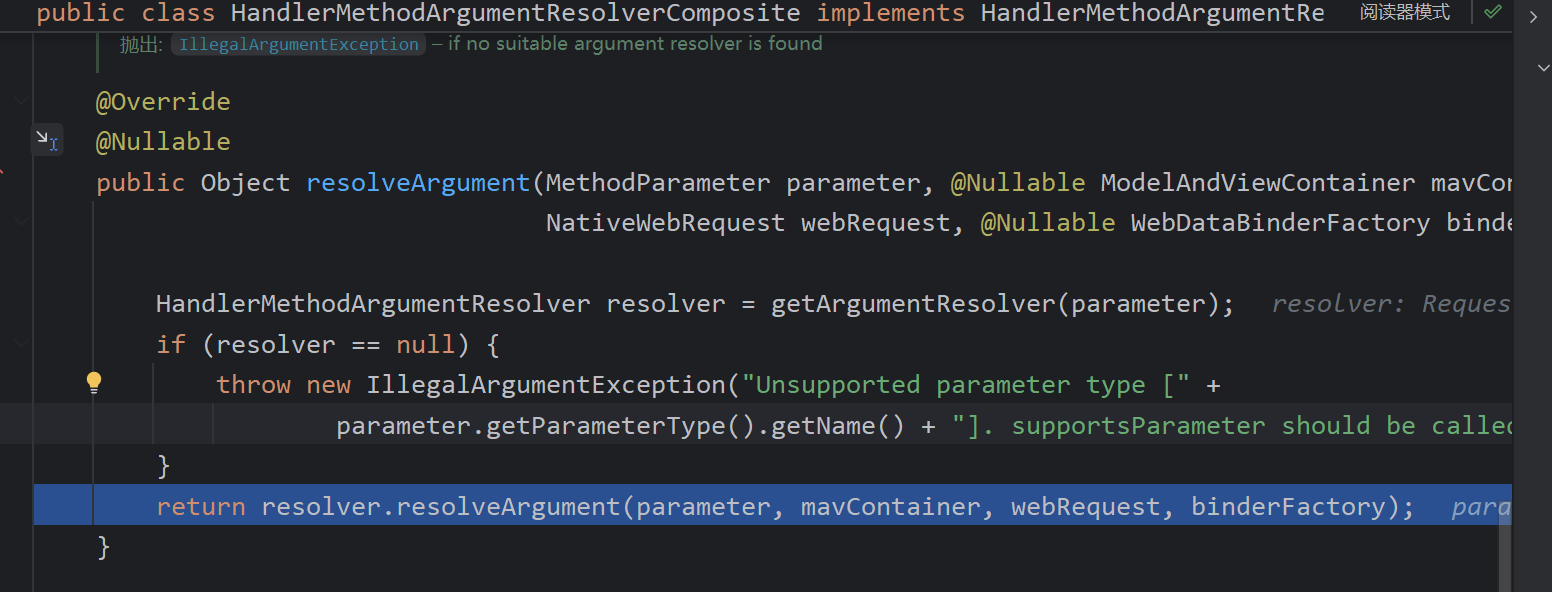
The resolver is then used to resolve the argument.
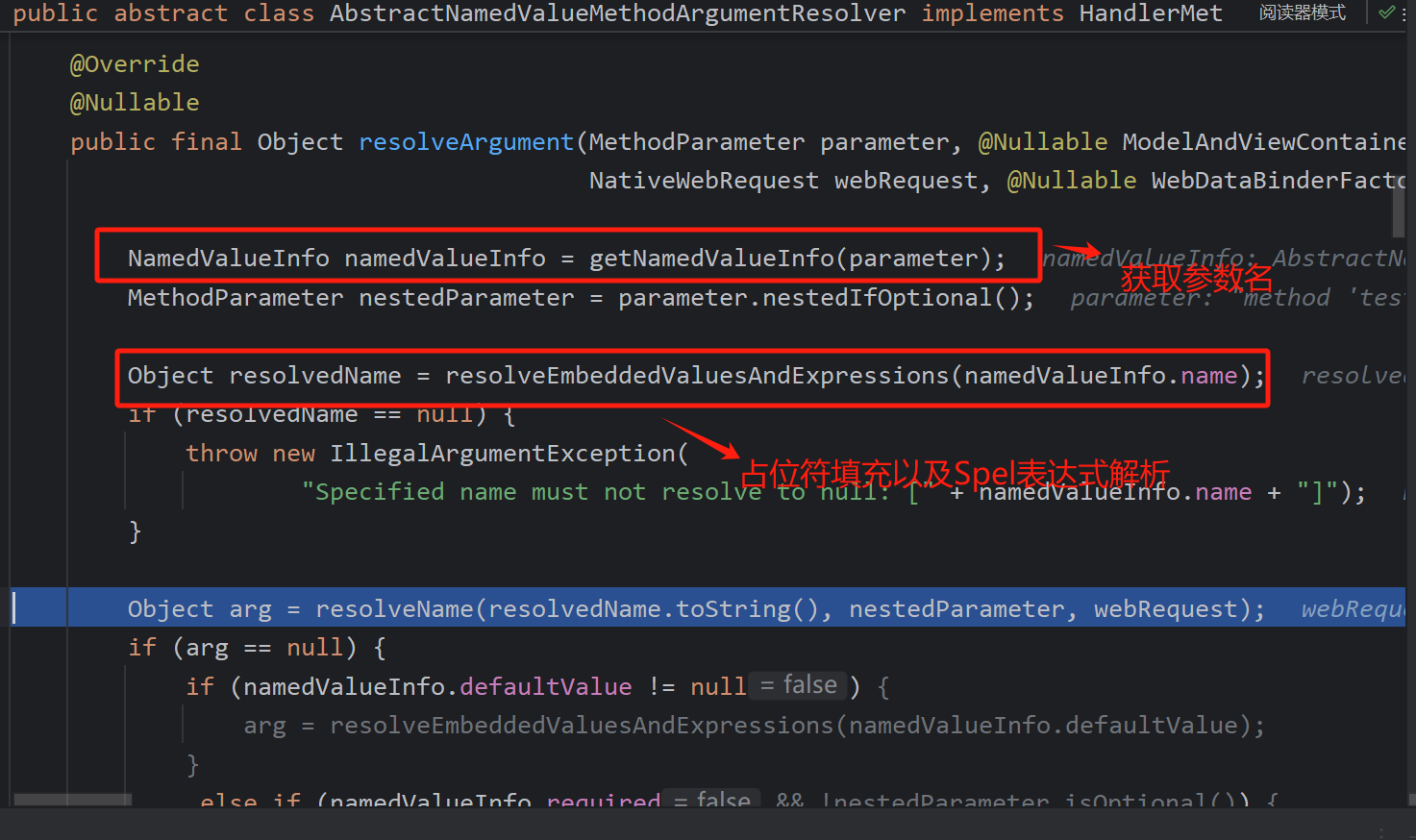
This step retrieves the actual parameter name.
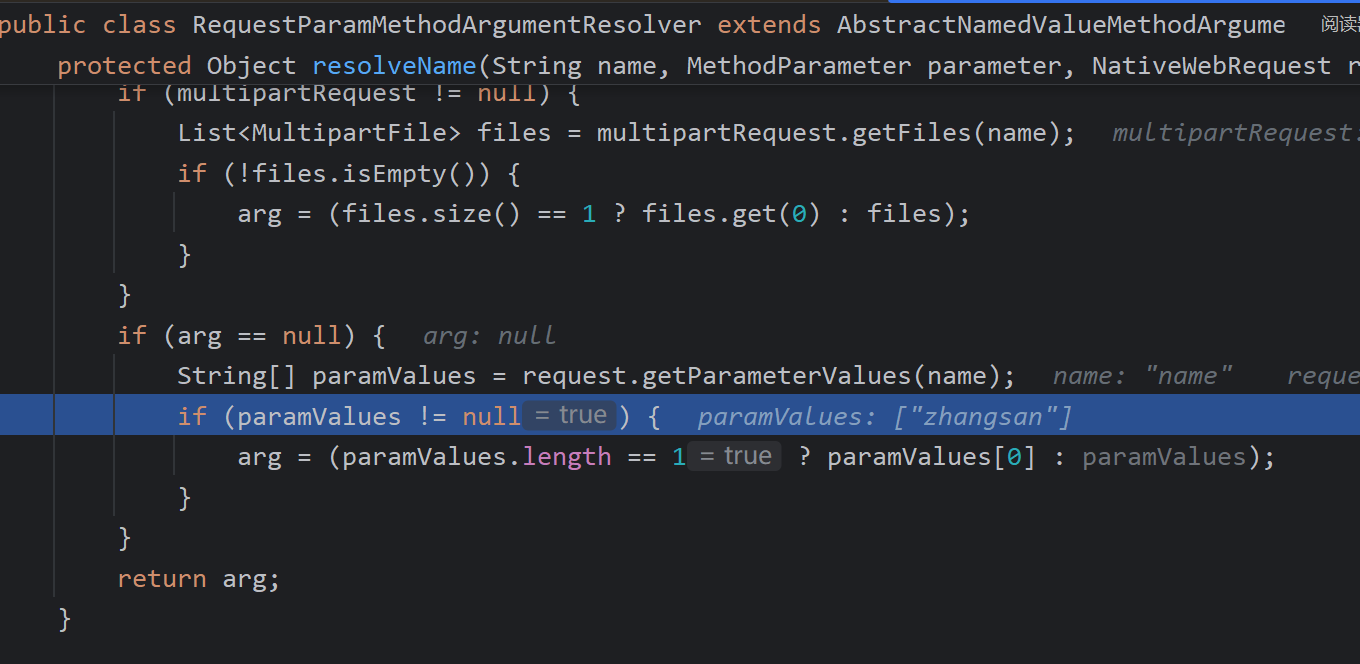
resolveName fetches the value; if it is null, a default value is looked up. If a type converter is configured (e.g., String to Date), it is applied, along with handling of specific annotations. Finally, doInvoke uses reflection to execute the original method.
Now the return-value processing logic kicks in.
Either the response is written directly to the browser or a view is rendered.
returnValueHandlers have been initialized with a set of return-value handlers. handleReturnValue is called.
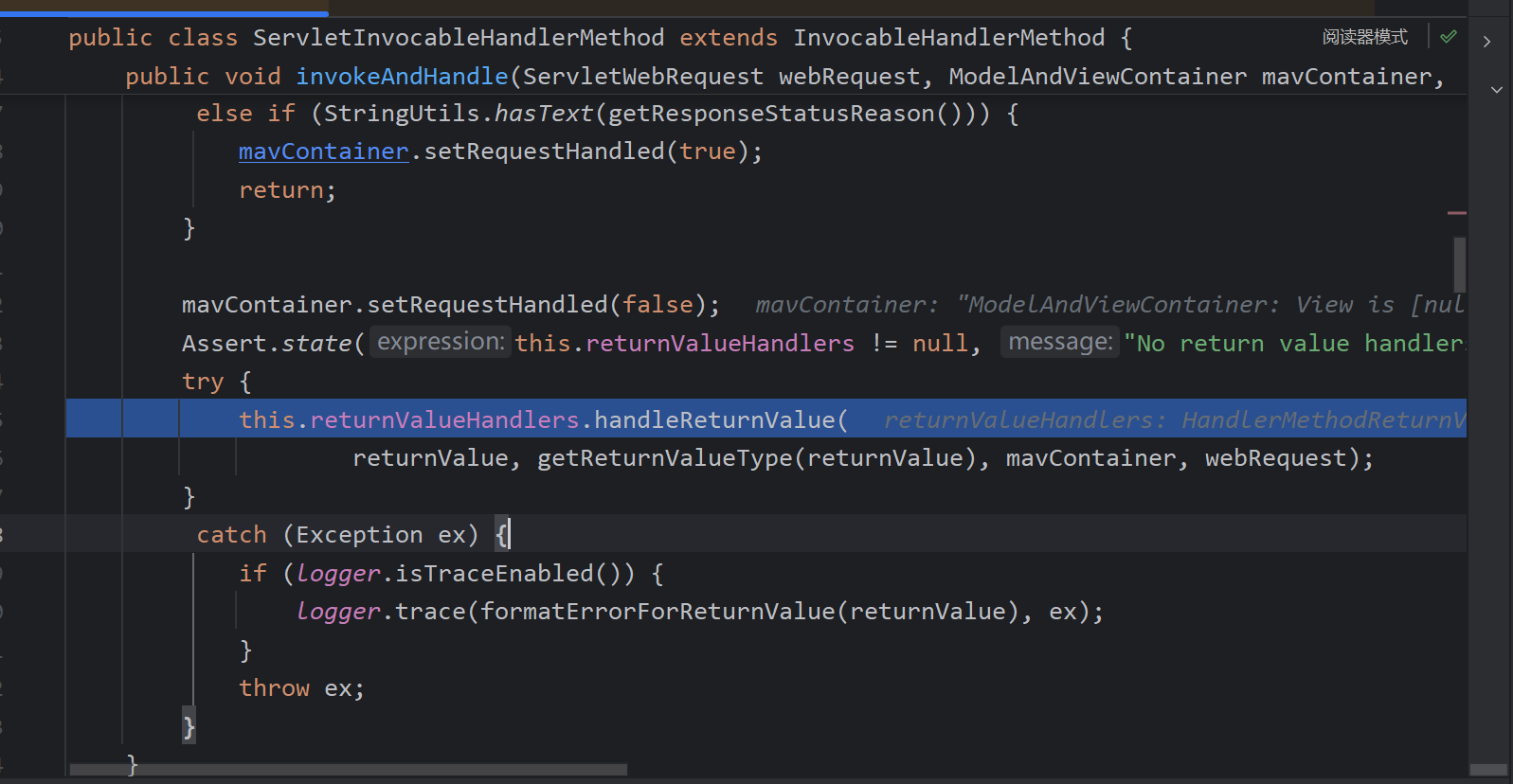
handleReturnValue invokes selectHandler to pick the appropriate return-value resolver.
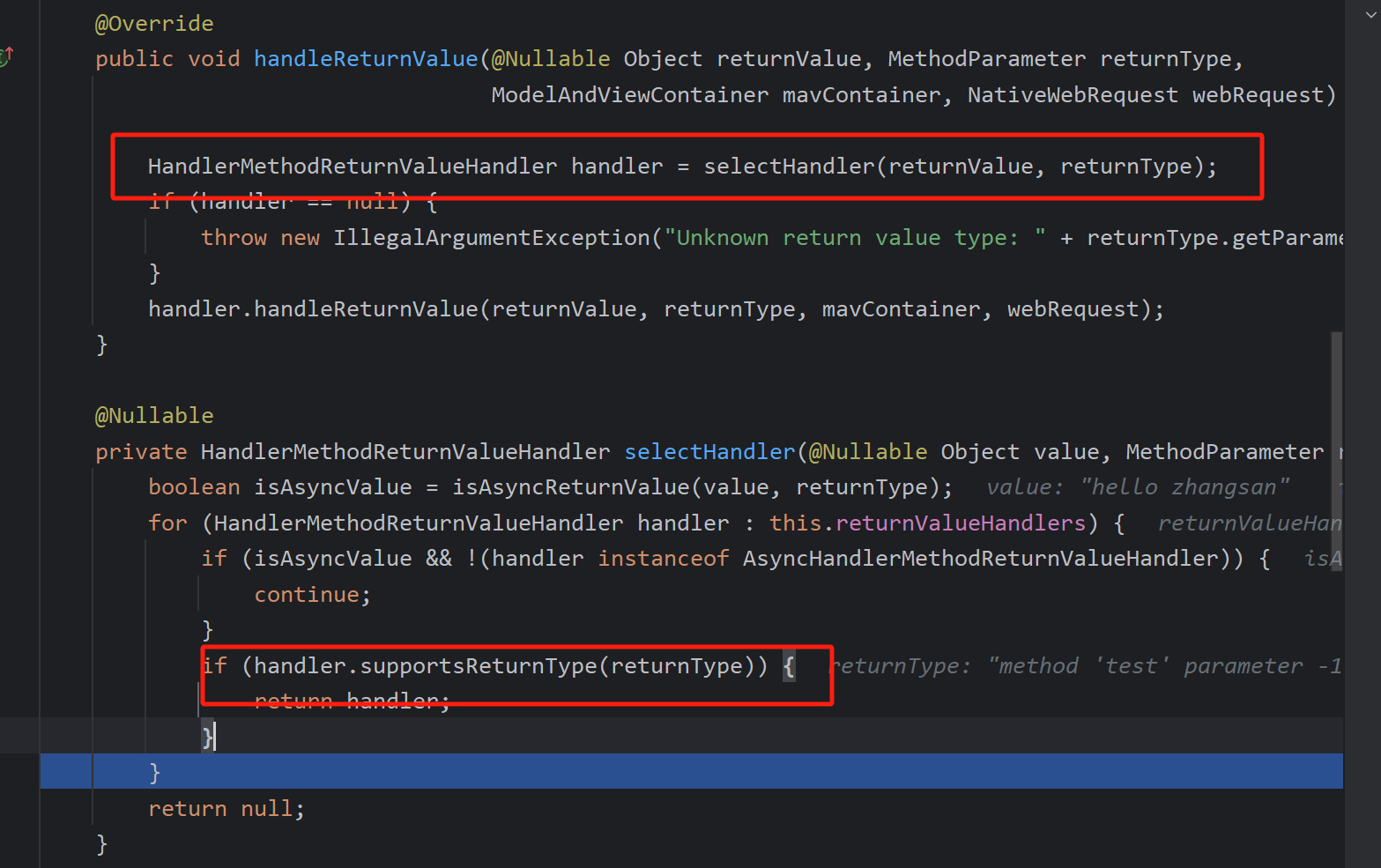
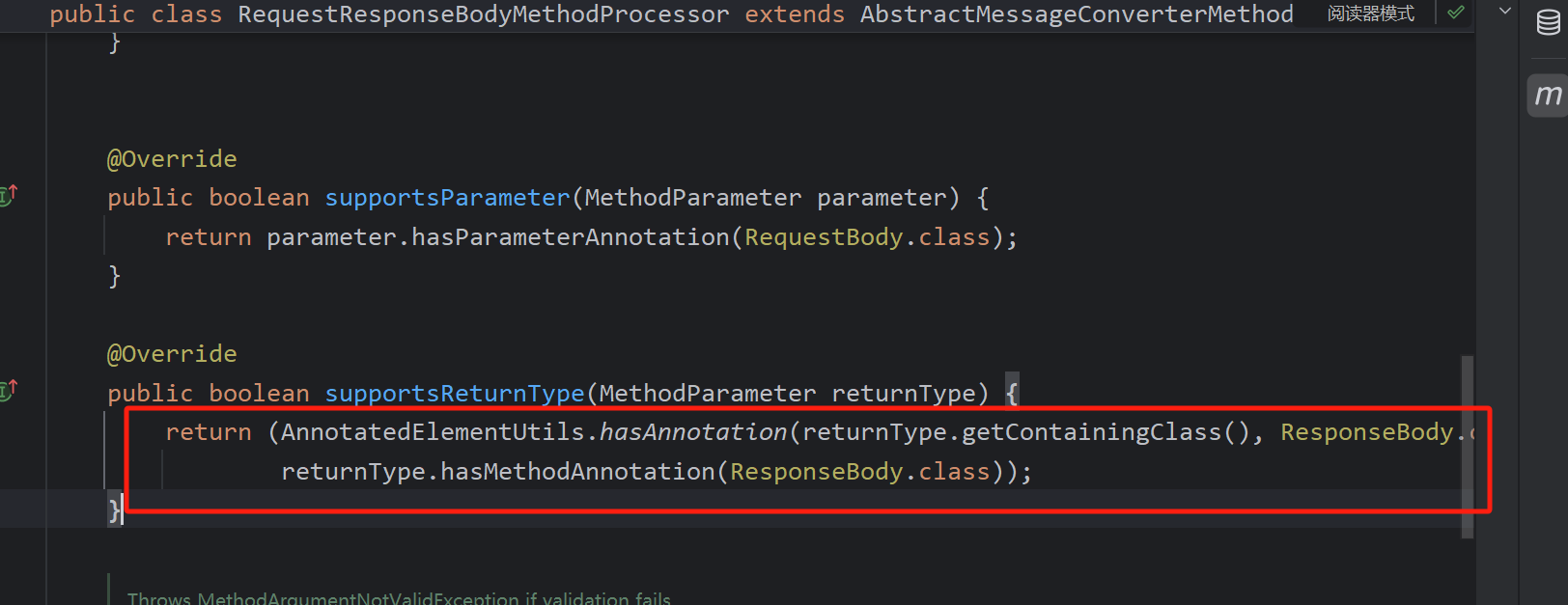
If the method has a @ResponseBody annotation, the corresponding resolver is selected.
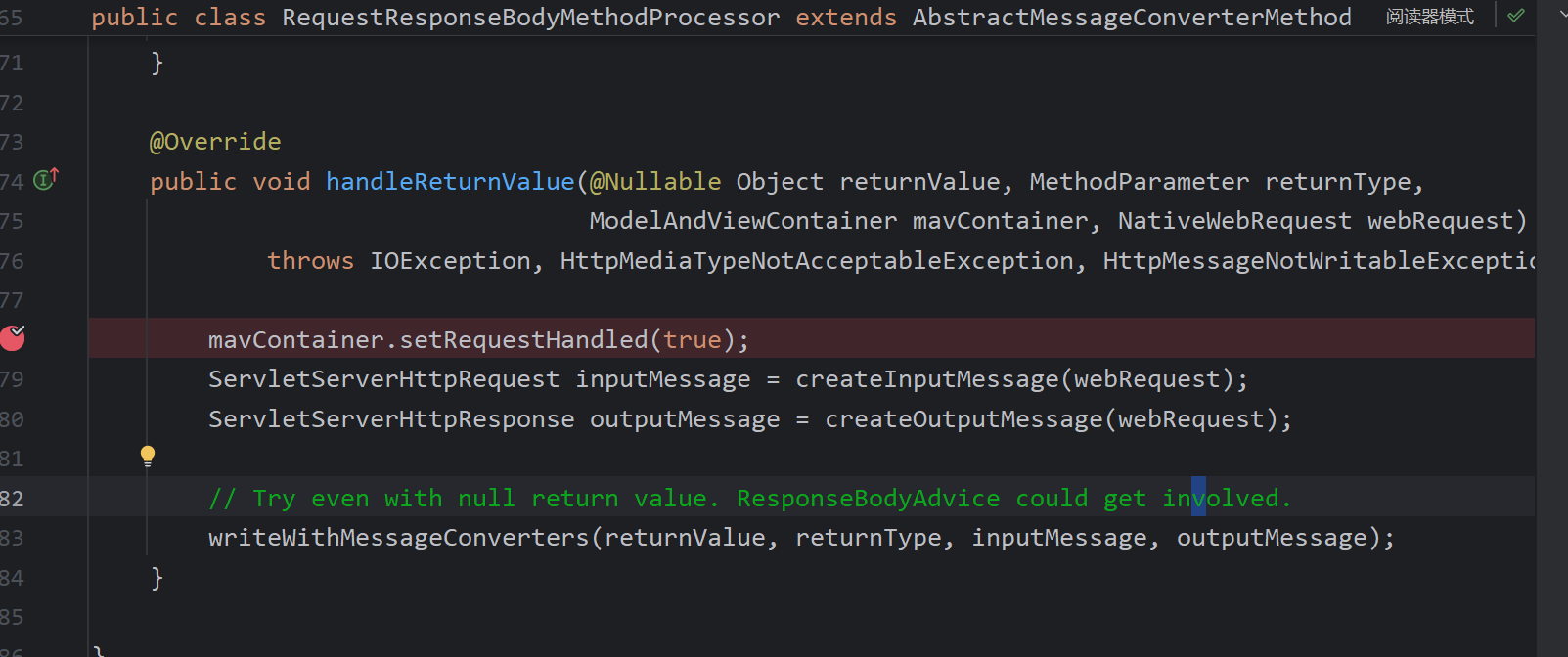
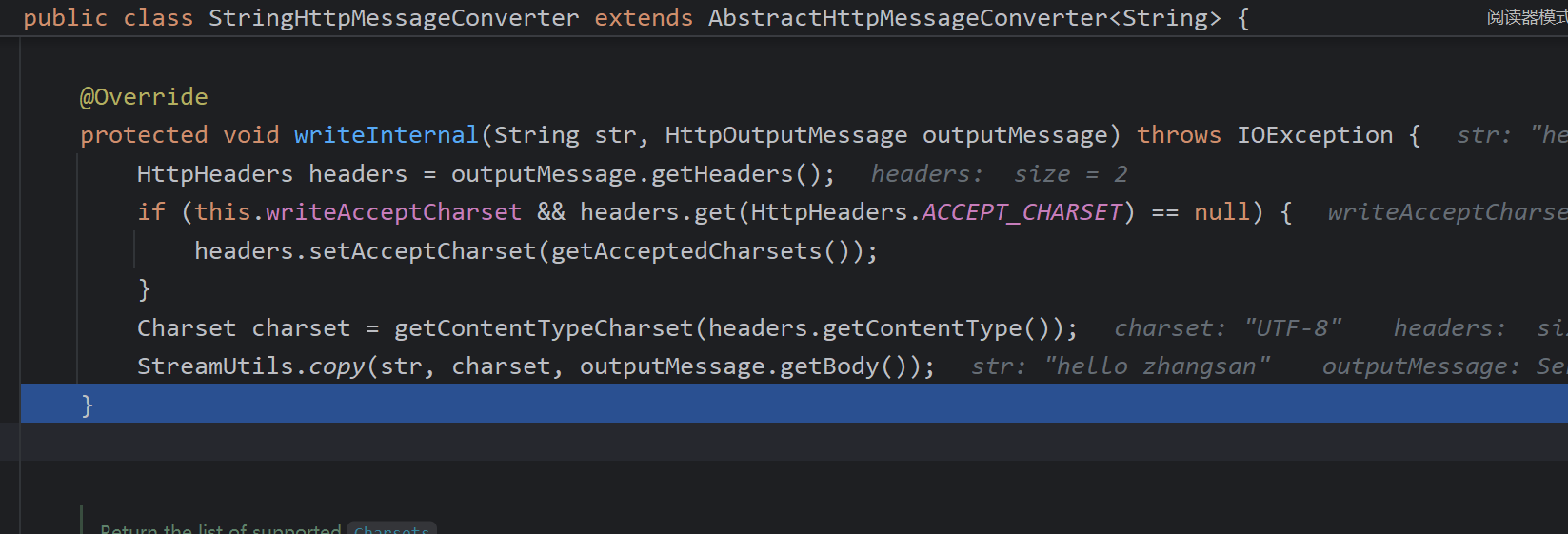
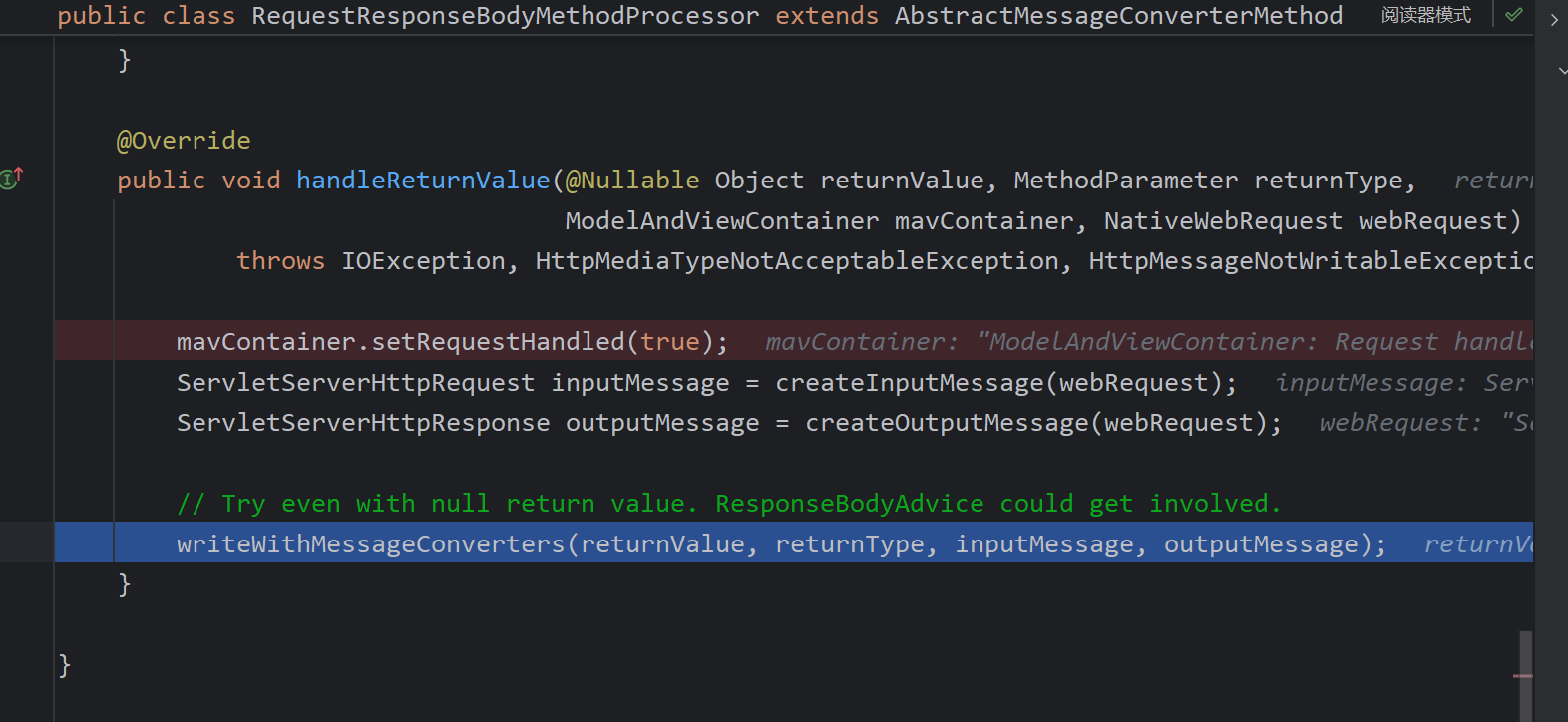
RequestResponseBodyMethodProcessor processes the return value by calling handleReturnValue, which delegates to writeWithMessageConverters.
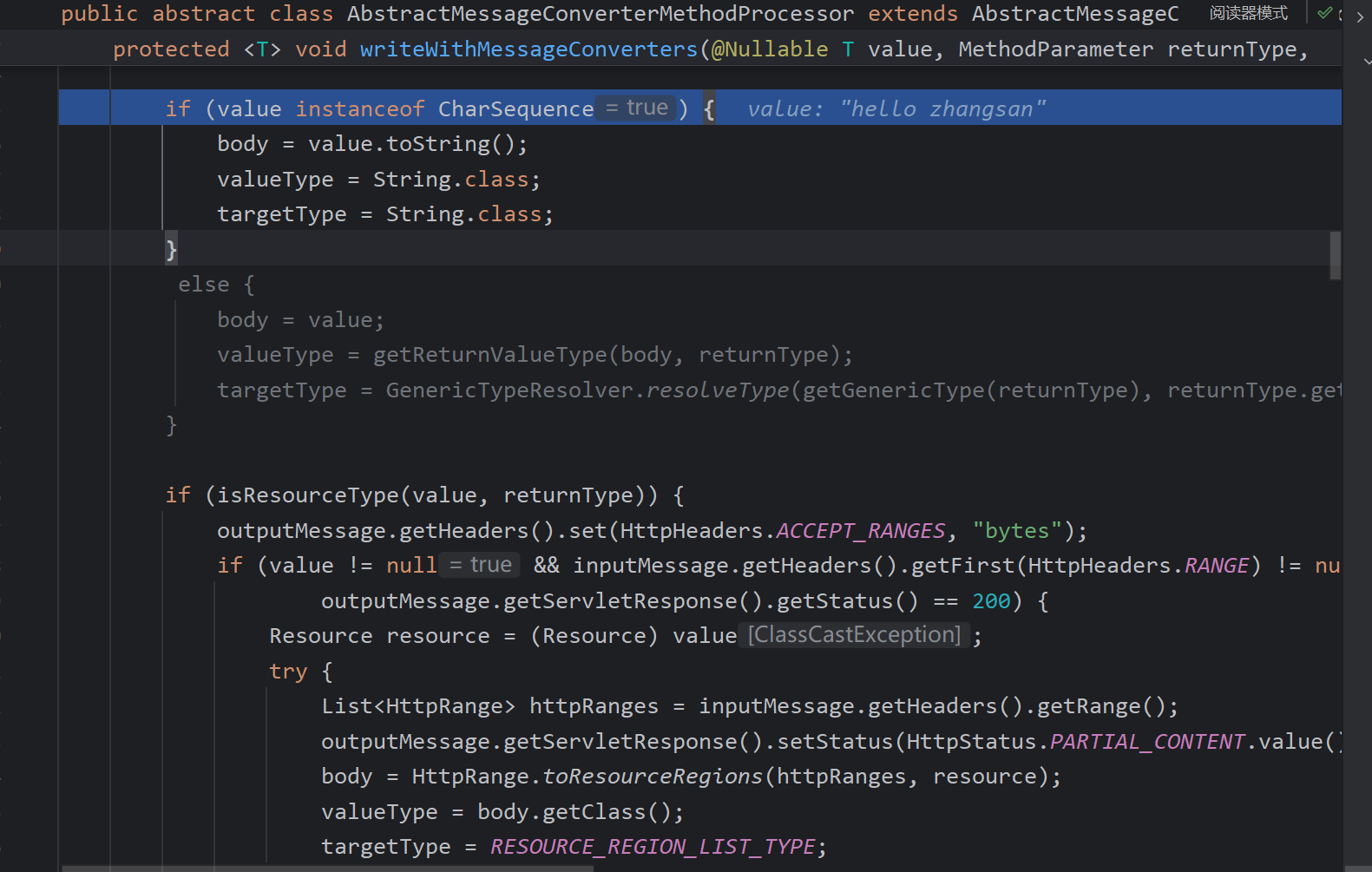
First, it checks whether the return type is a String and sets the value type and parameter type.
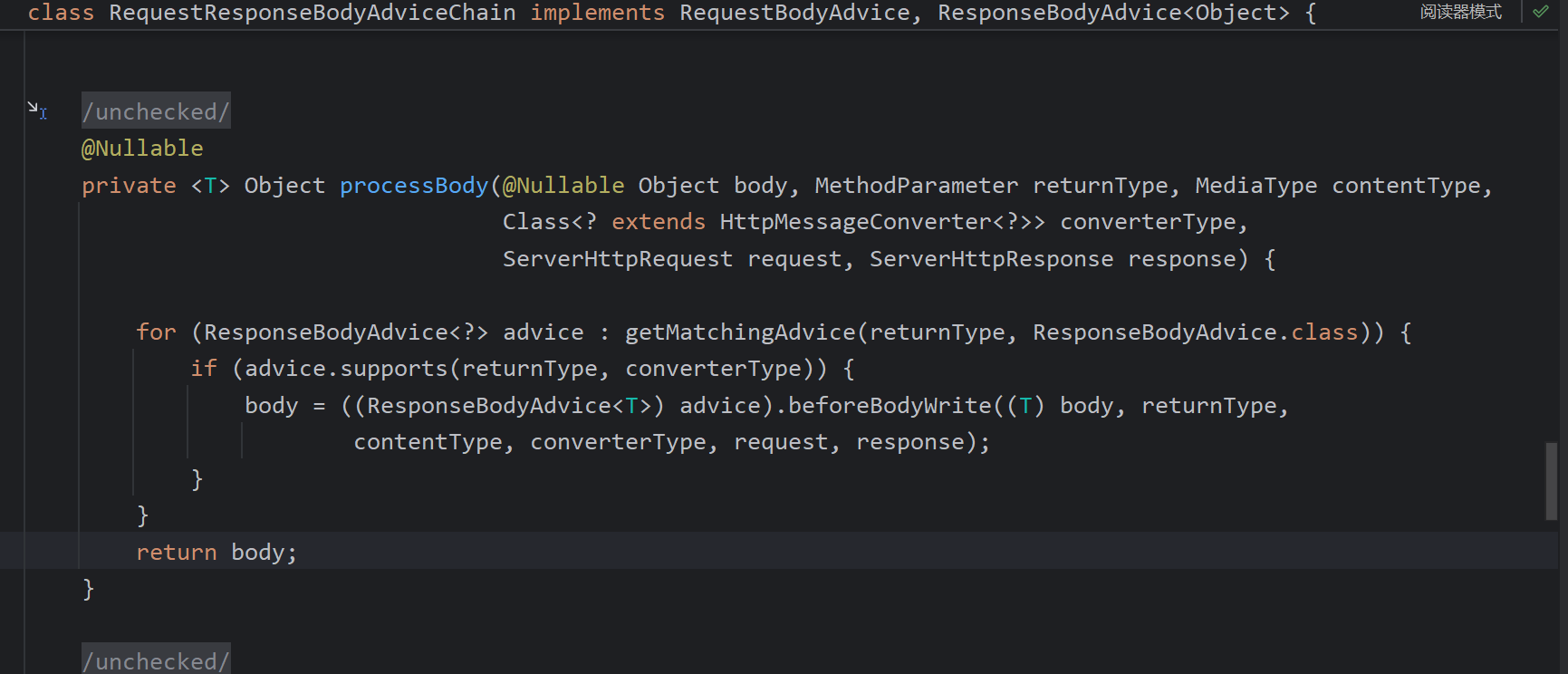
It then loops through the message converters. For String return types, StringHttpMessageConverter is chosen. Next, getAdvice().beforeBodyWrite is called. If any @ControllerAdvice or similar advice is registered, its beforeBodyWrite runs before the body is written.
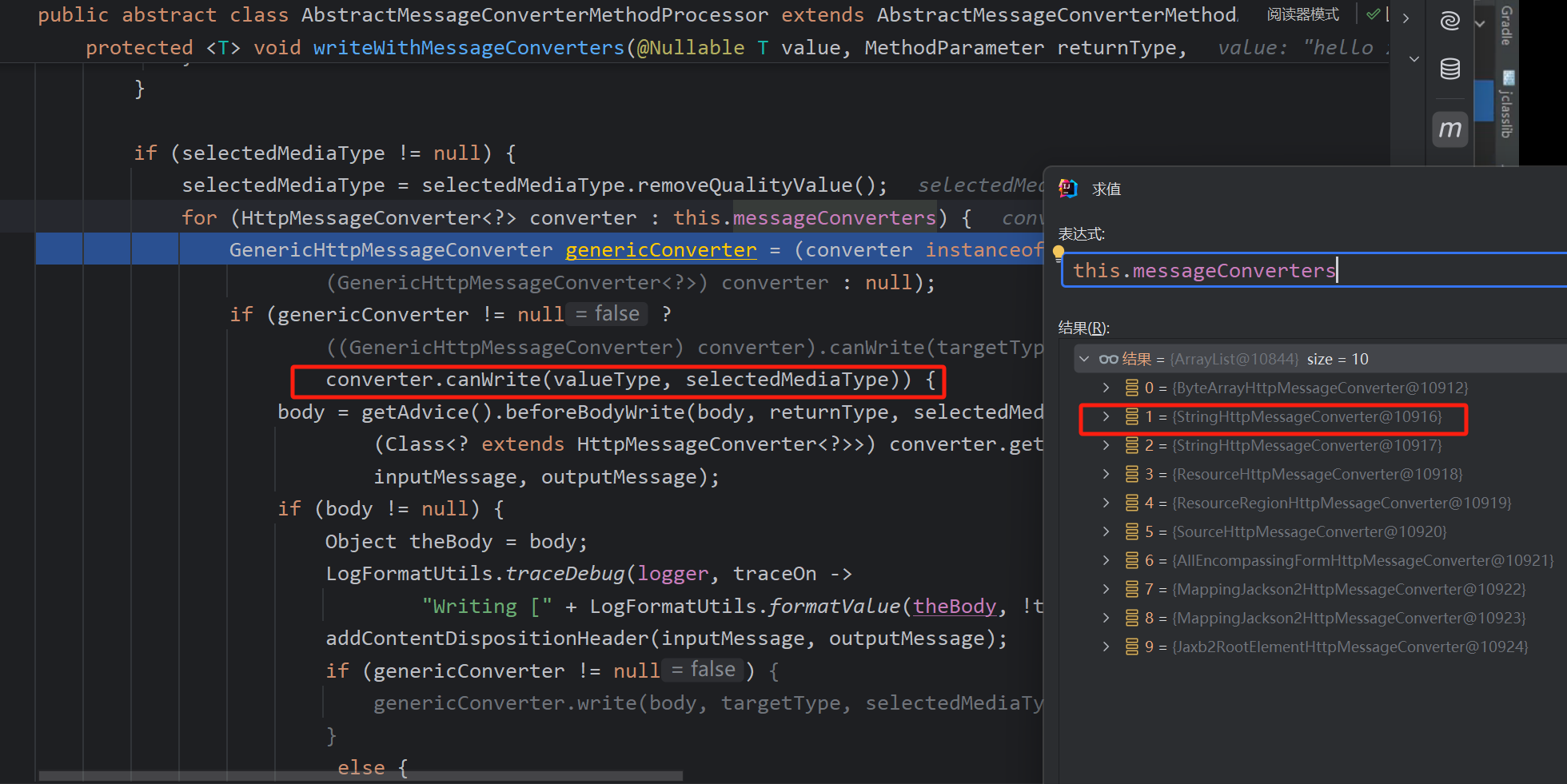
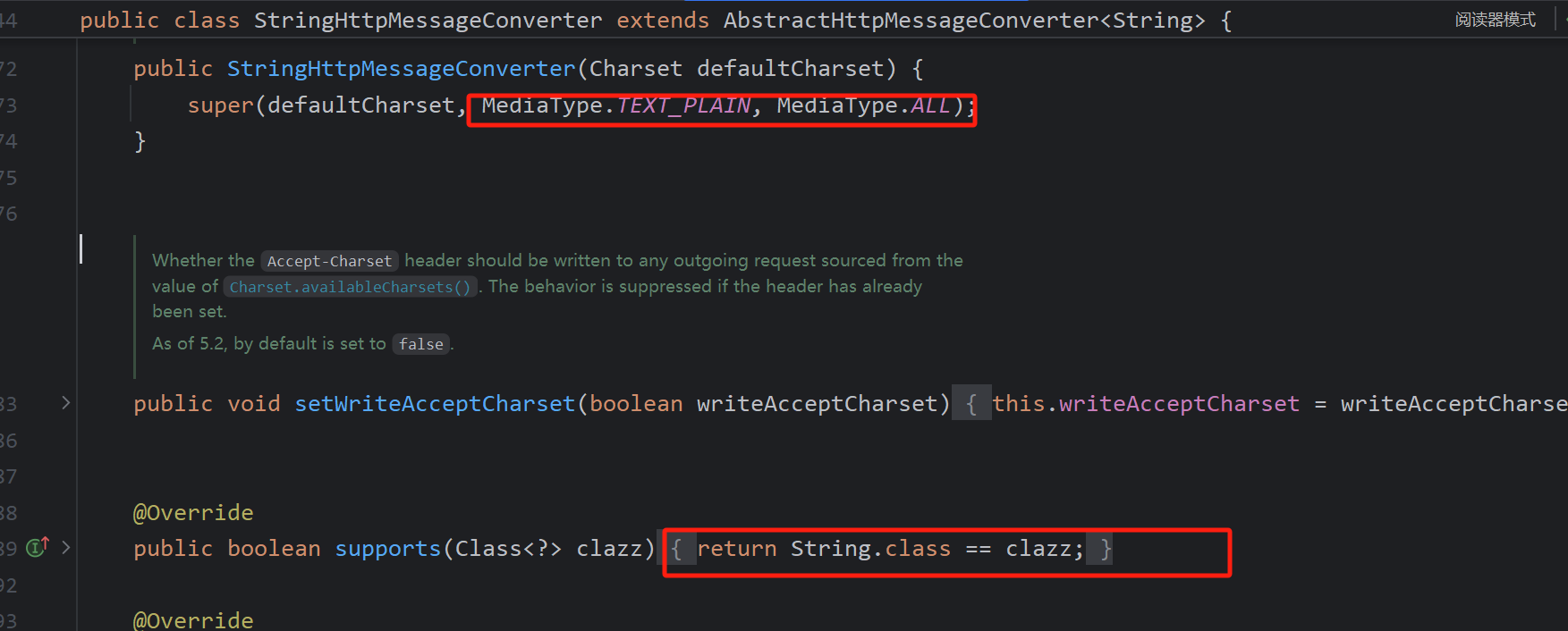
This converter supports plain text and any type. In the canWrite check shown earlier, both the value type and the selected media type (acceptable to the browser) are supported.
Finally, the response is written directly.
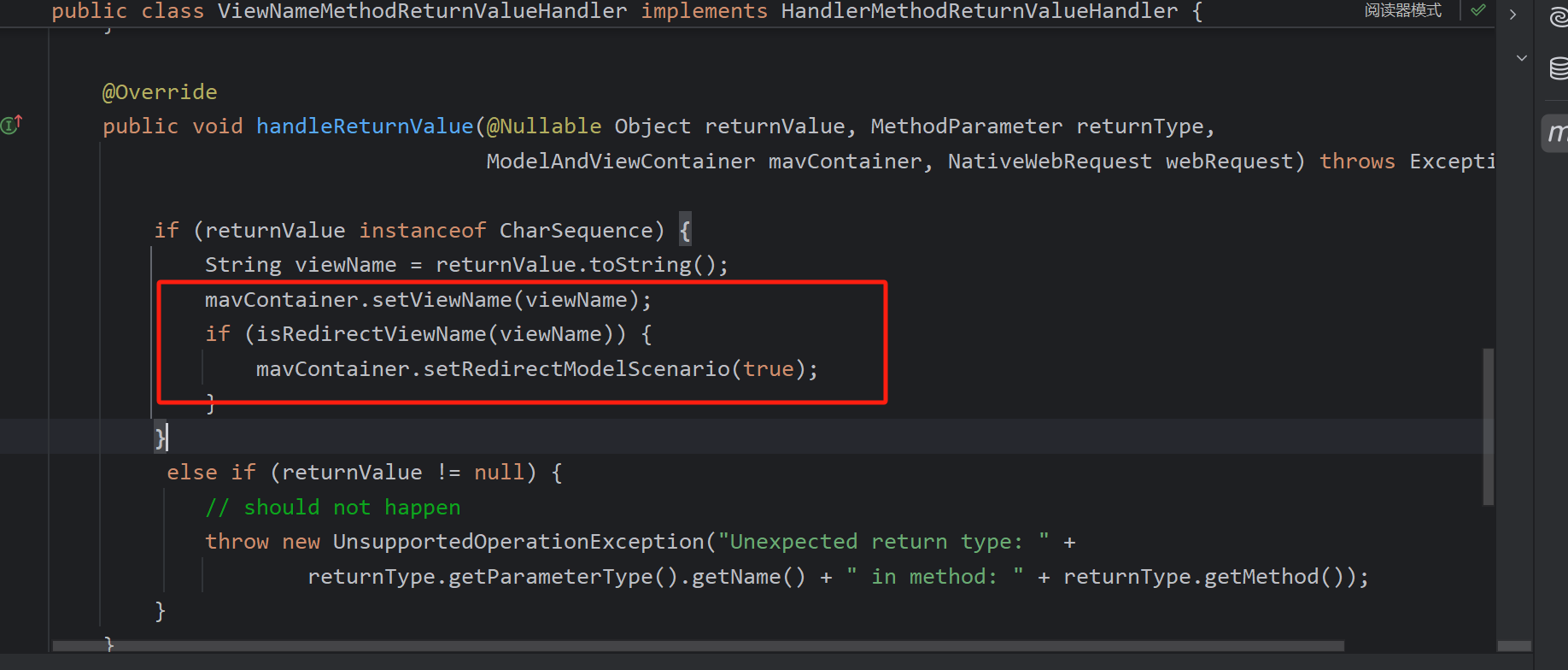
Many other return-value handlers exist, such as ViewNameMethodReturnValueHandler, which determines whether a redirect is needed and stores the view name in the ModelAndView container for later resolution.
DispatcherServlet View Rendering
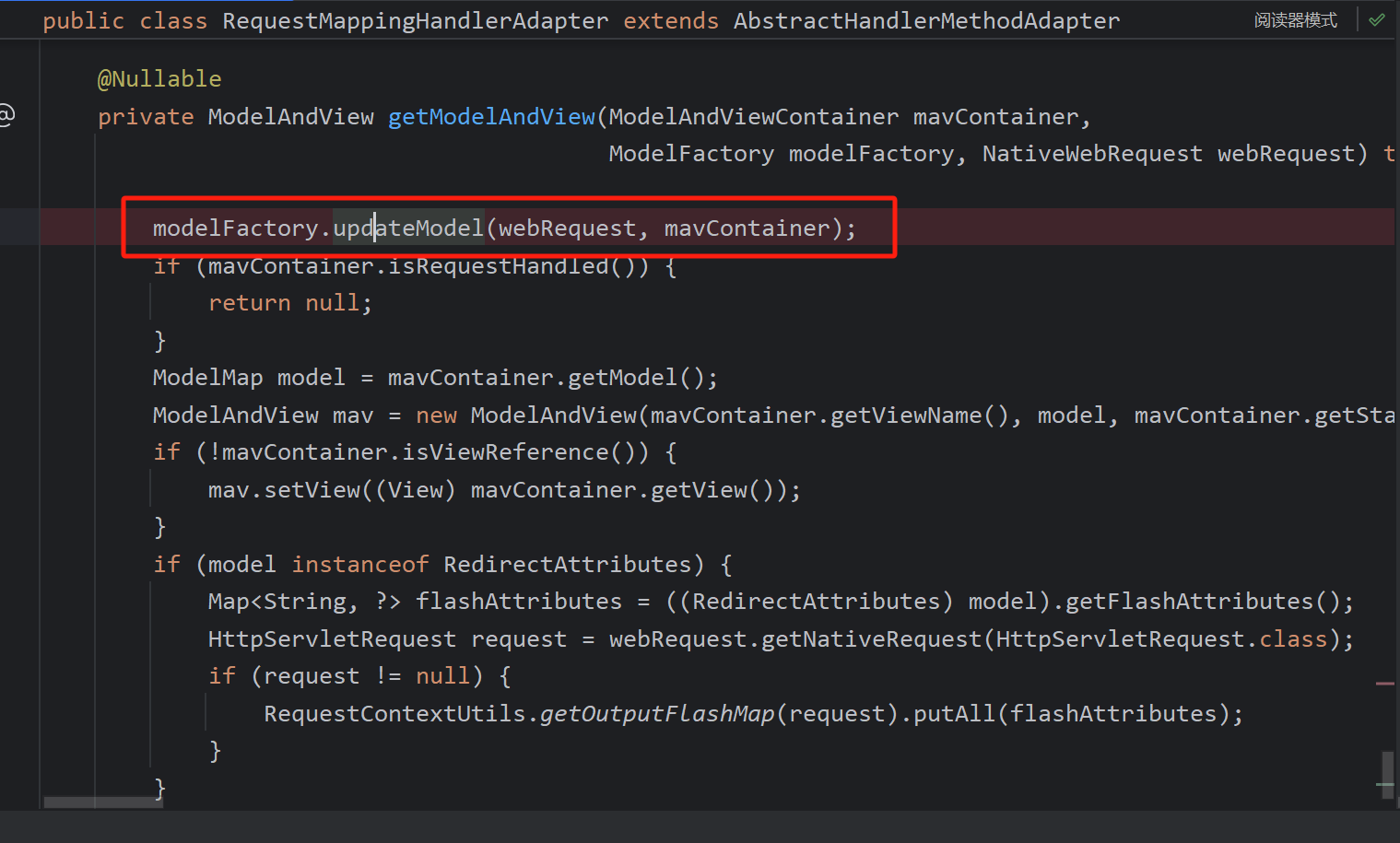
After invokeAndHandle processes the return value, getModelAndView is called to obtain the ModelAndView.
It first calls updateModel, placing attributes annotated with @SessionAttributes into the model, sets the view name, and creates the ModelAndView to return.
If the method had @ResponseBody, the requestHandled flag was already set to true during return-value processing, so no view rendering occurs.
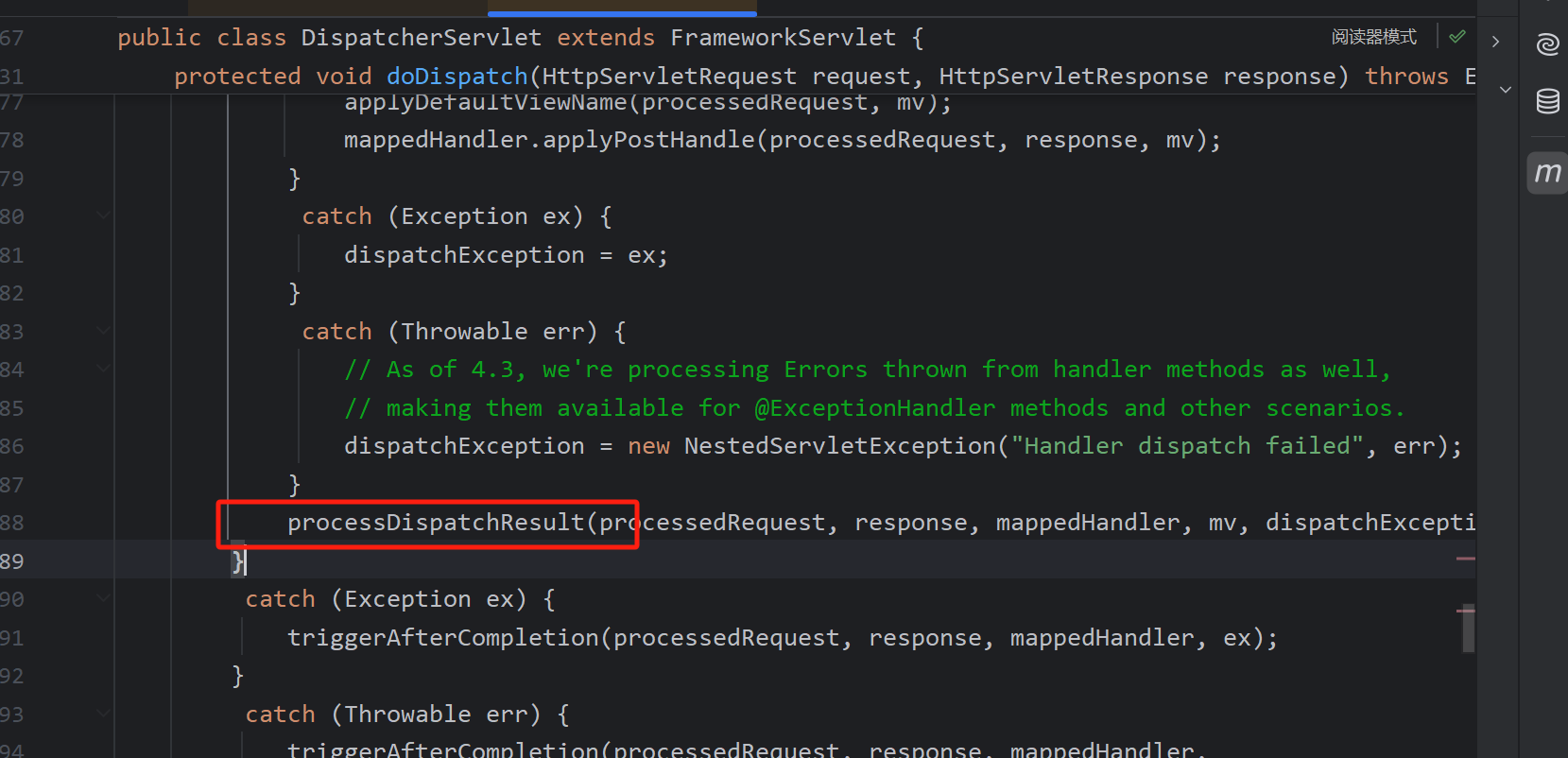
Next, processDispatchResult is called for rendering.
It calls render, which uses the configured view resolvers to resolve the view name.
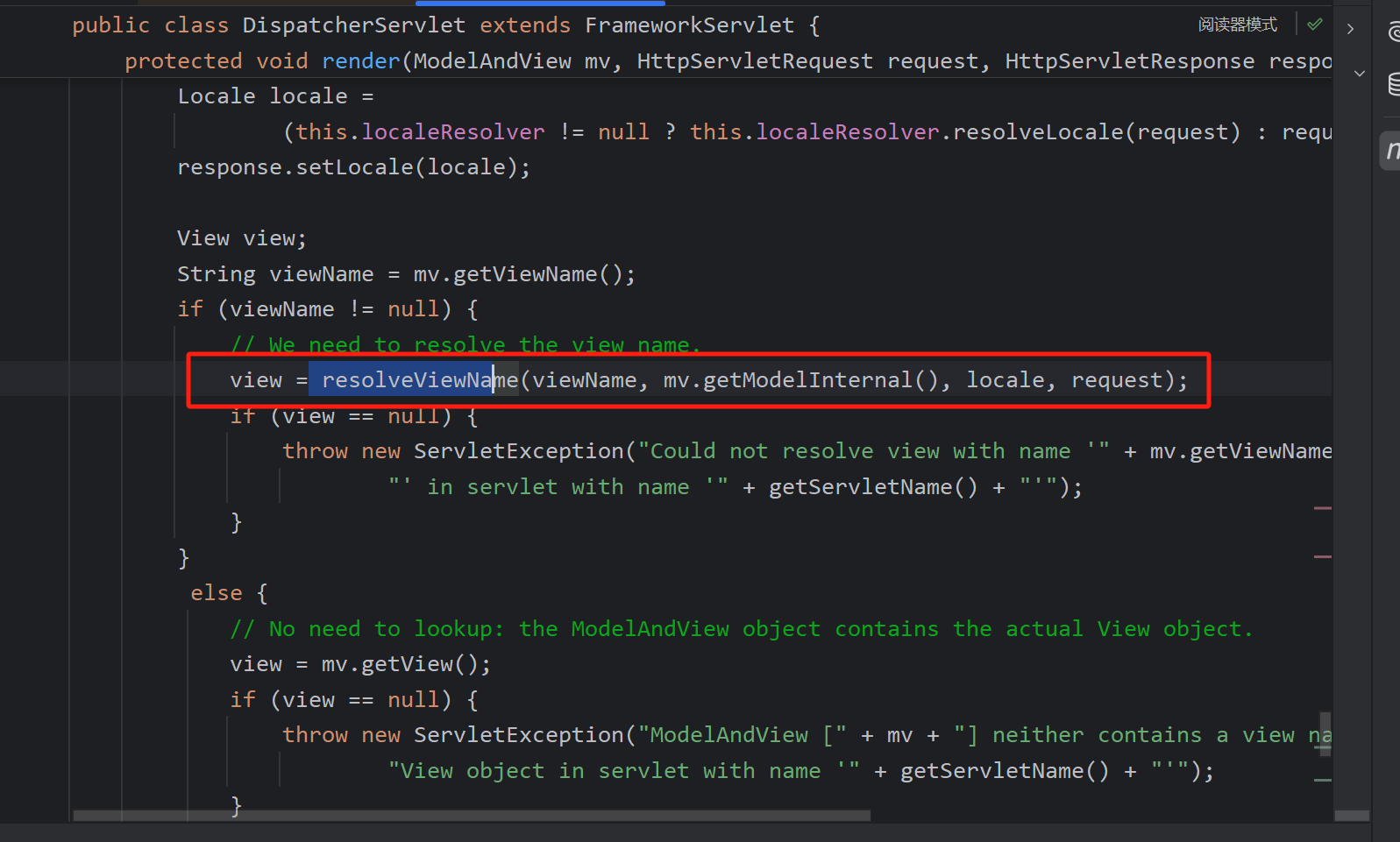
(The debugger started having issues here; the rest is based on code reading.)
The core handling in the demo is the creation of the view. After handling redirect and forward scenarios, it enters the parent class’s createView.
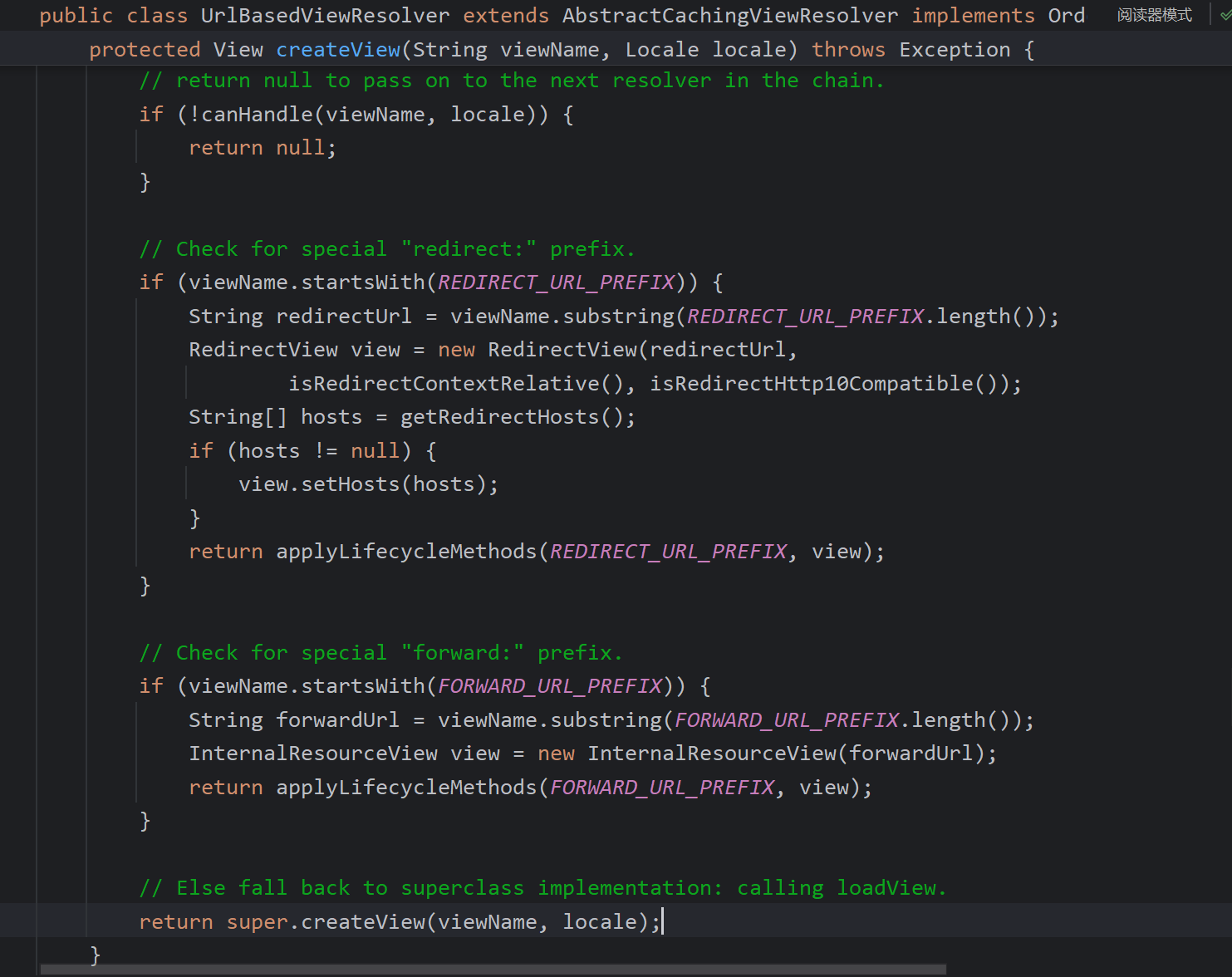
Eventually, UrlBasedViewResolver#buildView creates the view and sets the URL. In this case no prefix or suffix was configured, so the view’s URL is just index.
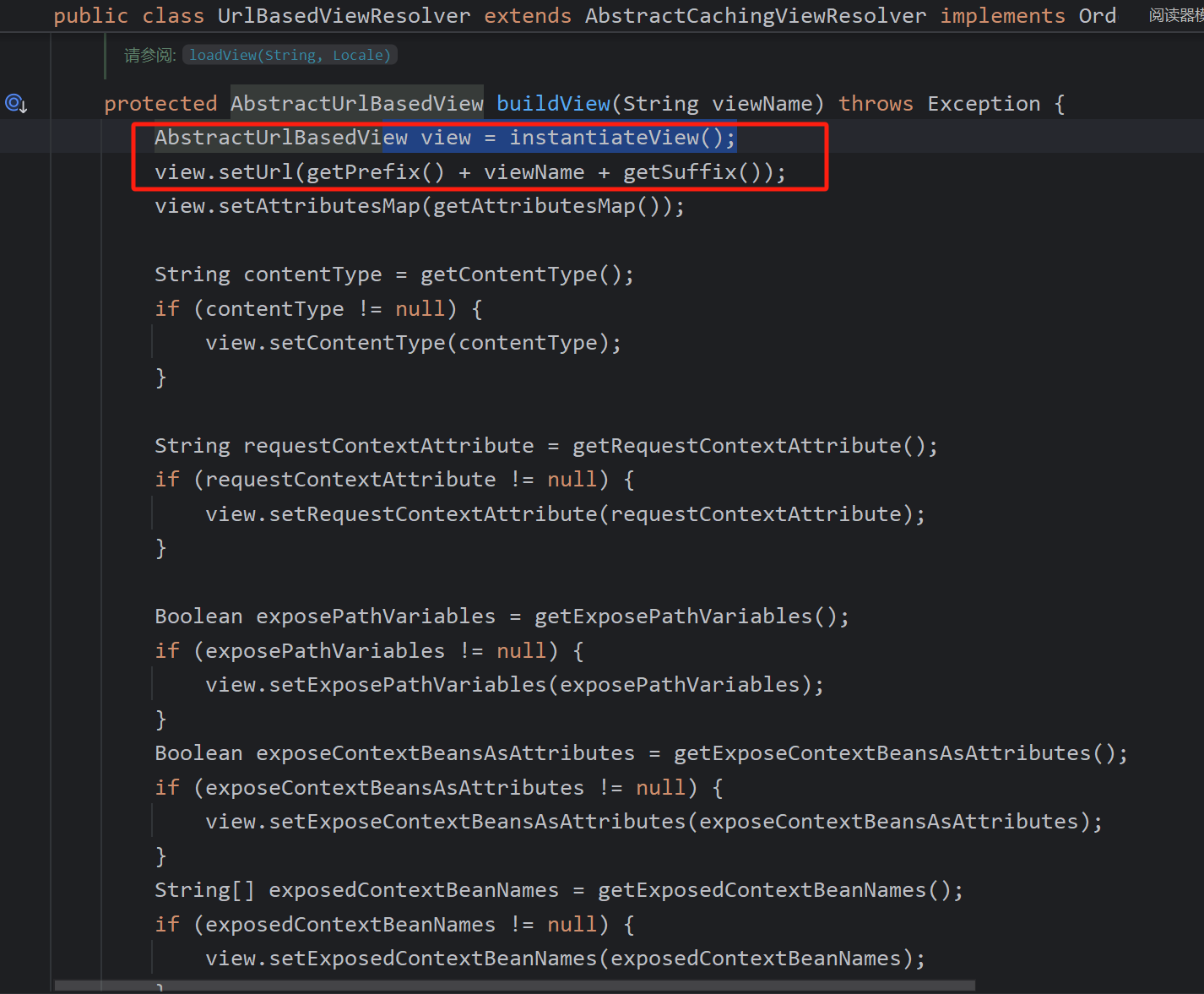
The view.render method searches for the resource. The key method is:
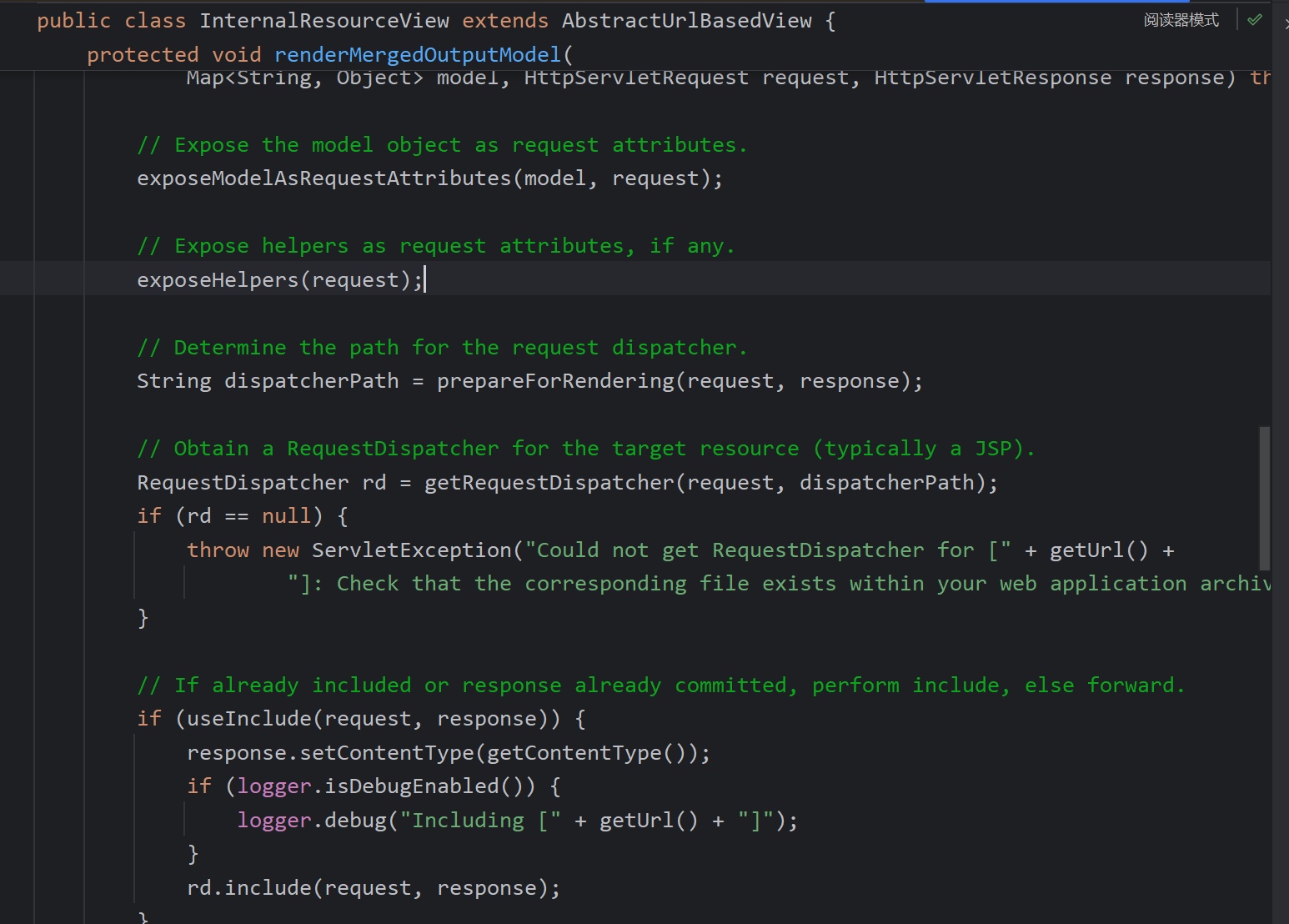
exposeModelAsRequestAttributes iterates through the model and sets attributes in the request so they can be used after forwarding.
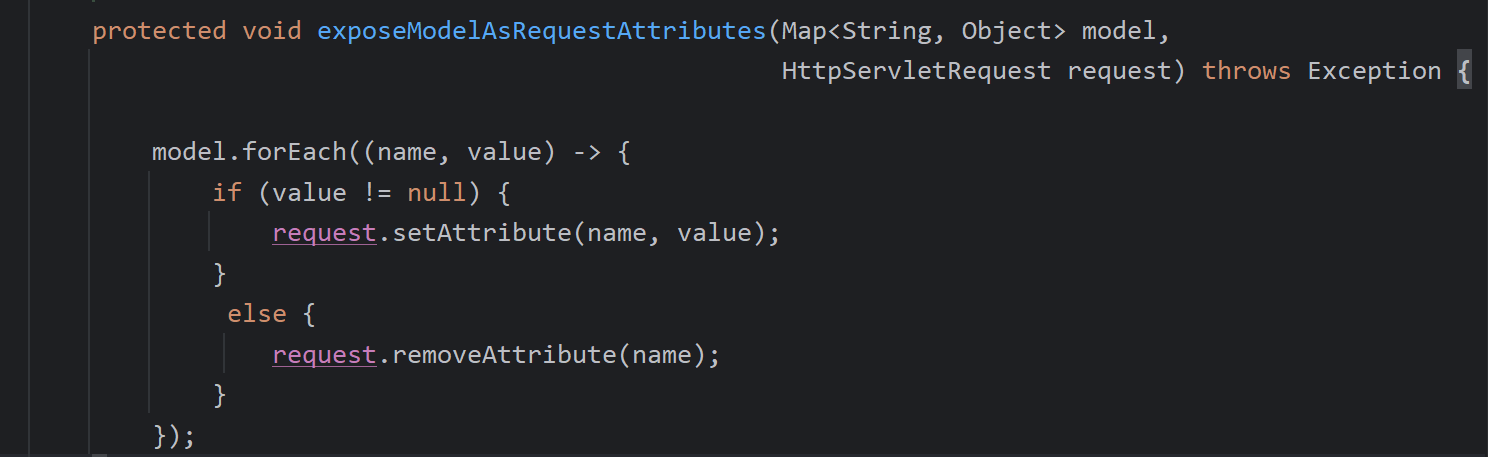
Then a function is called to locate the path, which becomes the previously set index.
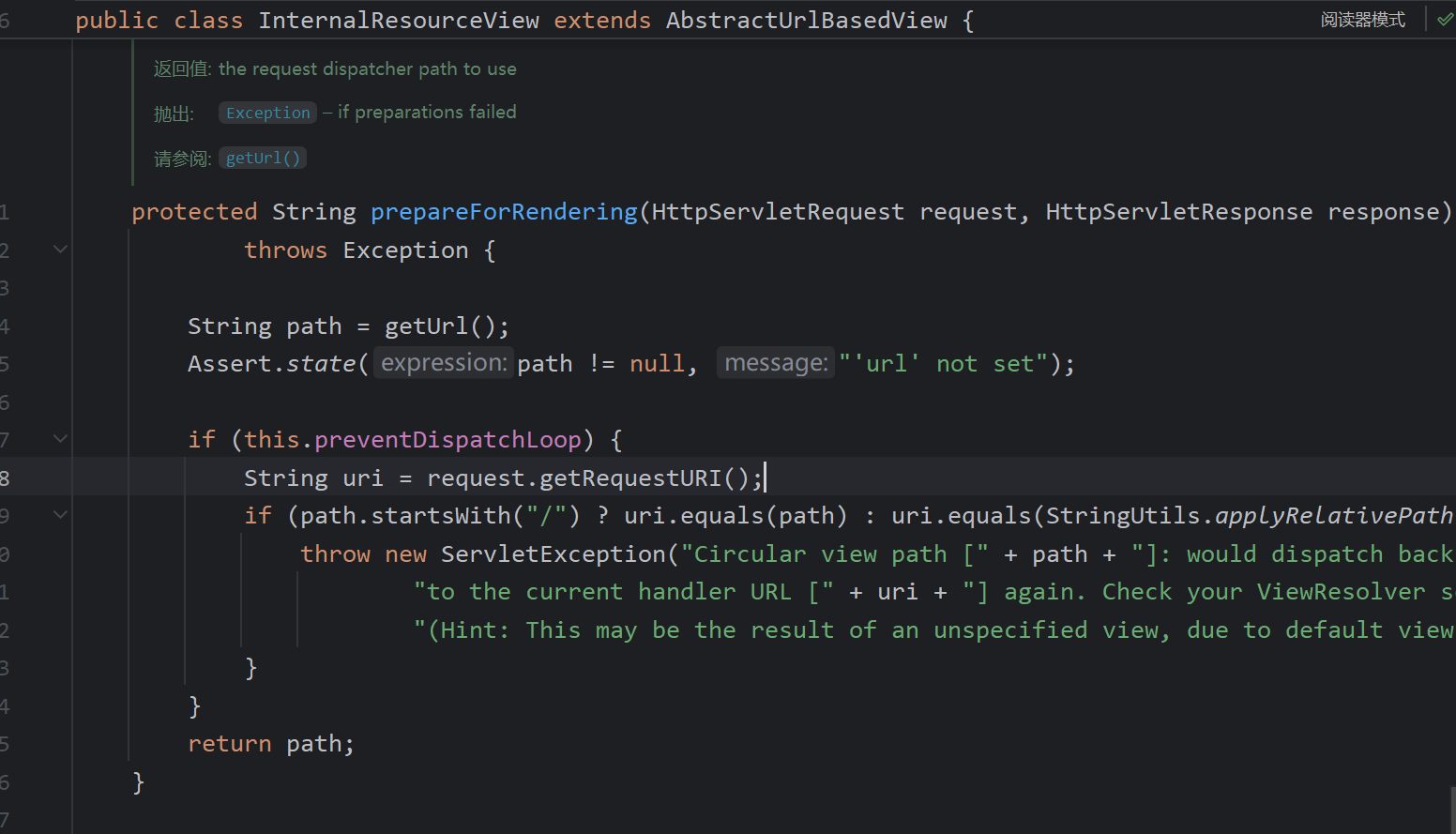
A RequestDispatcher (Tomcat’s internal forwarder) is created using this path: DispatcherServlet root + index → http://..../app/index, and the request is forwarded. Obviously this path cannot be found unless a static resource or a JSP exists.
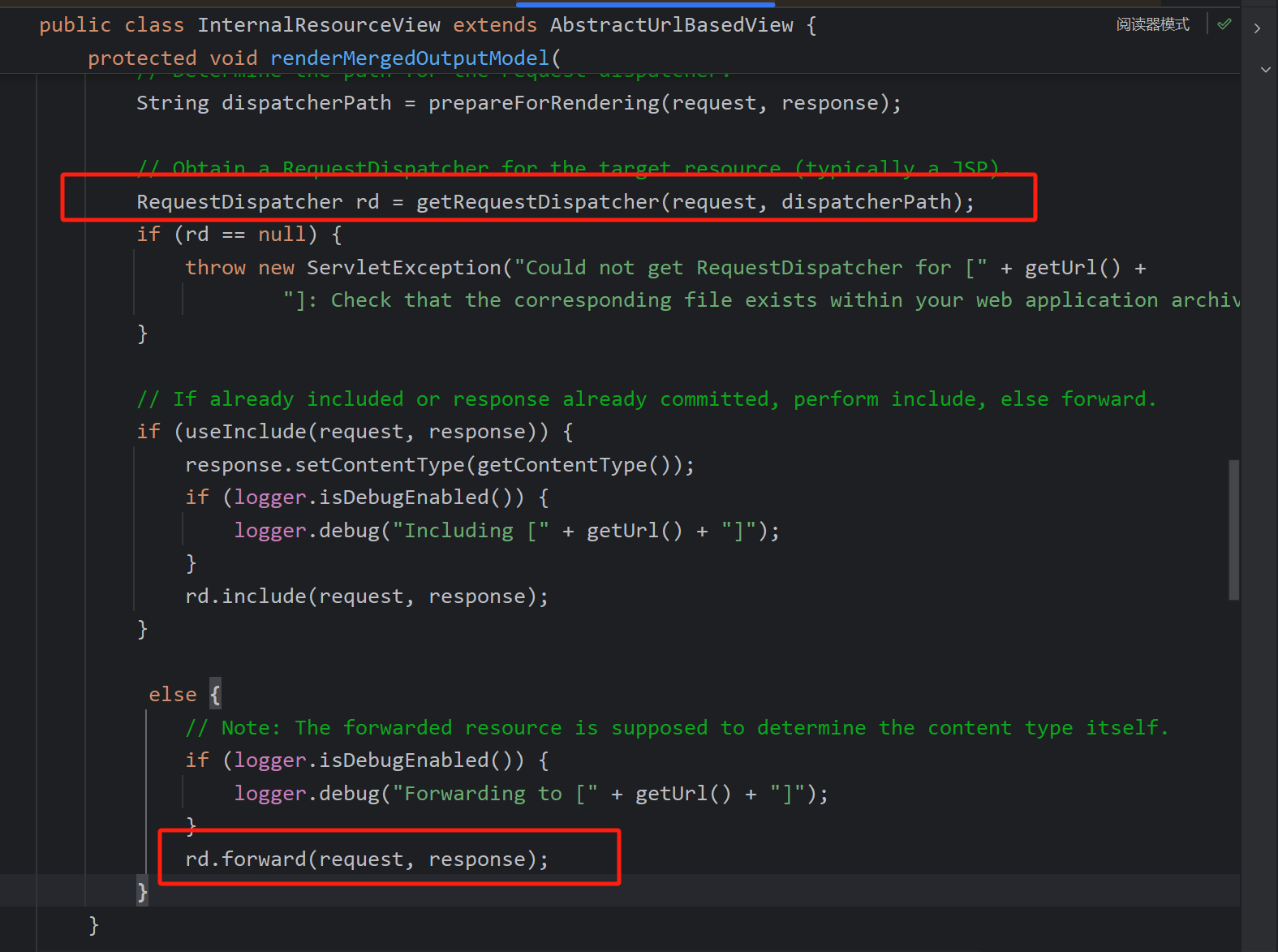
One can locate an index.jsp file or use forward:/index.jsp.
Spring MVC can find JSP files by adding a prefix and suffix to the view name:
@EnableWebMvc
public class MvcConfiguration implements WebMvcConfigurer {
    @Bean
    public InternalResourceViewResolver jspViewResolver() {
        InternalResourceViewResolver resolver = new InternalResourceViewResolver();
        resolver.setPrefix("/WEB-INF/jsp/");
        resolver.setSuffix(".jsp");
        return resolver;
    }
}