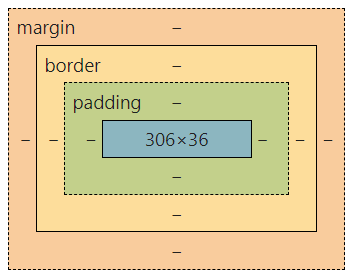
In HTML, each element is represented as a rectengular "box" composed of the following parts: 1. Border (border), 2. Content (content), 3. Padding (padding), and 4. Margin (margin).

Border
| Basic Property | Description |
|---|---|
border-width |
Thickness |
border-style |
Style |
border-color |
Color |
Note: The border-style property defaults to no border.
border-style: solid;=> Solid border
border-style: dashed;=> Dashed border
border-style: dotted;=> Dotted border
Example Code
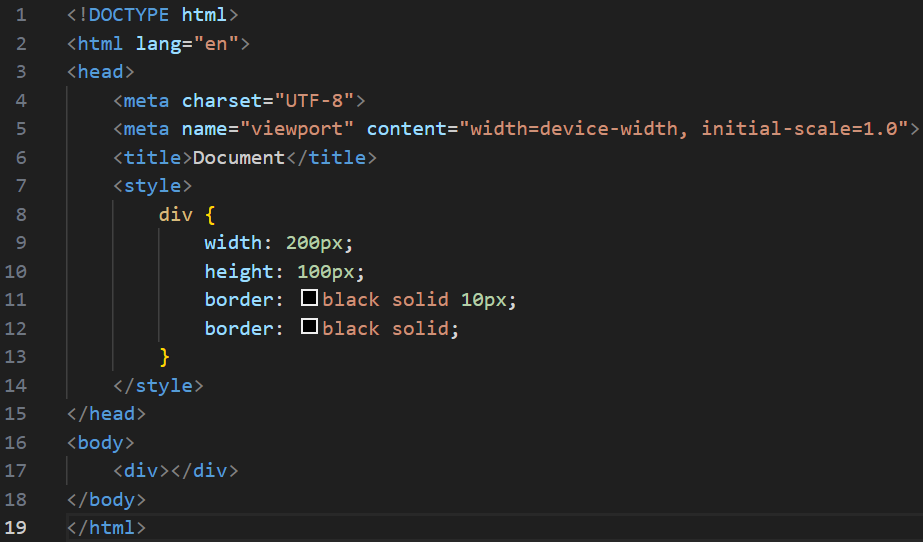
Result
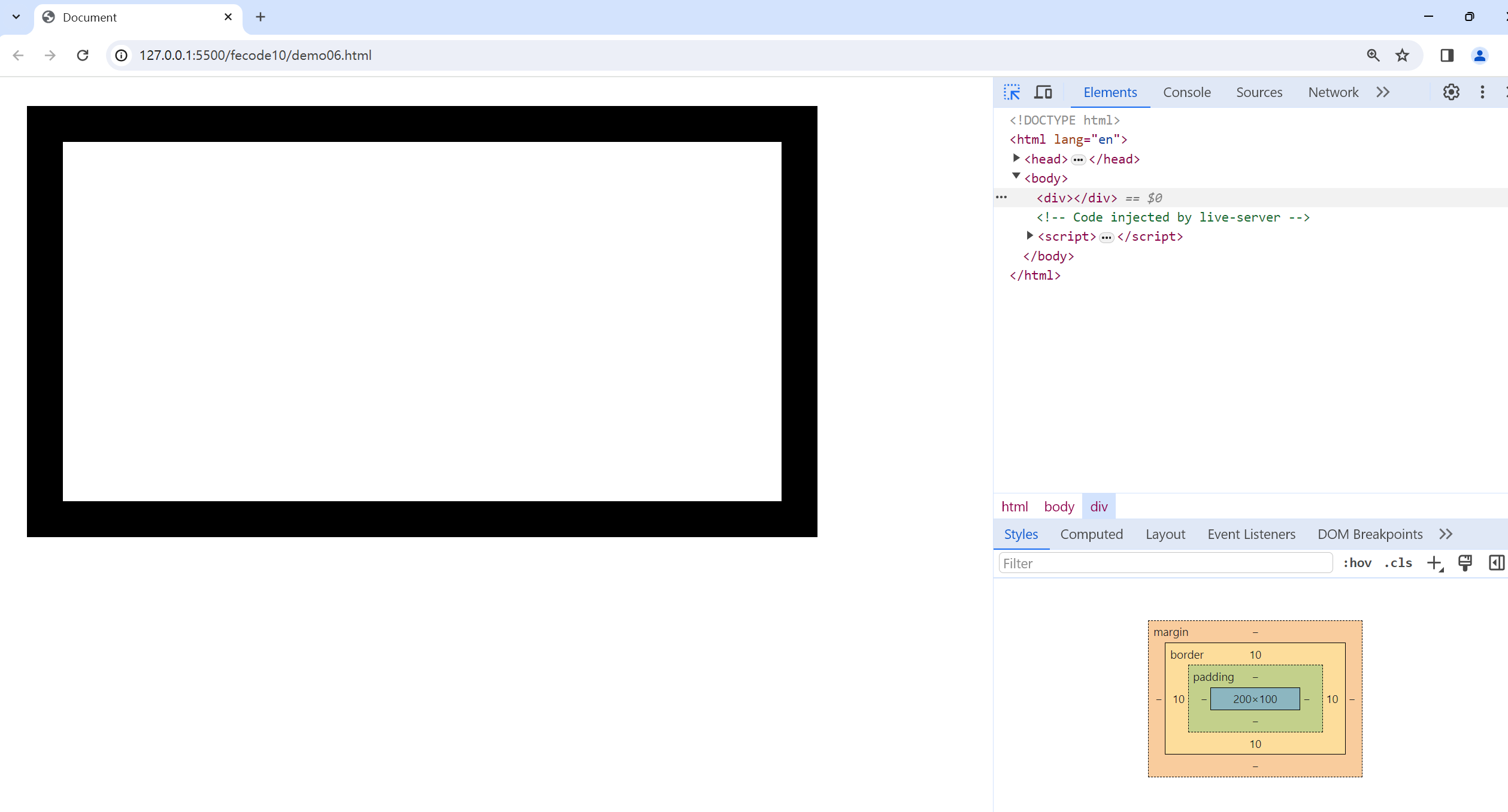
Observation: Borders increase the box size.
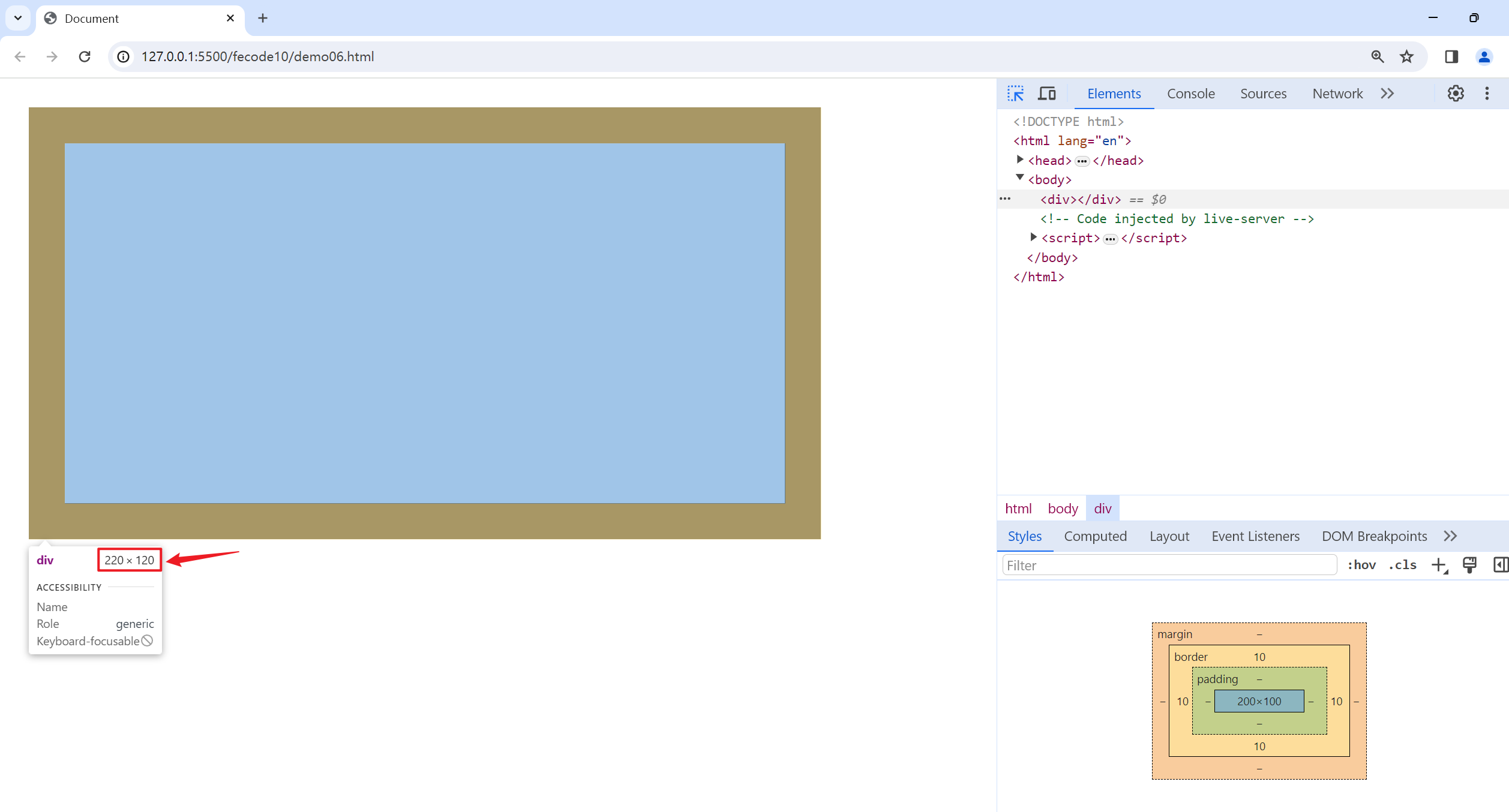
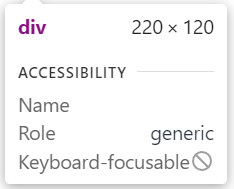
The width and height are set to 200x100, but the total box size becomes 220x120.
Reason: The top and bottom borders each add 10 pixels, making the height 100 + 10 + 10 = 120 pixels, and similarly for the width.
How to Address This
Use the
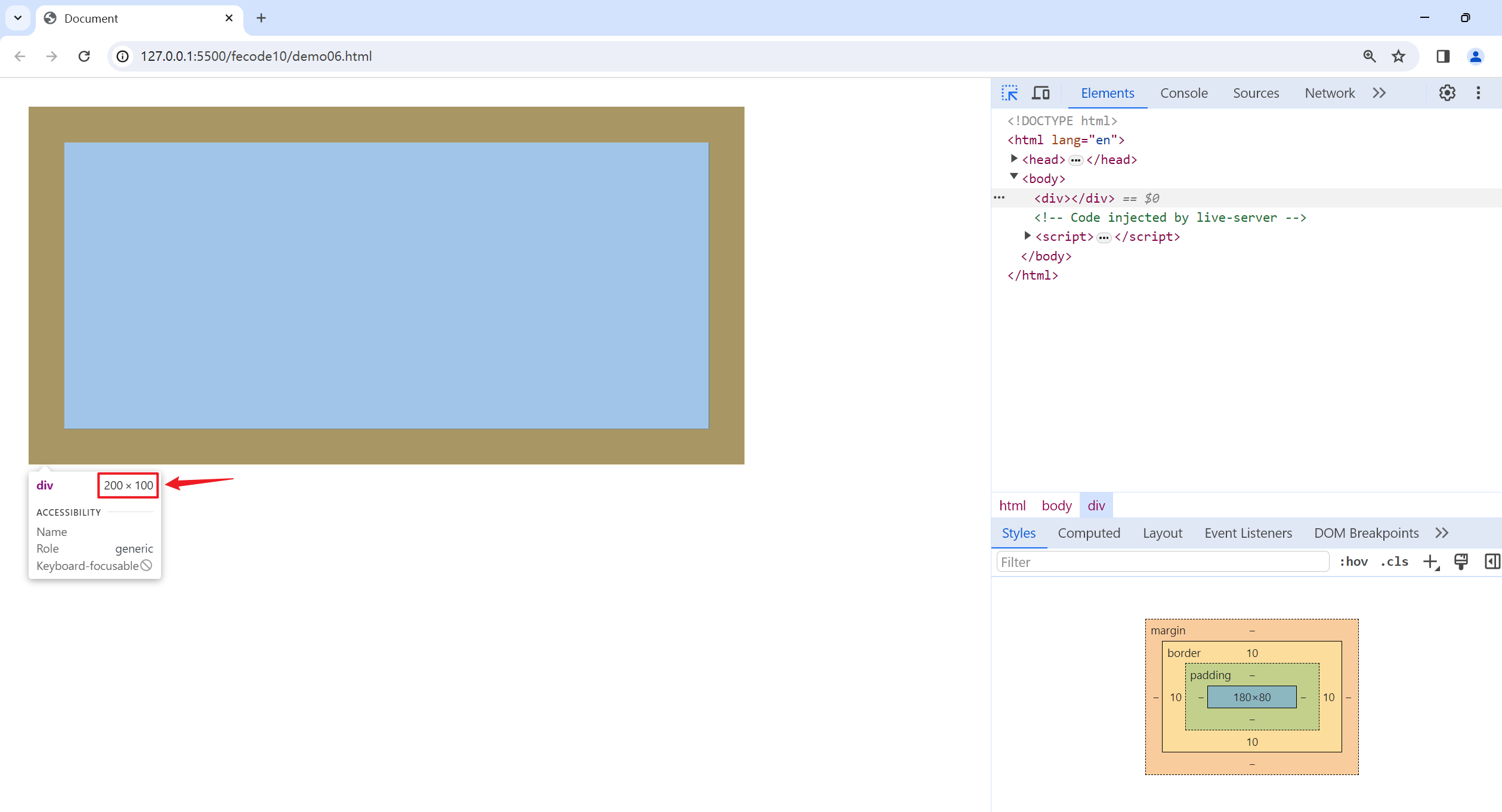
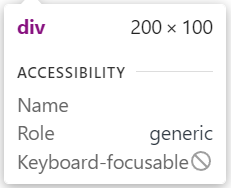
box-sizingproperty to modify browser behavior so borders do not increase box size.
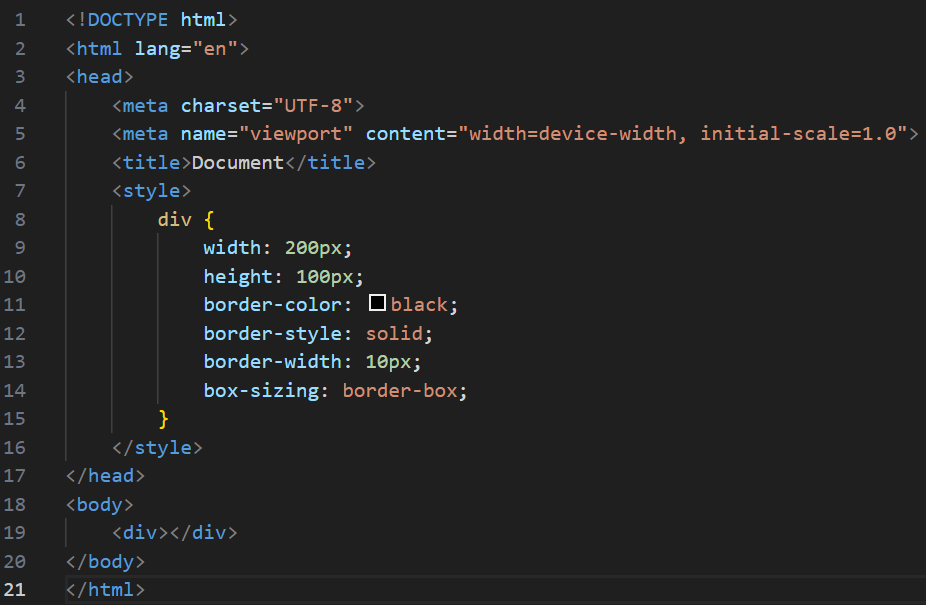
Result:
Shorthand for Border Properteis
Example:
border-color: black;
border-style: solid;
border-width: 10px;
Equivalent to (order of values does not matter):
border: black solid 10px;
Padding
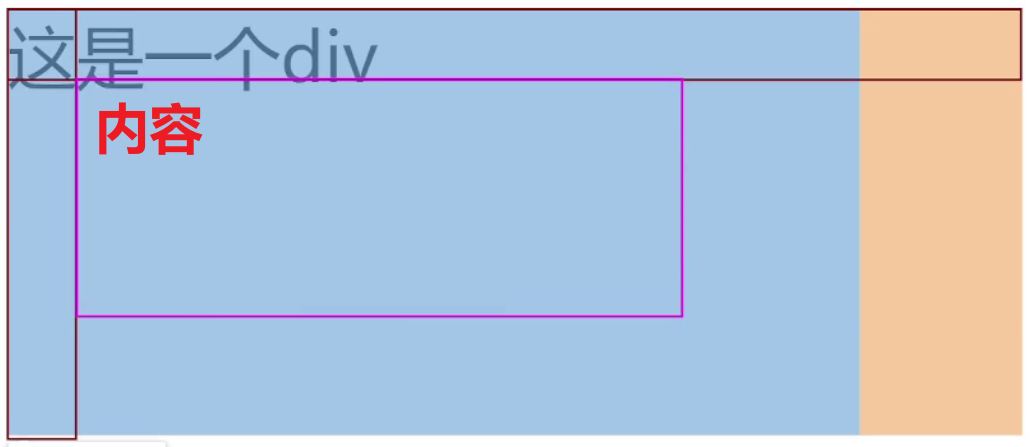
padding sets the distance between content and border, with content initially placed against the border.
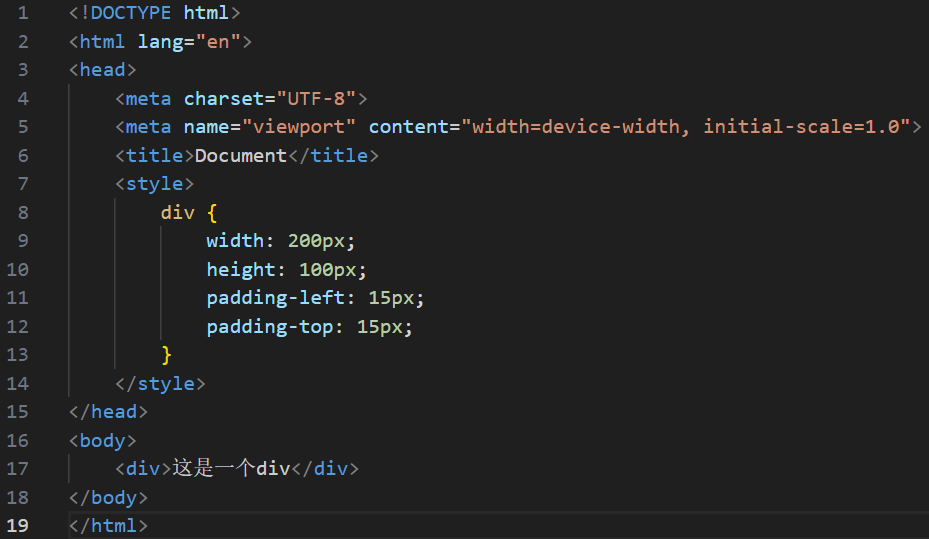
Properties for each direction: padding-top, padding-bottom, padding-left, padding-right.
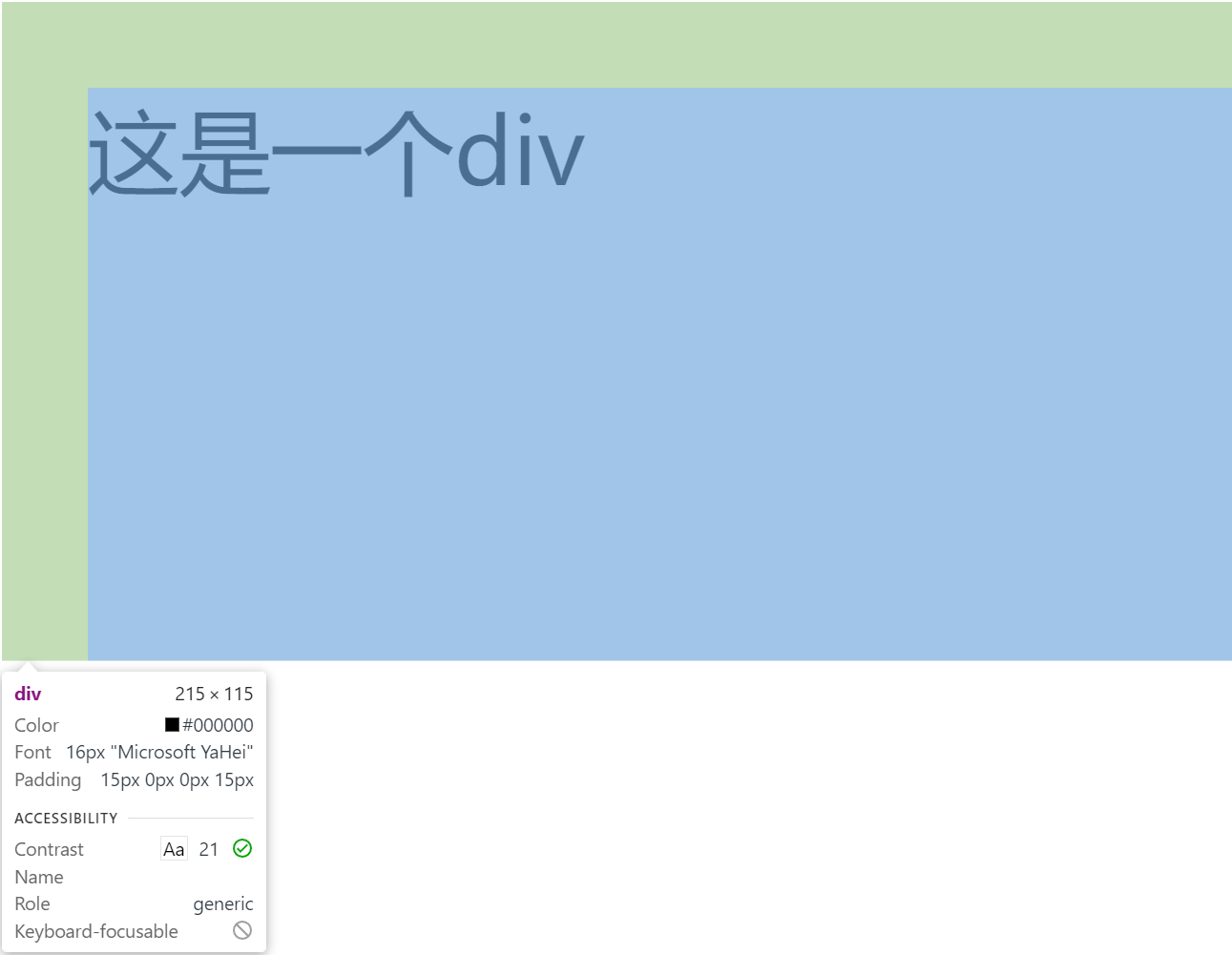
Effect: Leaves space to the left and above the content.
Example Code
Result
Shorthand Notation
Combine padding for multiple directions.
padding: 5px;– All sides set to 5px.padding: 5px 10px;– Top and bottom 5px, left and right 10px.padding: 5px 10px 20px;– Top 5px, left and right 10px, bottom 20px.padding: 5px 10px 20px 30px;– Top 5px, right 10px, bottom 20px, left 30px (clockwise).
Example:
padding-left: 10px;
padding-top: 10px;
padding-right: 10px;
padding-bottom: 10px;
Equivalent to:
padding: 10px;
Margin
margin controls the distance between boxes, defaulting to 0.
Properties for each directoin: margin-top, margin-bottom, margin-left, margin-right.
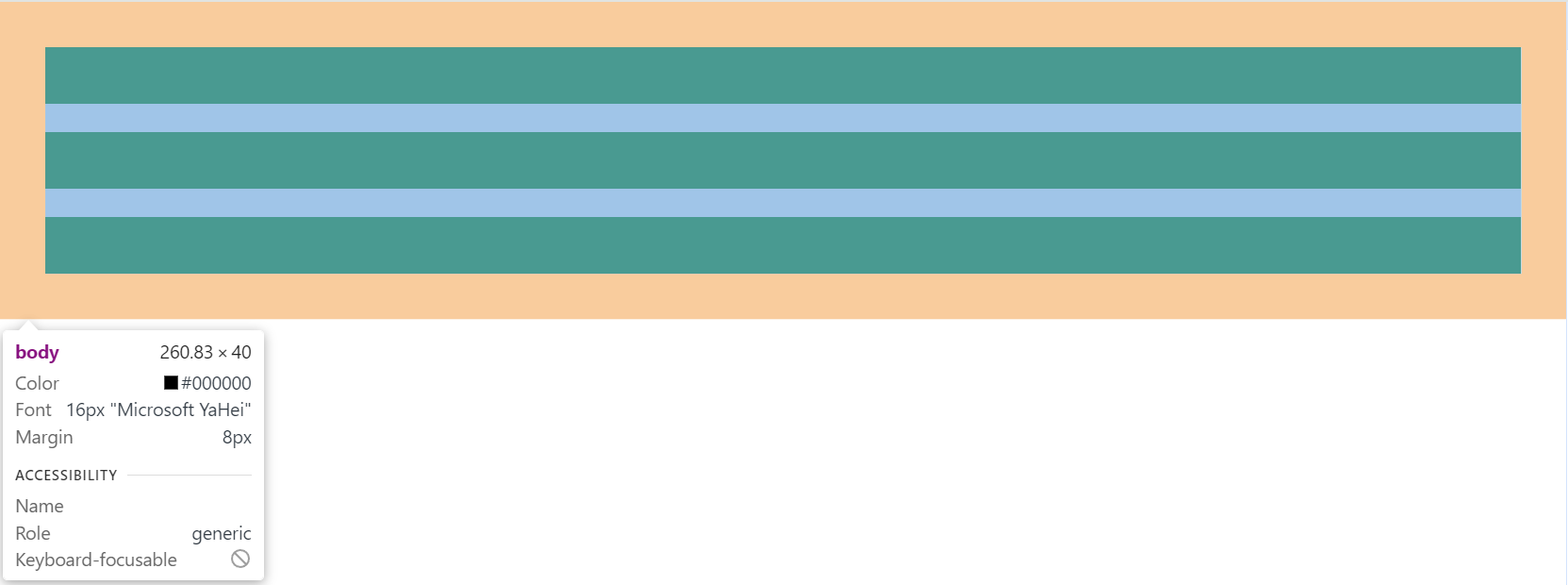
Example Code
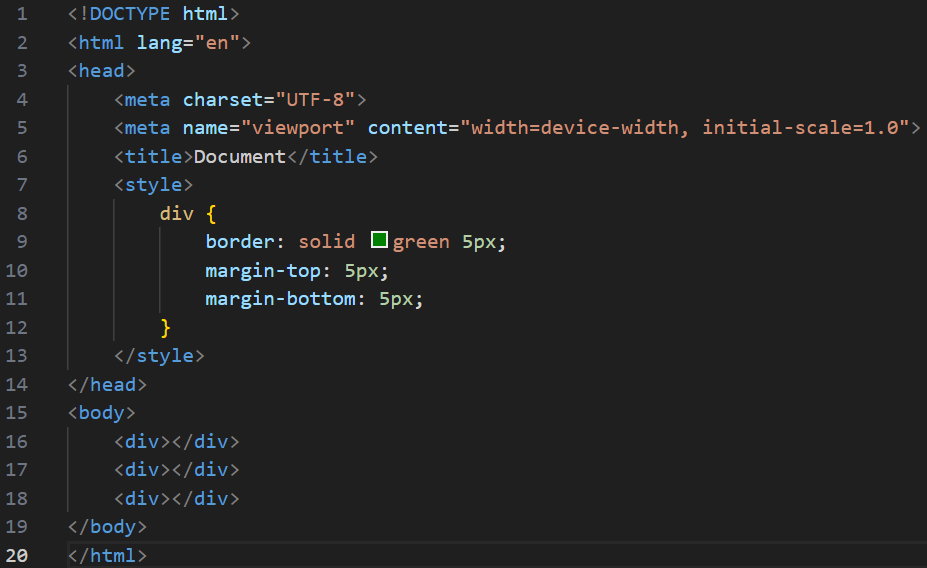
Result
Shorthand Notation
Rules are the same as for padding:
margin: 10px; /* All sides */
margin: 10px 20px; /* Top and bottom 10px, left and right 20px */
margin: 10px 20px 30px; /* Top 10px, left and right 20px, bottom 30px */
margin: 10px 20px 30px 40px; /* Top 10px, right 20px, bottom 30px, left 40px */