Tool Introduction
Uscrappper is a powerful web scrapnig tool that helps researchers efficiently extract valuable data from various online resources. It provides a stable, user-friendly UI, making it an essential tool for security researchers and analysts.

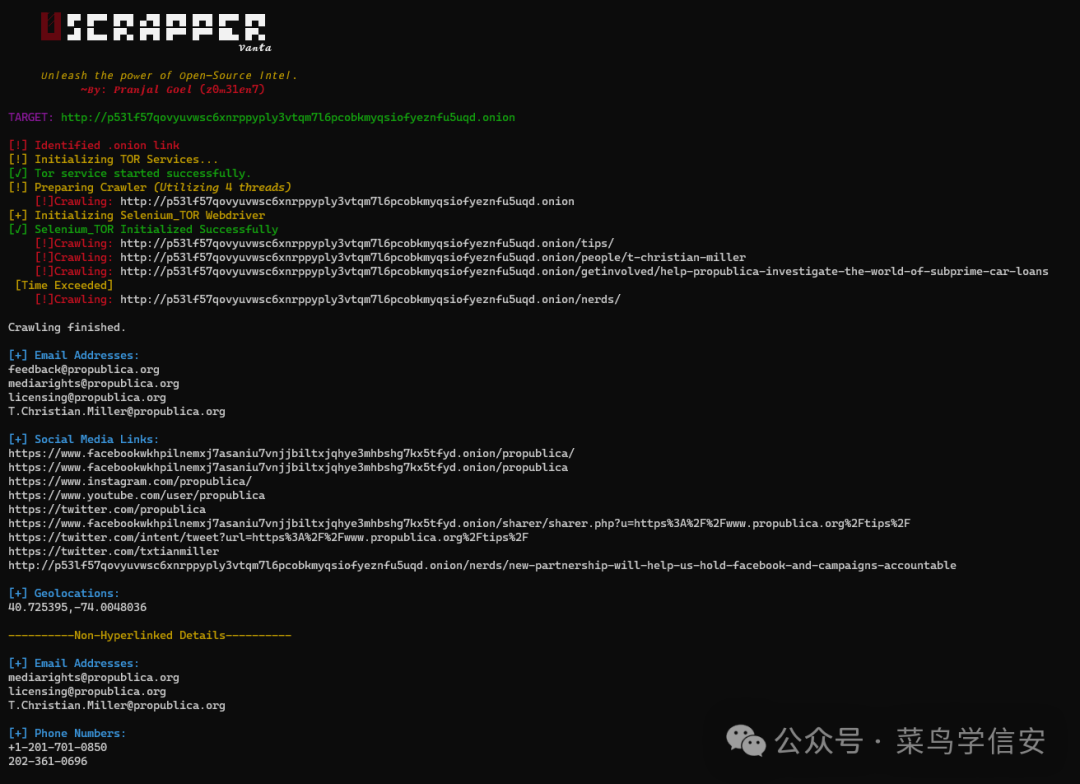
Uscrapper maximizes the power of open-source intelligence (OSINT), enabling deep exploration of the vast internet. It unlocks new levels of data extraction, allowing users to discover hidden data using keyword extraction models. The tool supports acquiring rich user data via hyperlinks or non-hyperlinks, utilizes multi-threading and advanced modules to bypass anti-scraping measures, and generates comprehensive reports to organize and analyze extracted data, transforming raw data into actionable information.
Supported Data Types
- Email addresses: Emails found on target sites.
- Social media links: Links to various social media platforms.
- Author names: Names related to the target site.
- Geolocation information: Geographic data associated with the target.
- Non-hyperlink details: Emails, phone numbers, usernames found outside links.
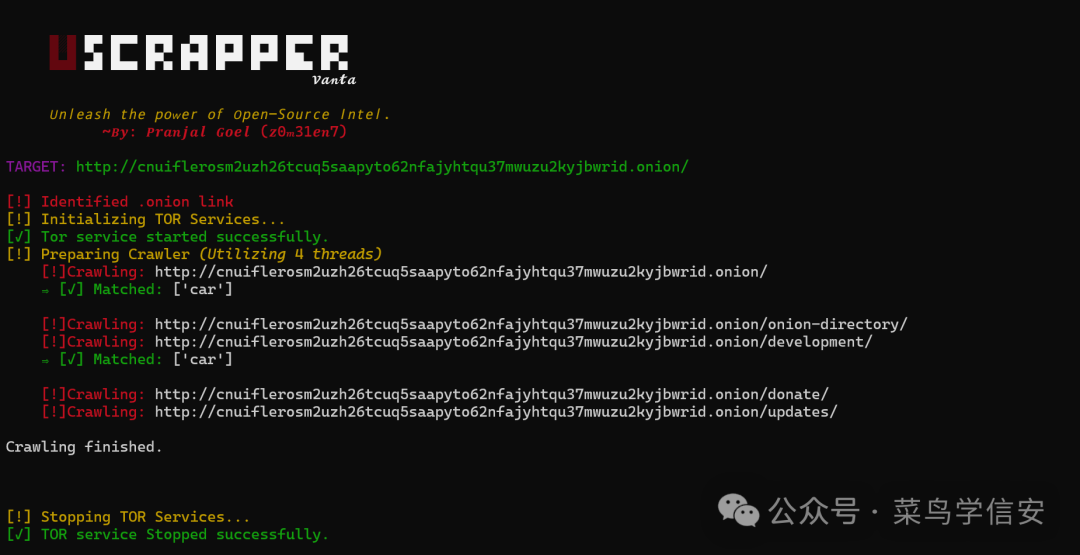
- Keyword-based extraction: Data matching specified keywords.
- Deep web support: Handles
.onionsites and extracts key information.
Instalaltion (Unix/Linux)
Ensure Python is installed on your system. Then, clone the repository:
git clone https://github.com/z0m31en7/Uscrapper.git
Navigate to the install directory and run the setup script:
cd Uscrapper/install
chmod +x ./setup.sh && sudo ./setup.sh
Usage
Run Uscrapper with the following command structure:
python Uscrapper-vanta.py [-h] [-u URL] [-O] [-ns] [-c CRAWL] [-t THREADS] [-k KEYWORDS [KEYWORDS ...]] [-f FILE]
Command Arguments
-u URL,--url URL: Target URL.-O,--generate-report: Generate a report.-ns,--nonstrict: Show non-strict usernames (may be inaccurate).-c CRAWL,--crawl: Maximum number of links to crawl within the same domain.-t THREADS,--threads THREADS: Number of threads (default: 4).-k KEYWORDS [KEYWORDS ...],--keywords KEYWORDS [KEYWORDS ...]: Keywords to search (space-separated).-f FILE,--file FILE: Path to a text file containing keywords.
Screenshots